Skip to the features

Free · offline · private

From your first plan to your farewell tawaf.

Miqah is a Hajj and Umrah companion for your phone. It plans the trip, walks you through each rite, counts every round and pebble, and keeps working when the signal doesn’t.

Version 6.10.2 · 11 November 2026 · No account · No ads

لَبَّيْكَ اللَّهُمَّ لَبَّيْكَ

Labbayk Allahumma labbayk. Here I am, O Allah, here I am.
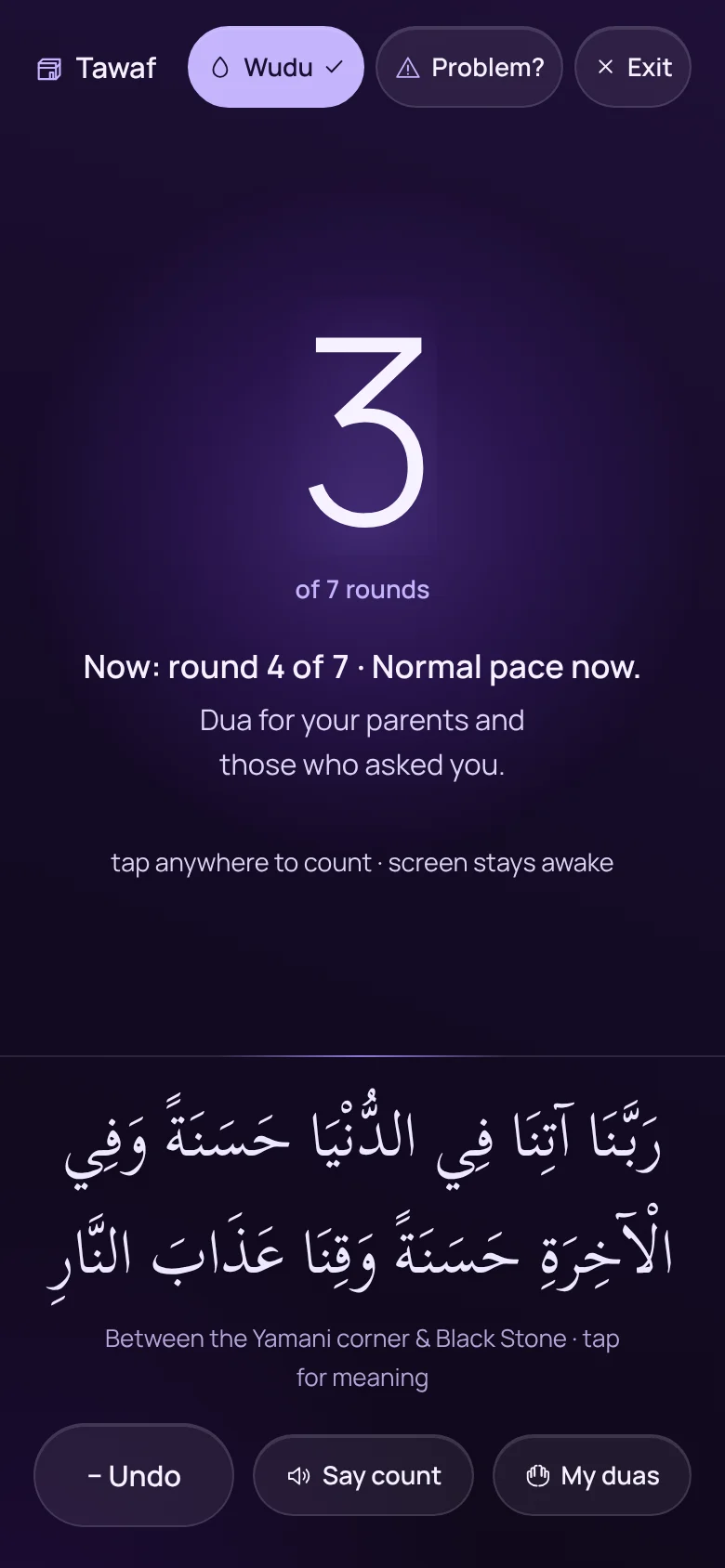
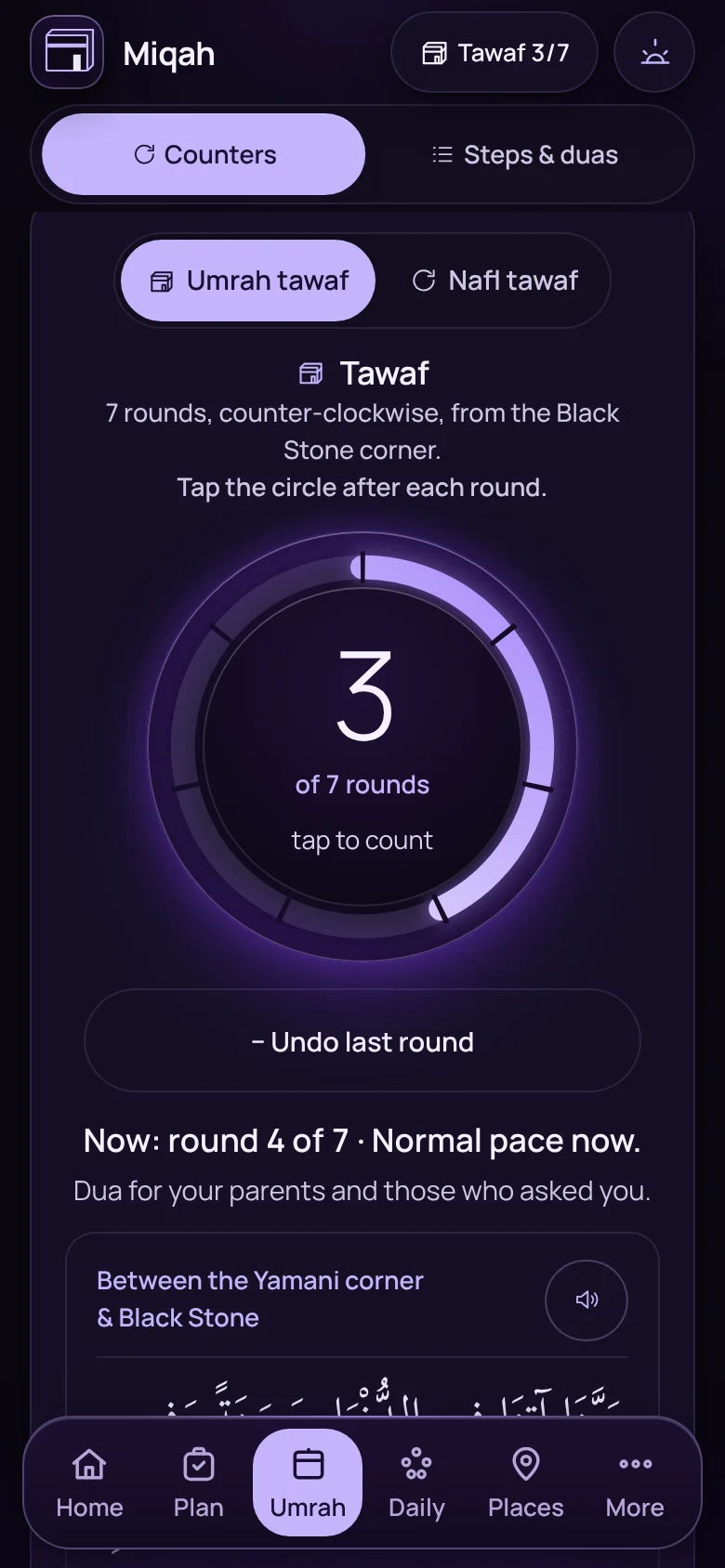
The tawaf counter in focus mode, on round 3 of 7
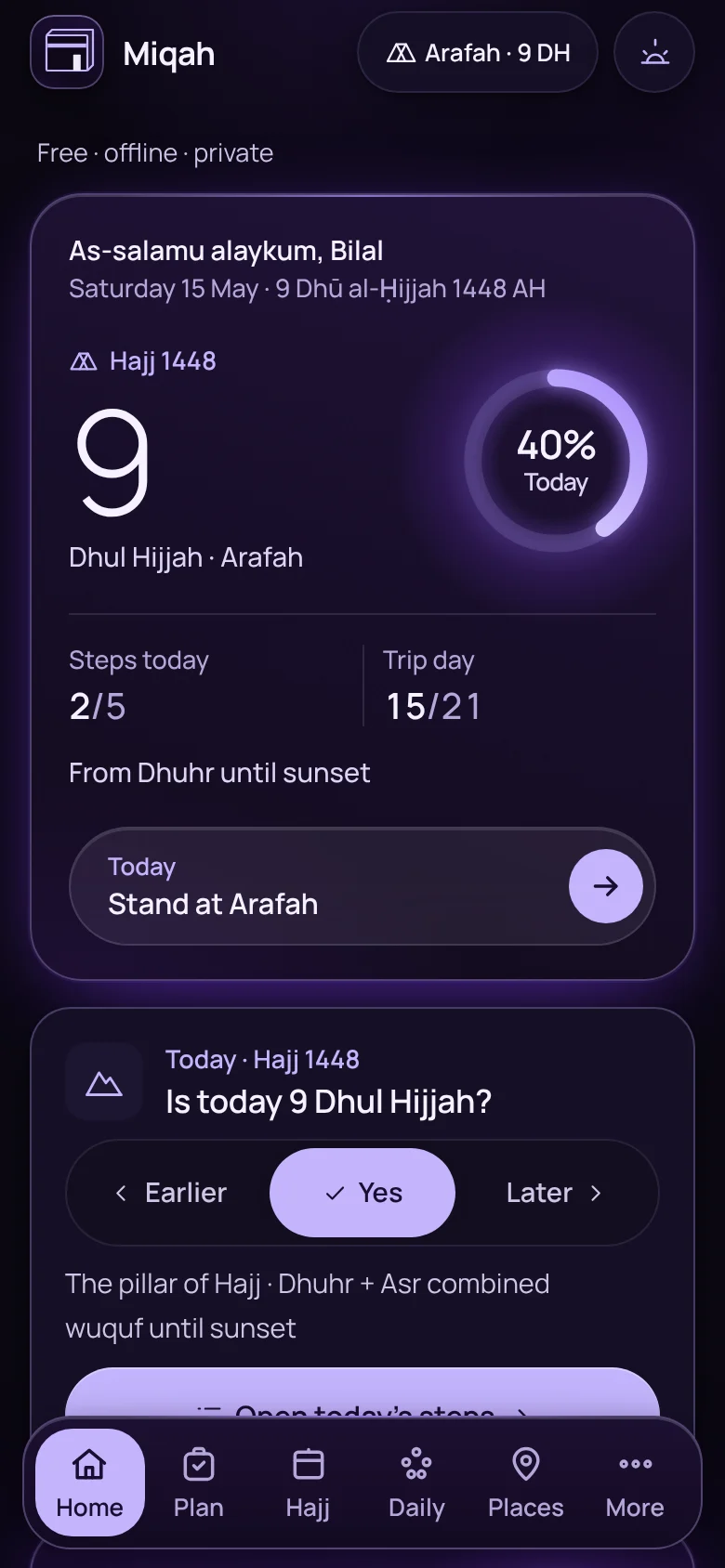
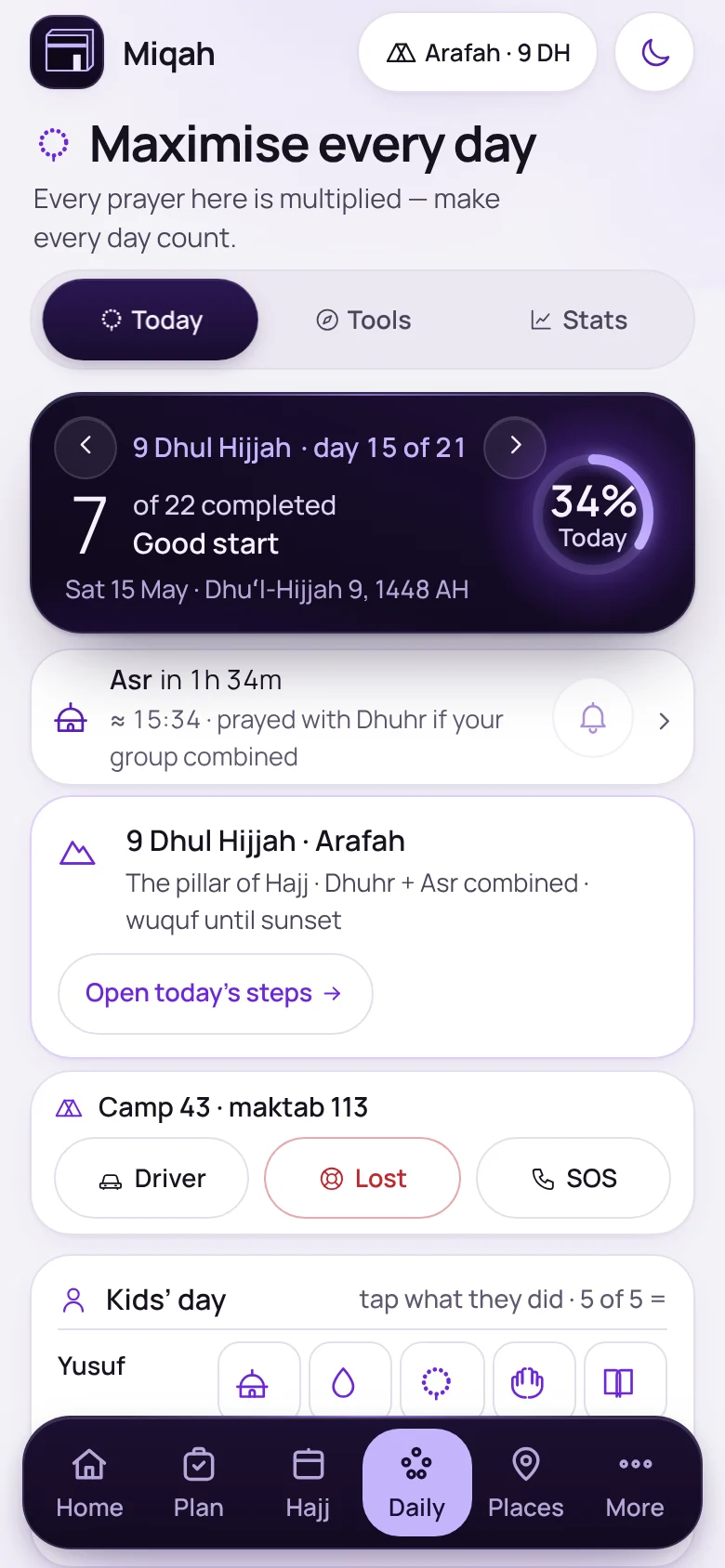
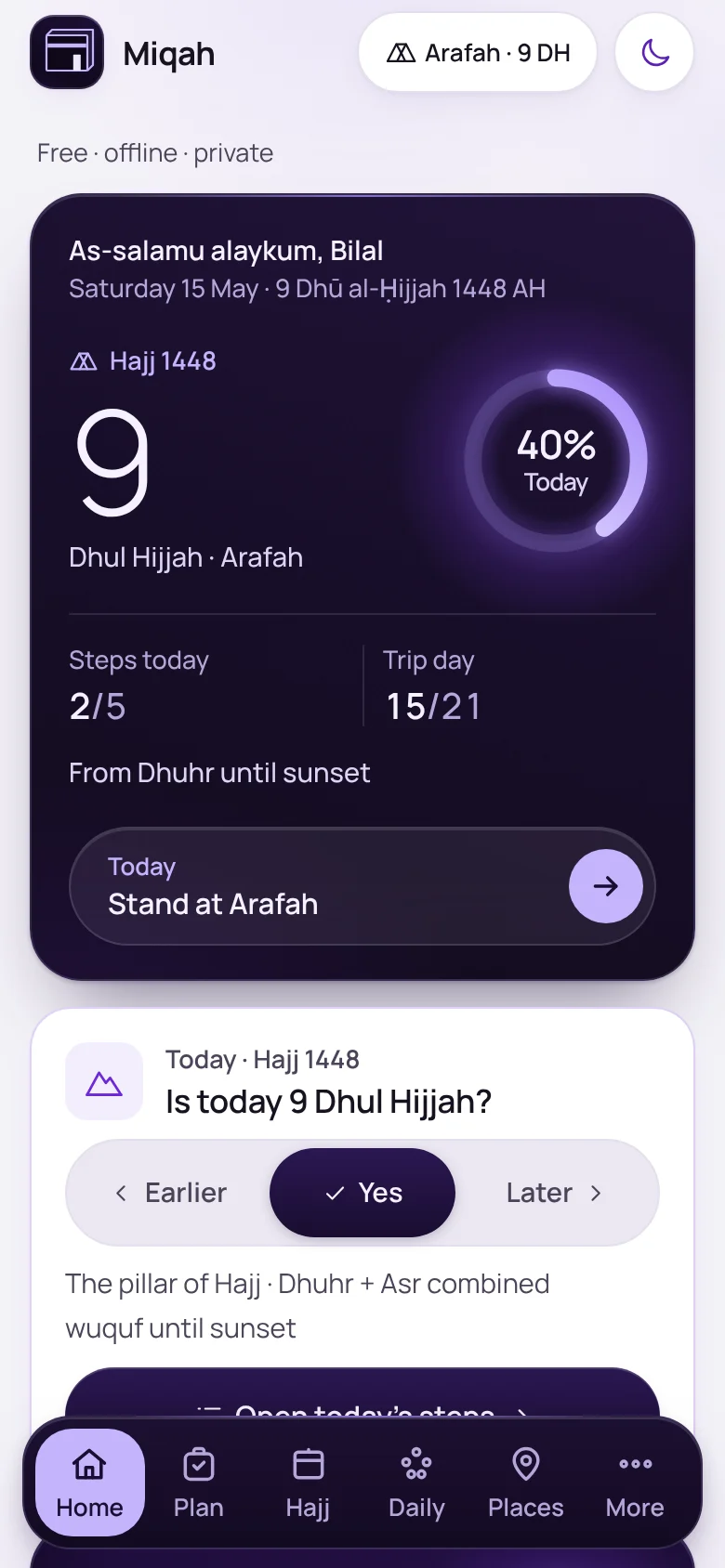
Miqah’s Home screen on the Day of Arafah
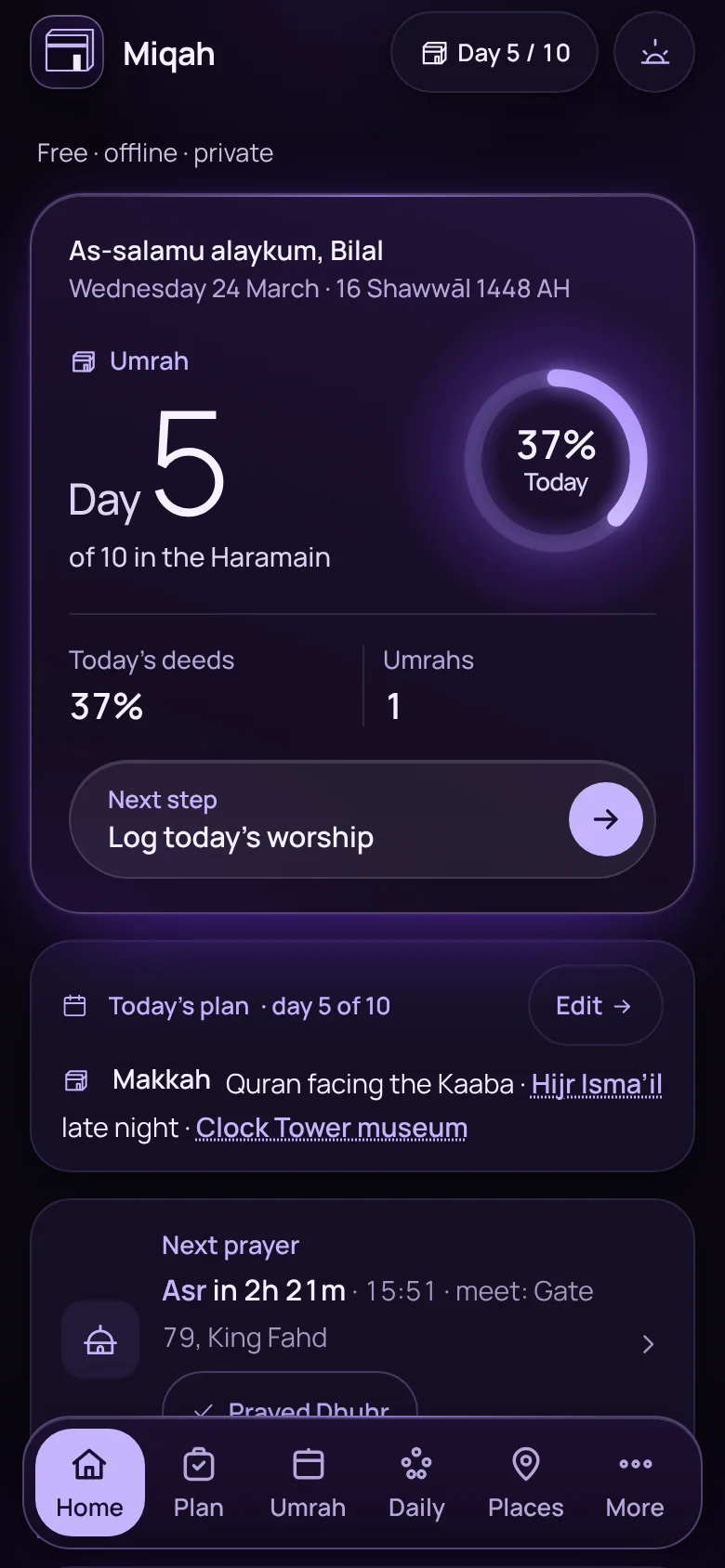
Miqah’s Home screen on day 5 of an Umrah trip

Hajj and Umrah ask a lot of you at once: papers, rulings, crowds, heat, and a head full of duas. Miqah holds the practical side, so your attention can stay where it belongs.

What it does for you

Everything in Miqah, by what it gives you.

112 features in 9 groups. Pick the one you care about, or scroll through them all.

Planning · 16 features

Arrive ready, not rushed.

Tell Miqah whether you are going for Umrah or Hajj and when you leave. It works out what to do, and when.

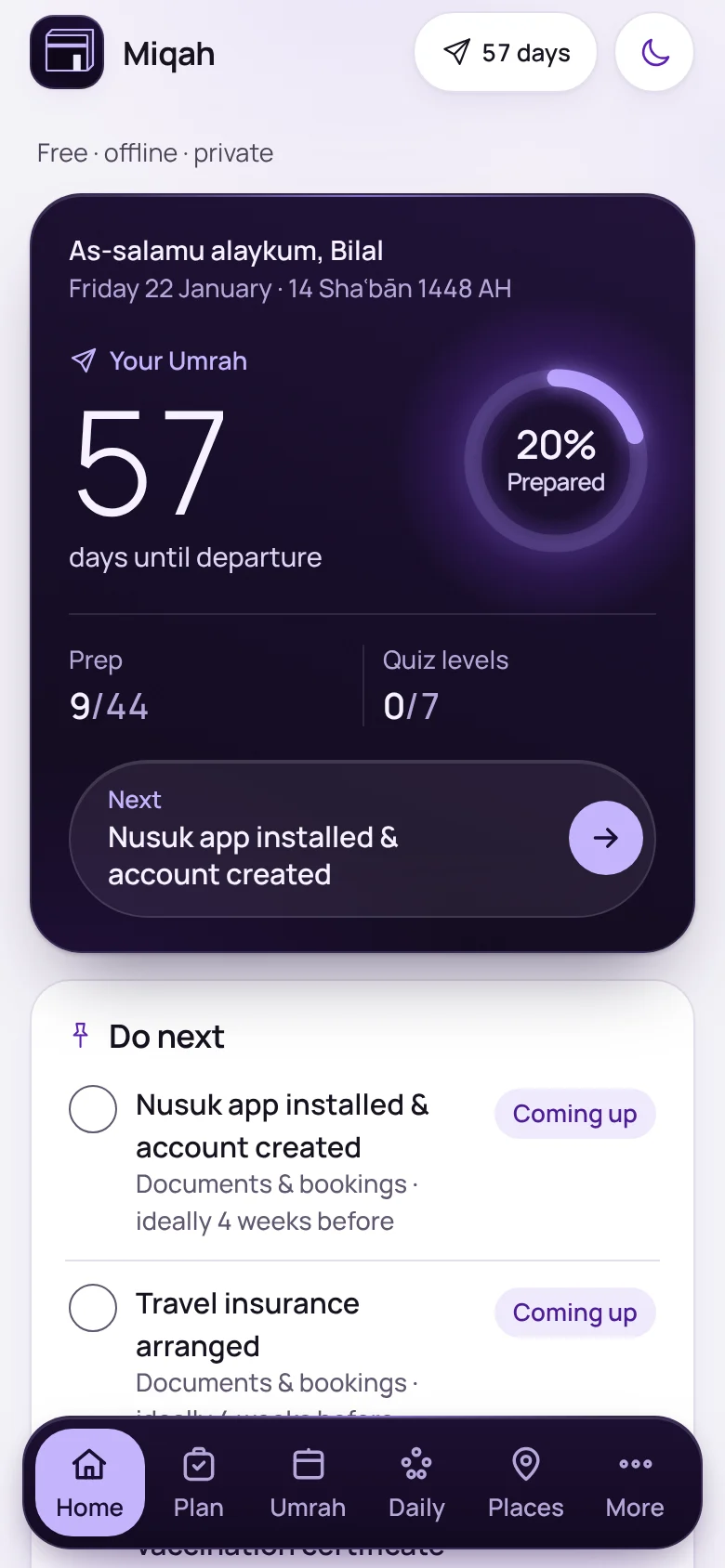
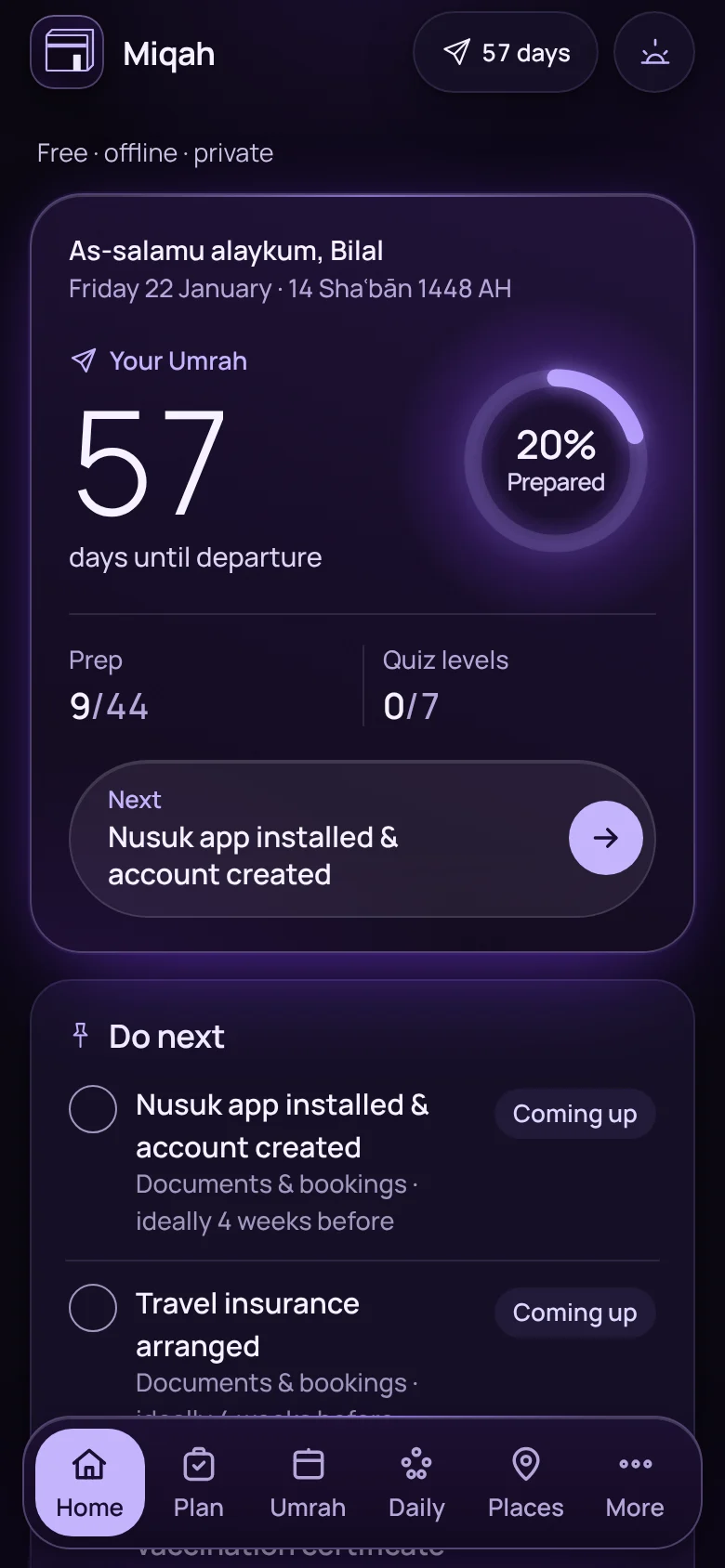
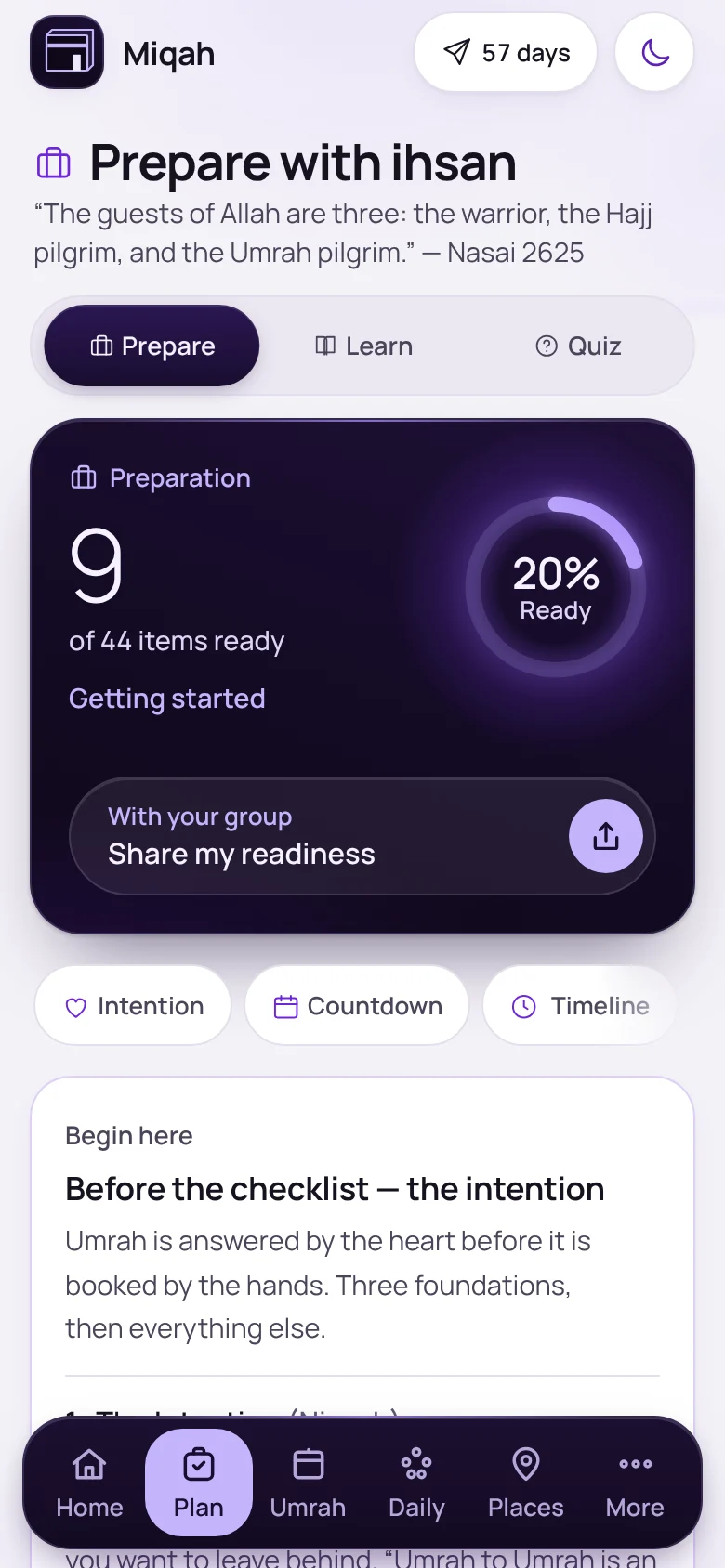
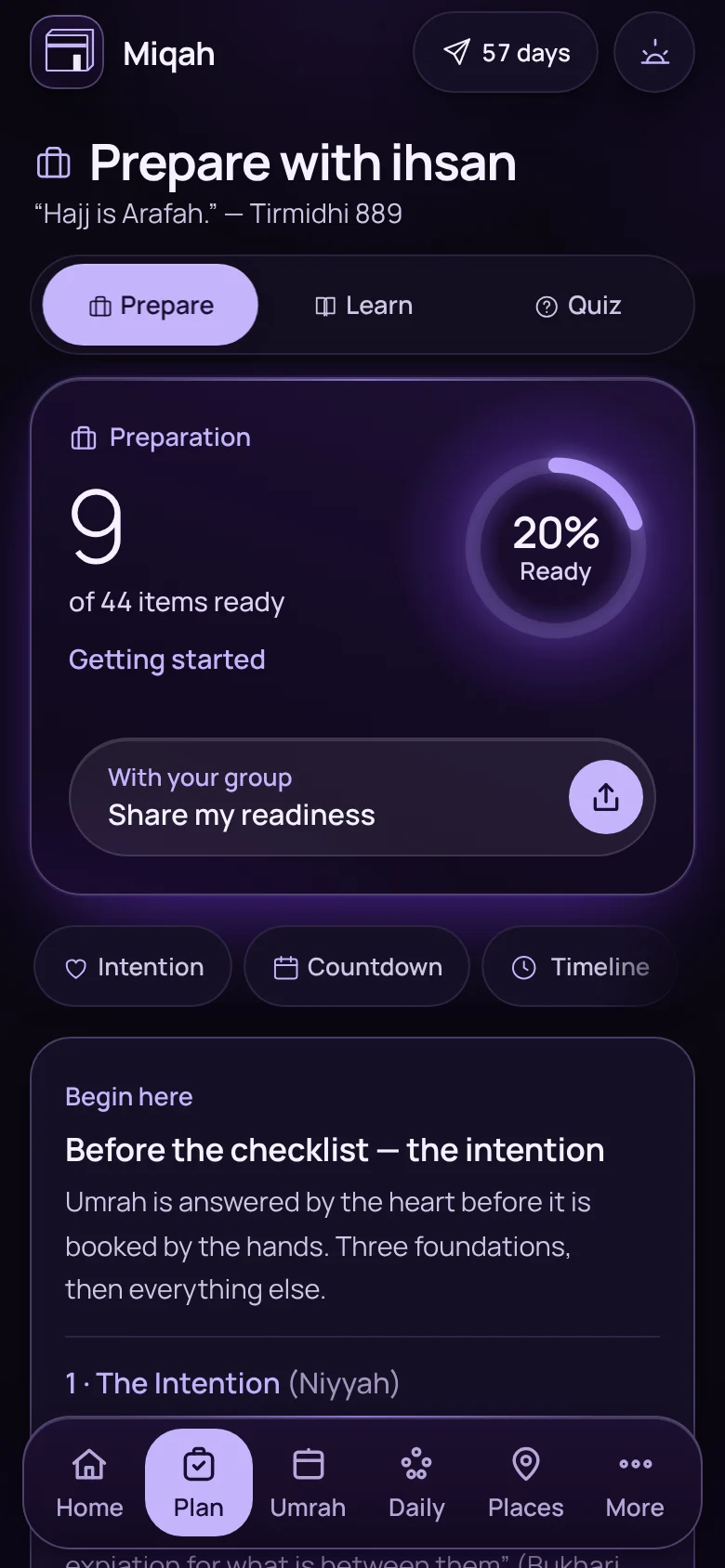
Home screen 57 days before departure, showing how prepared the pilgrim is and what to do nextHome screen 57 days before departure, showing how prepared the pilgrim is and what to do next

Home

A countdown that knows what’s next

Give Miqah your departure date and Home becomes your plan: days to go, how prepared you are, and the next thing to sort out, with anything overdue flagged.
  • Umrah or Hajj
  • Tamattu’, Qiran or Ifrad
The Prepare screen with a readiness ring and the intention cardThe Prepare screen with a readiness ring and the intention card

Plan › Prepare

One checklist for papers, health, packing and the heart

Passport, visa, vaccines, bookings and packing, each with when to do it and why. It begins with the intention. Rules that change, like visas and permits, show the date they were last checked.
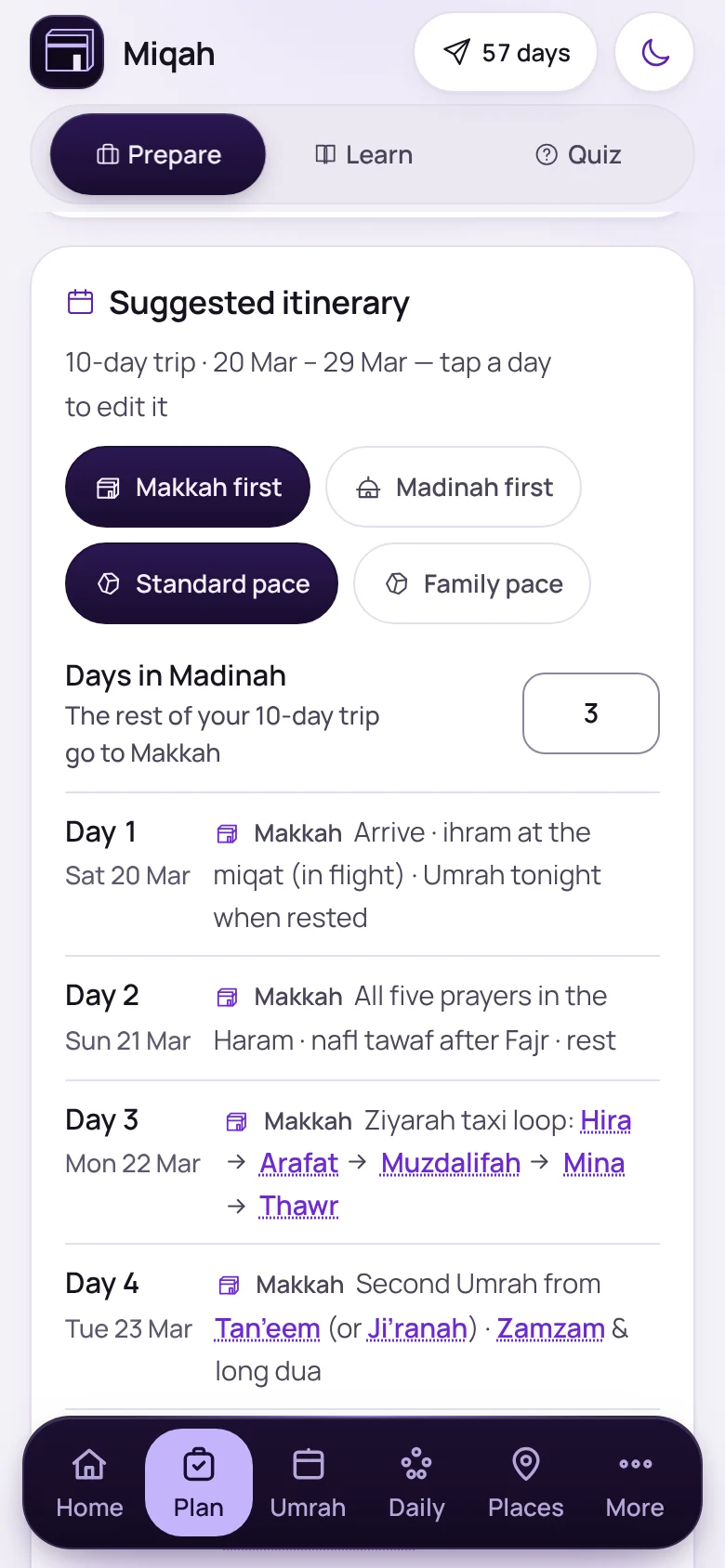
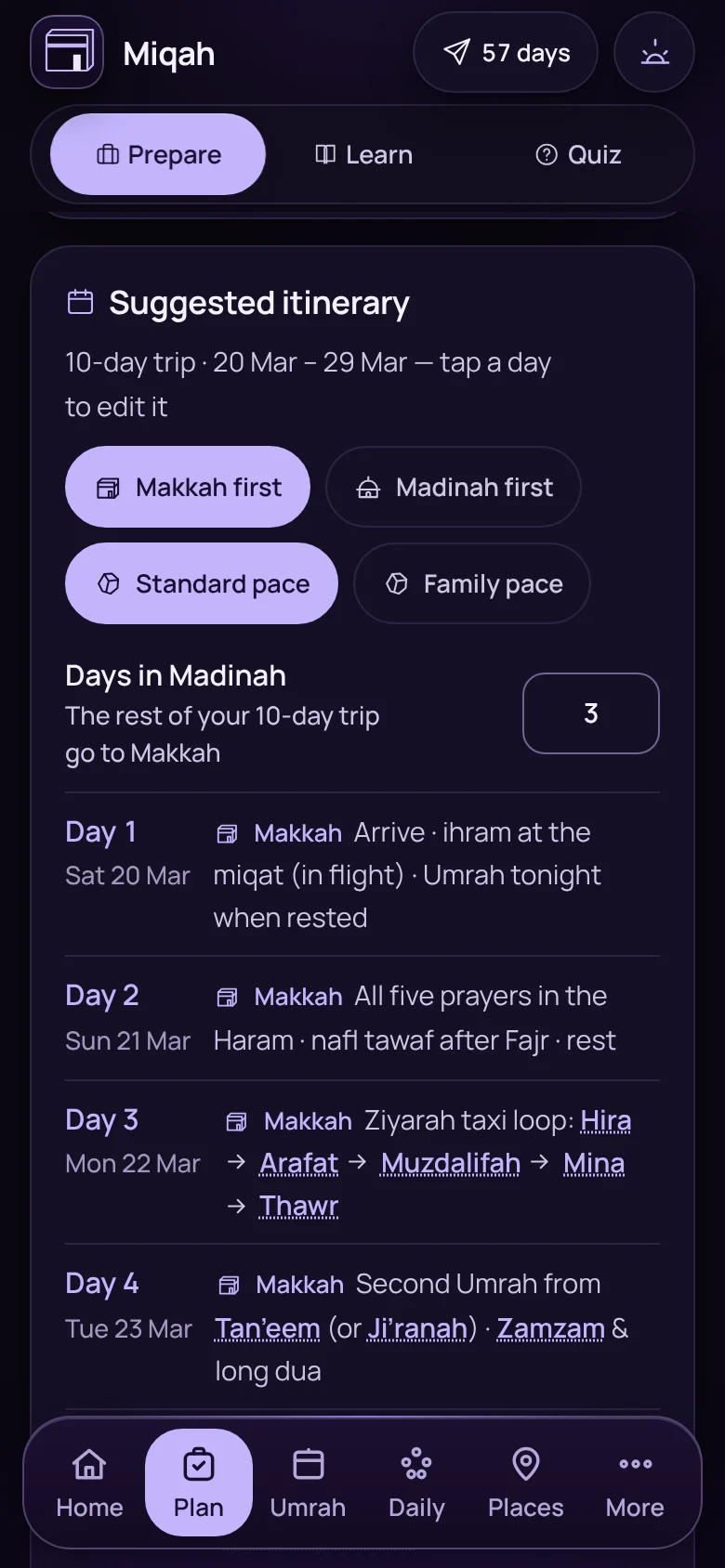
A suggested ten-day itinerary with Makkah firstA suggested ten-day itinerary with Makkah first

Plan › Prepare

Your days, city by city

A suggested itinerary for the length of your trip: Makkah first or Madinah first, at a standard or a family pace. Tap a day to change it.
  • The days of Hajj built in
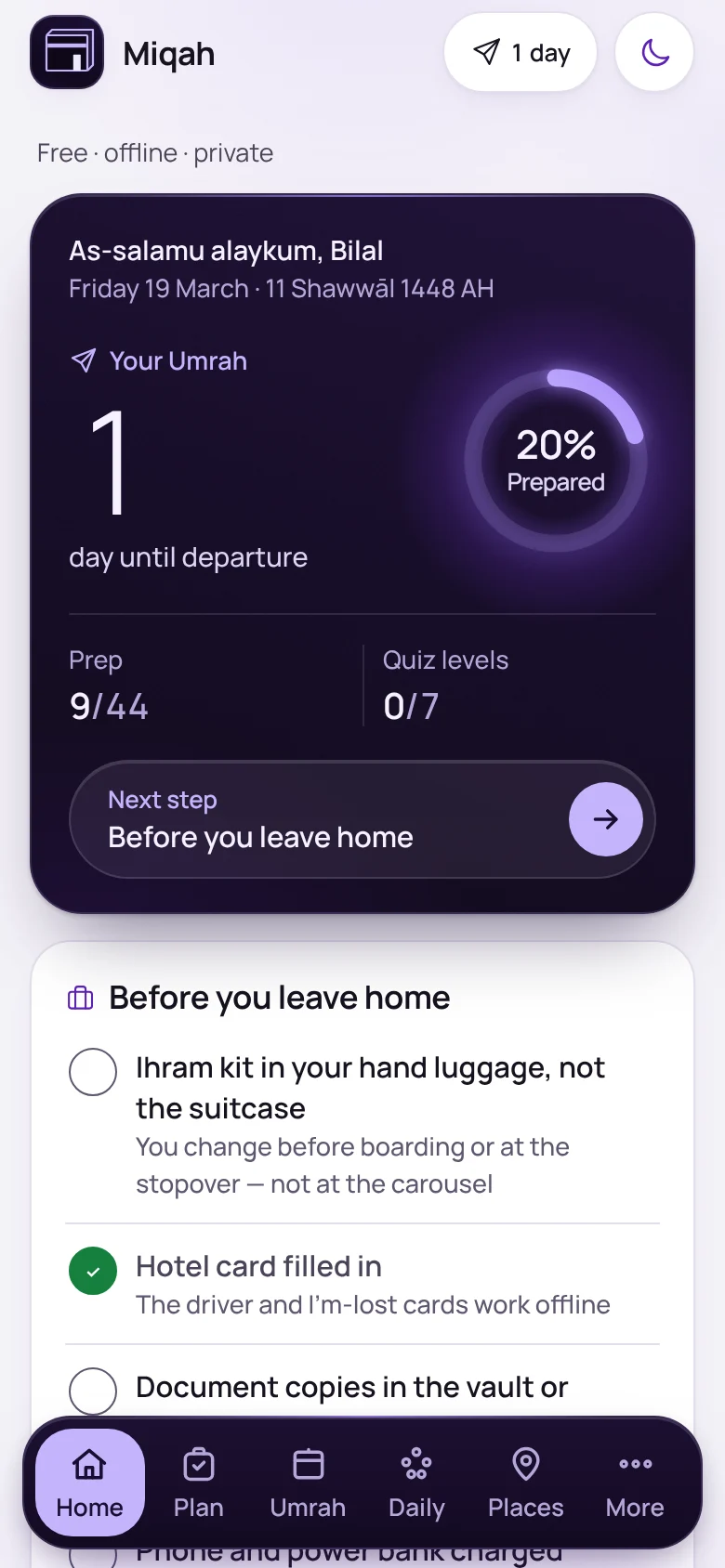
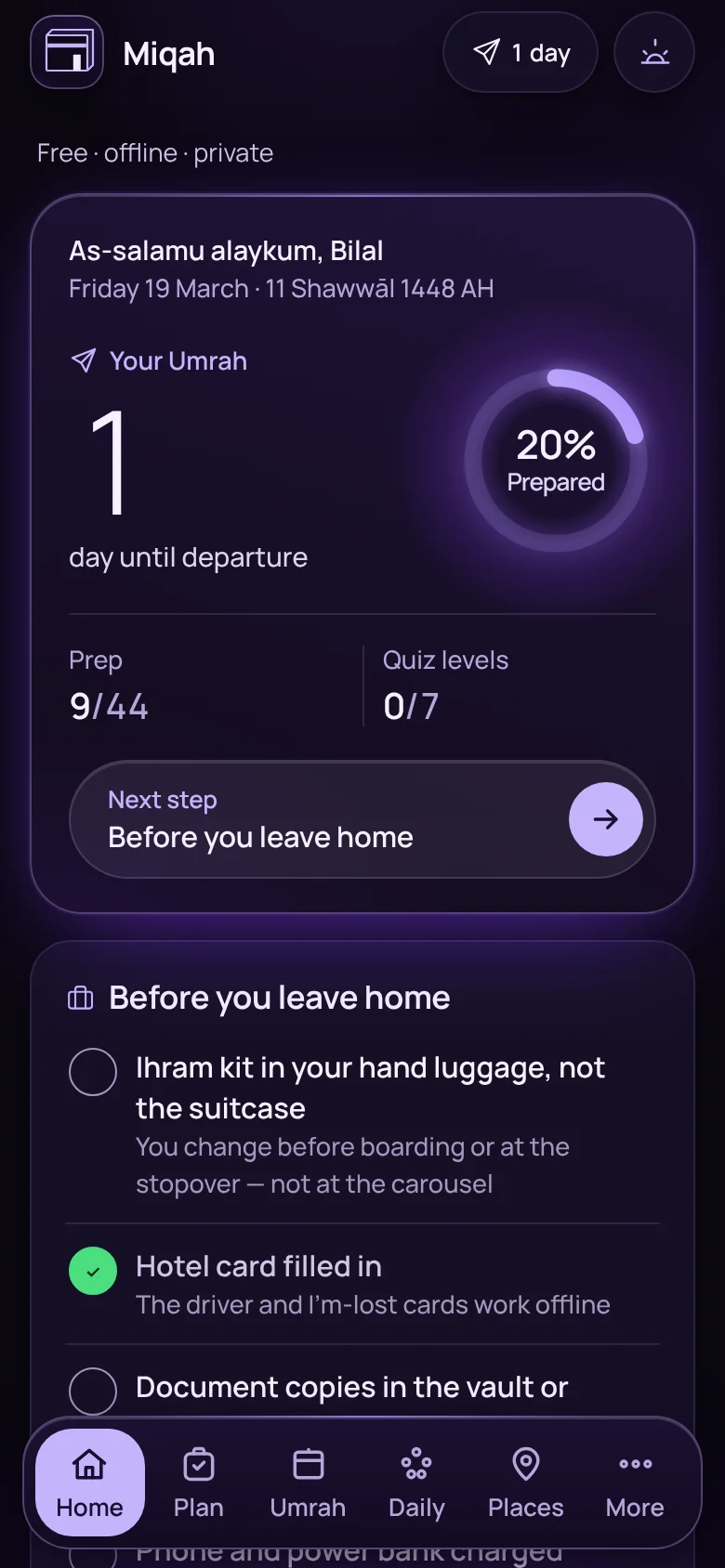
Home screen one day before departure, with a list of things to do before leaving homeHome screen one day before departure, with a list of things to do before leaving home

Home

The last 48 hours

Two days before you fly, Home turns into a leave-home list: the ihram kit in your hand luggage, the hotel card filled in, your documents saved. It can add a calendar alarm for entering ihram on the flight.
And 12 more in planning

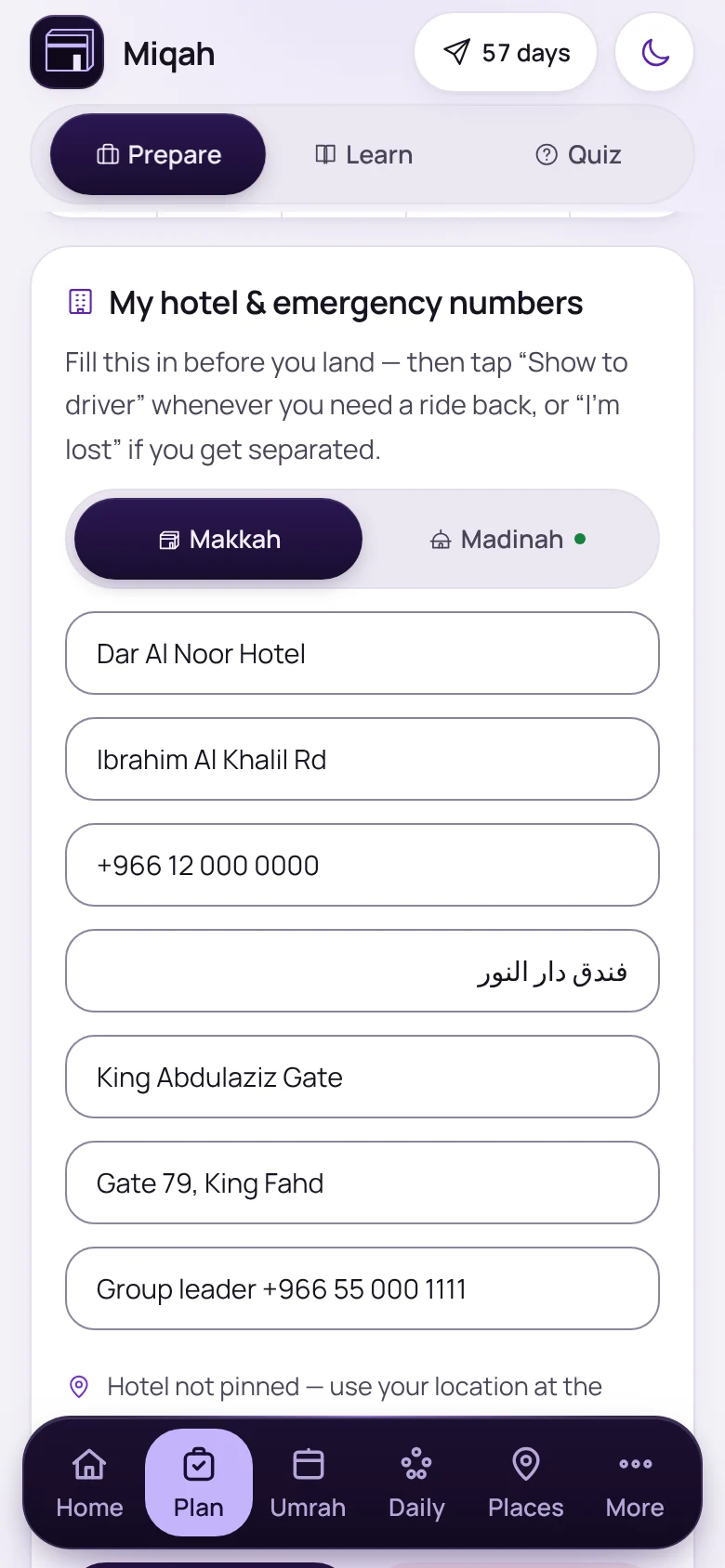
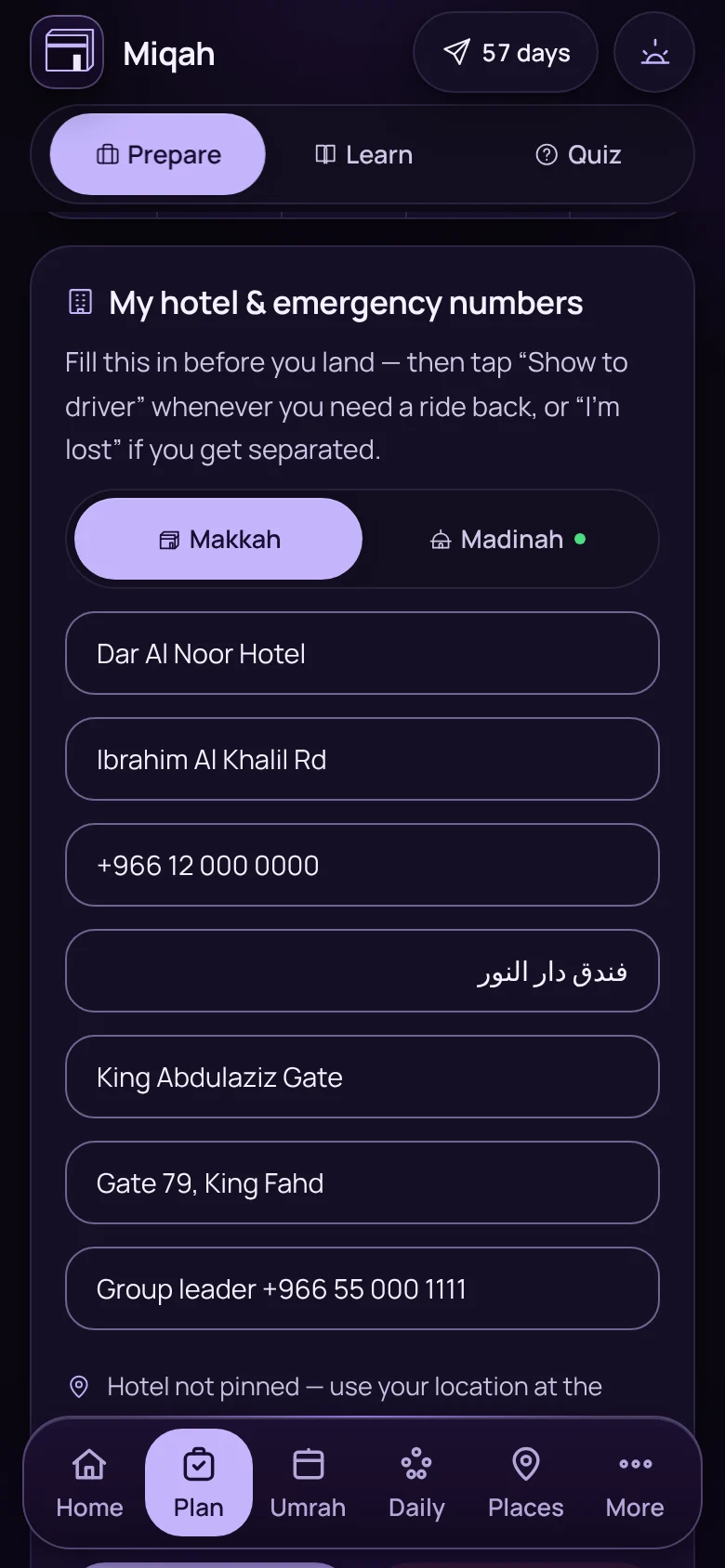
The hotel card with Makkah and Madinah tabsThe hotel card with Makkah and Madinah tabs
Two hotels on one cardMakkah and Madinah, each with its Arabic name, nearest gate and meeting point.
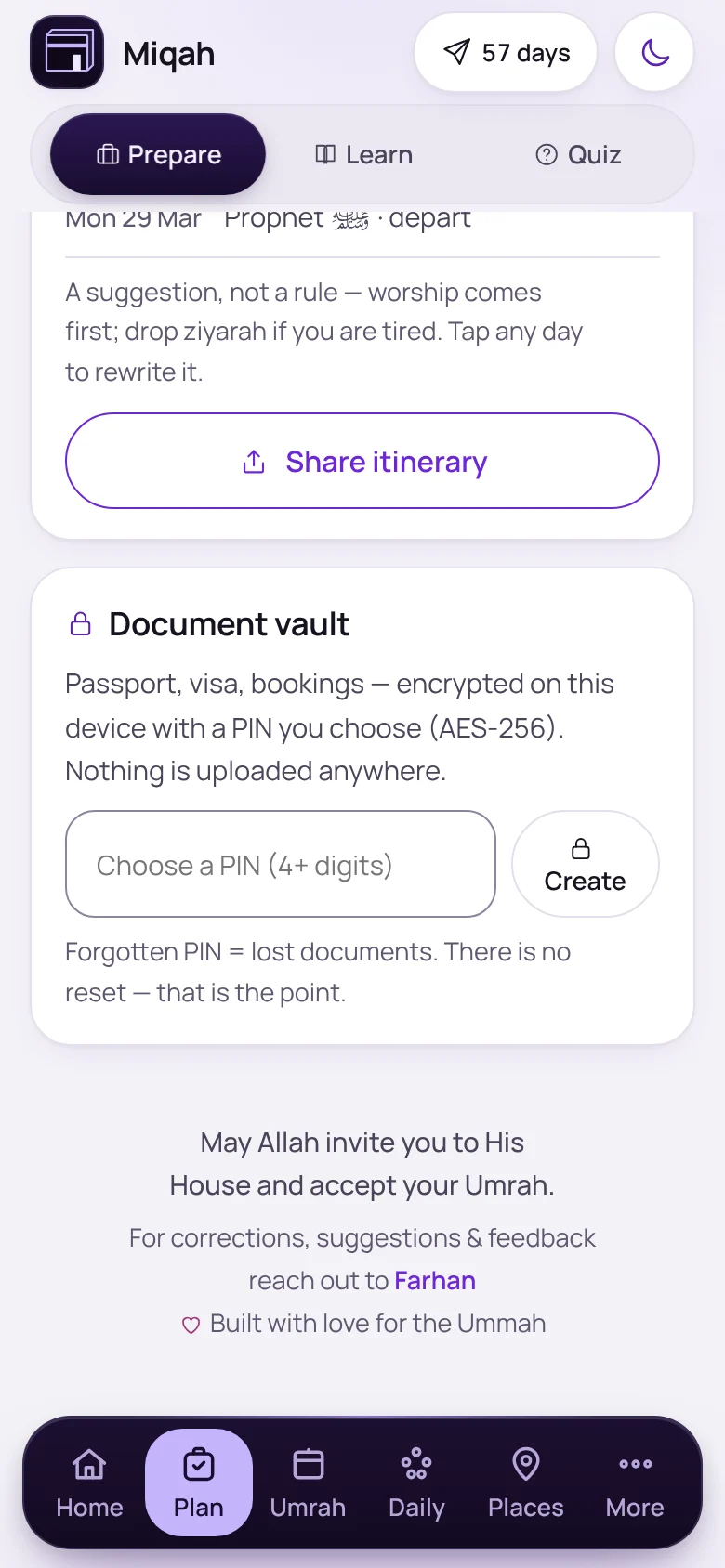
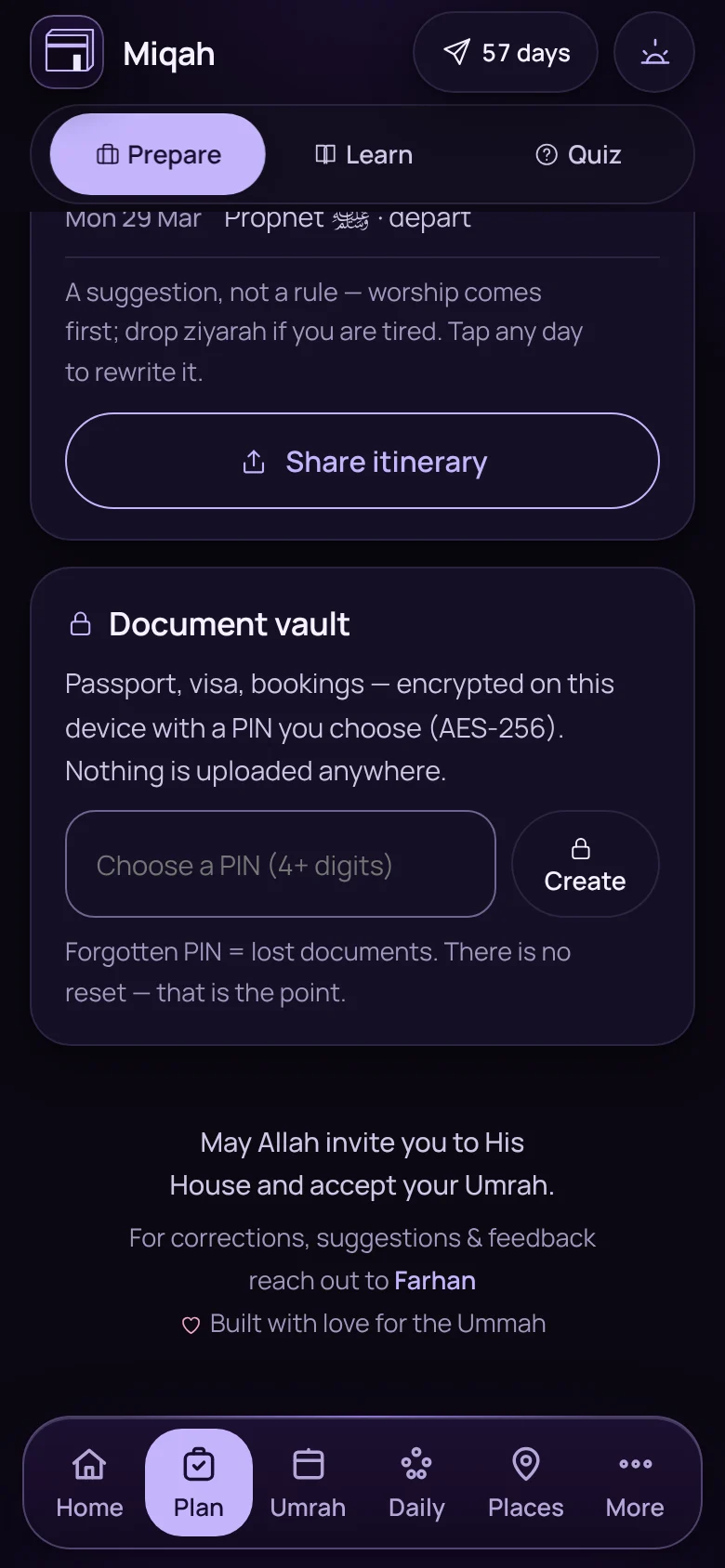
The document vault cardThe document vault card
Document vaultCopies of your papers, encrypted with a PIN only you know.
  • What to do whenEvery item has an ideal lead time, so you see what is due now and what can wait.
  • Already sorted?Booked before you installed? Tick it all on one sheet.
  • The written intentionWrite why you are going. Miqah brings it back on the first day and on Arafah.
  • Your Mina campFor Hajj, the camp, maktab and group leader sit beside the hotel.
  • Packing by bagFilter the list by ihram bag, carry-on or suitcase.
  • Travelling with childrenTheir passports, visas and vaccines join your timeline.
  • Share my readinessSend your group how prepared you are.
  • Ready for no signalA check before you fly that everything is saved on the phone.
  • Prayer times at homeYour own city’s times while you prepare.
  • Calendar exportAdd prayer times and the days of Hajj to your calendar.

Learning · 12 features

Know what you are doing, and why.

Short lessons before you go, and the evidence behind each step when you are there.
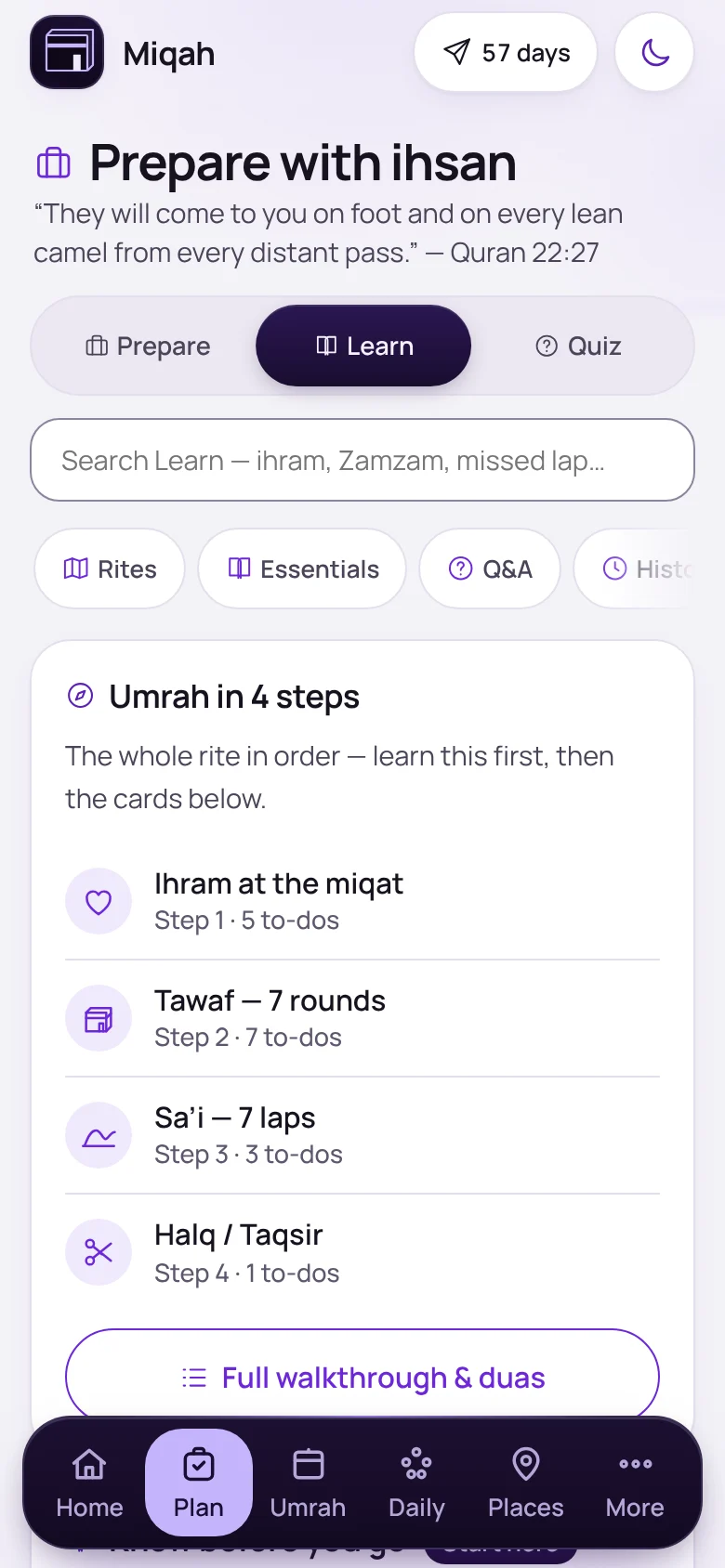
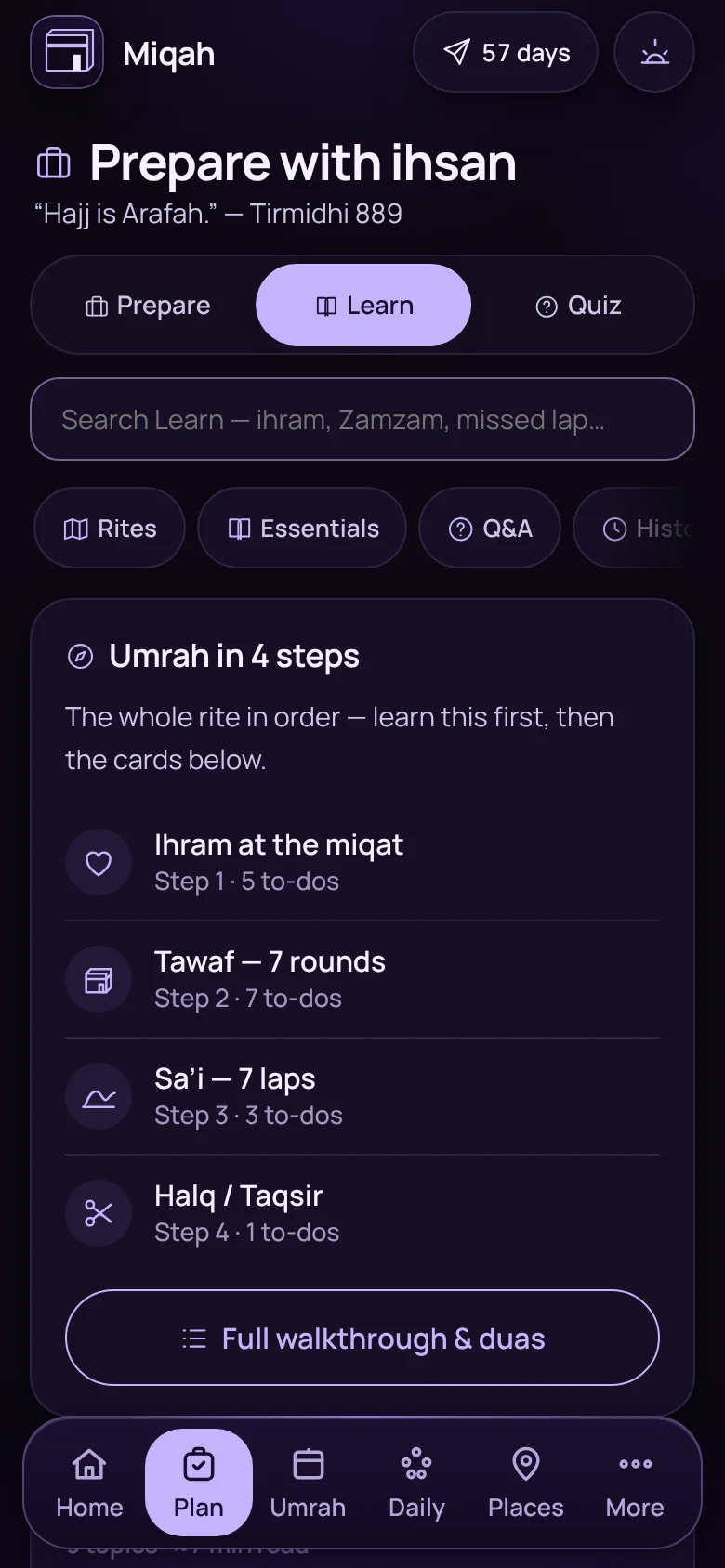
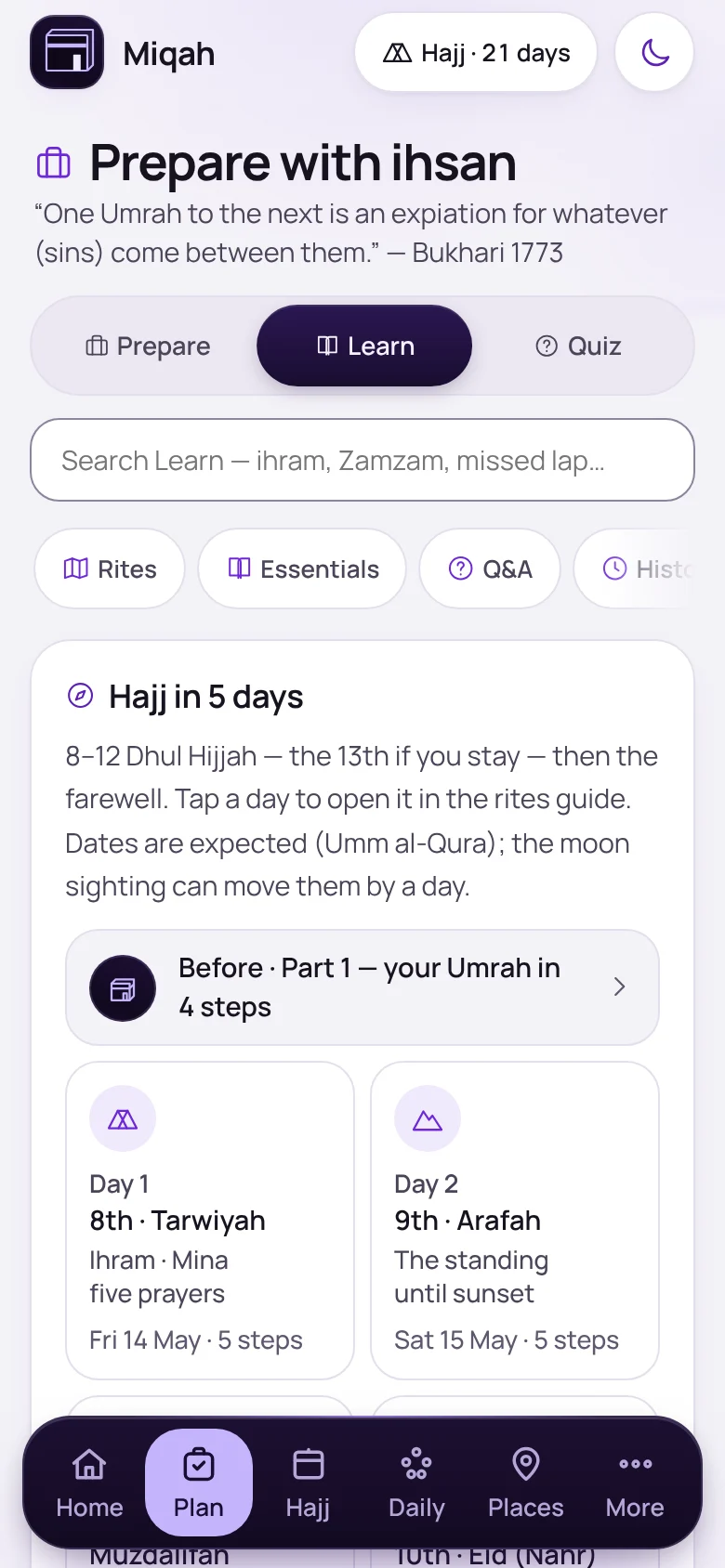
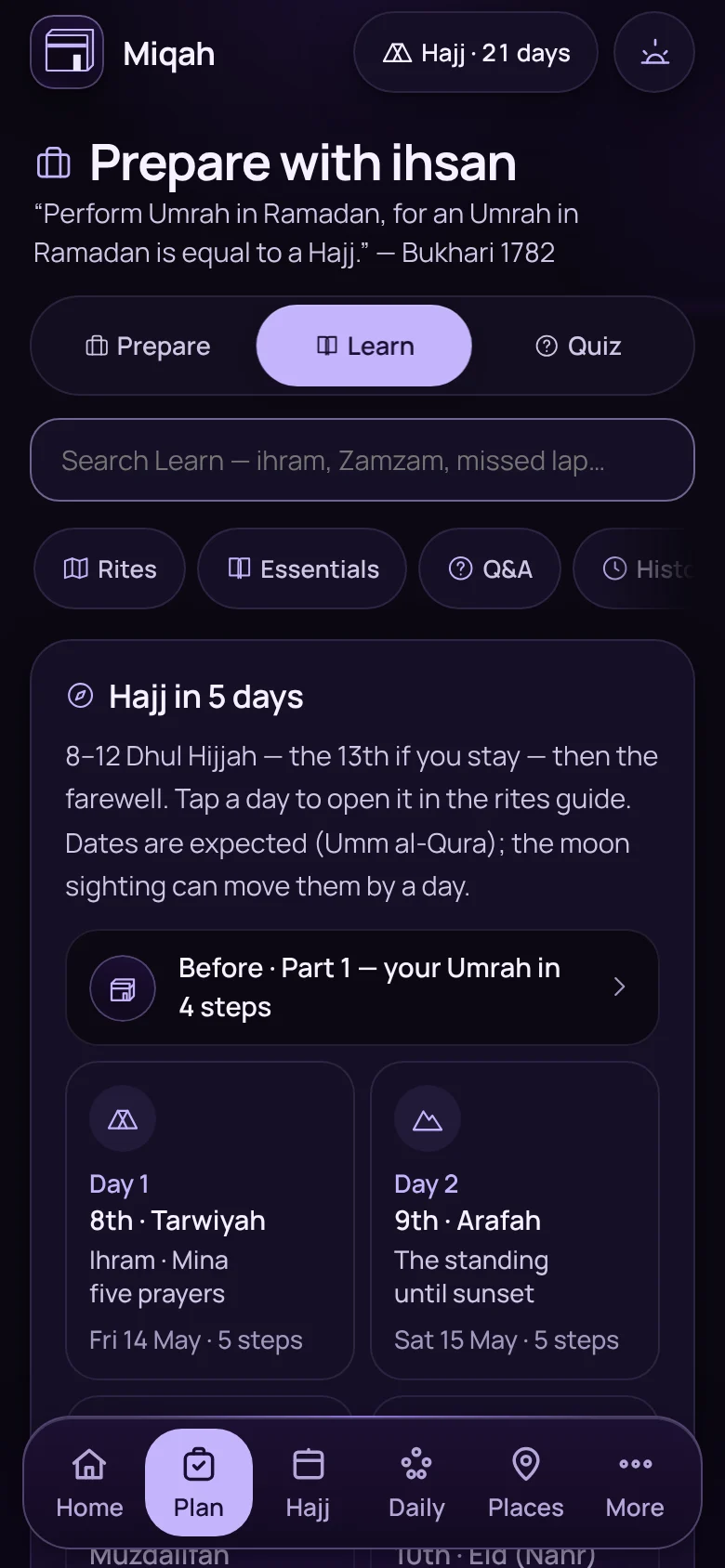
The Learn screen, opening with Umrah in four stepsThe Learn screen, opening with Umrah in four steps

Plan › Learn

The whole rite, then the detail

Learn opens with the rite in order, then goes deeper: essentials, questions and answers, and the history of the places. Search finds anything, from Zamzam to a missed lap.
  • Rites
  • Essentials
  • Q&A
  • History
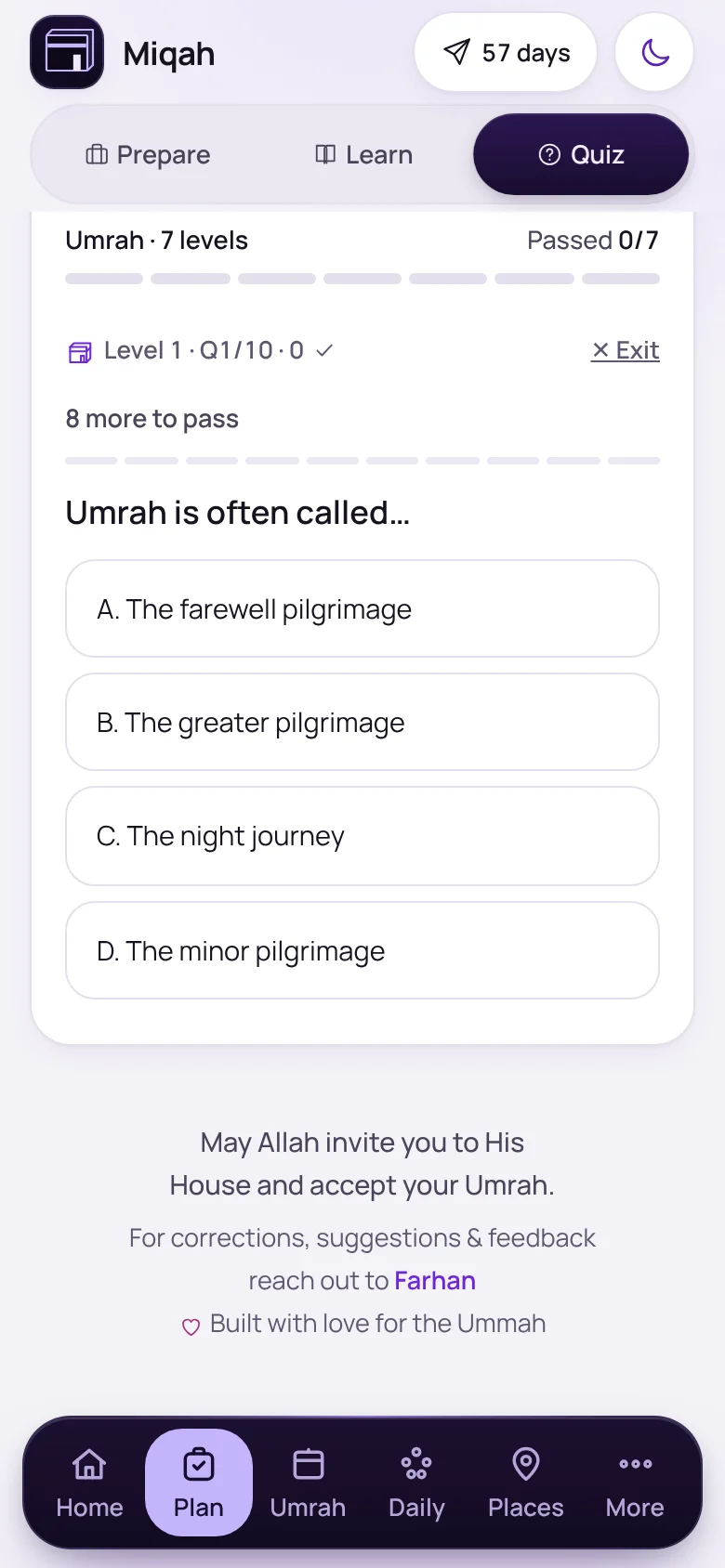
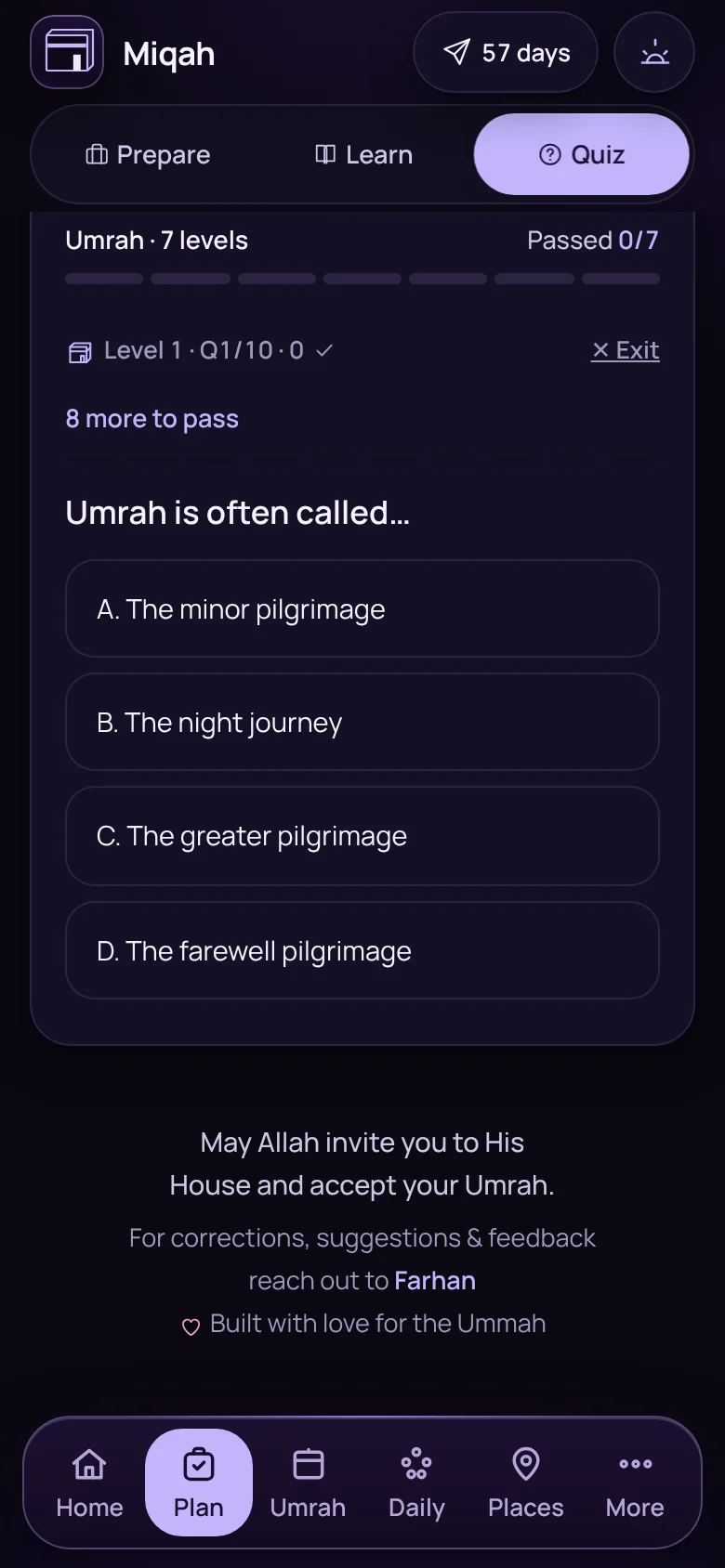
A quiz question from level 1, Foundations of UmrahA quiz question from level 1, Foundations of Umrah

Plan › Quiz

A quiz that unlocks as you learn

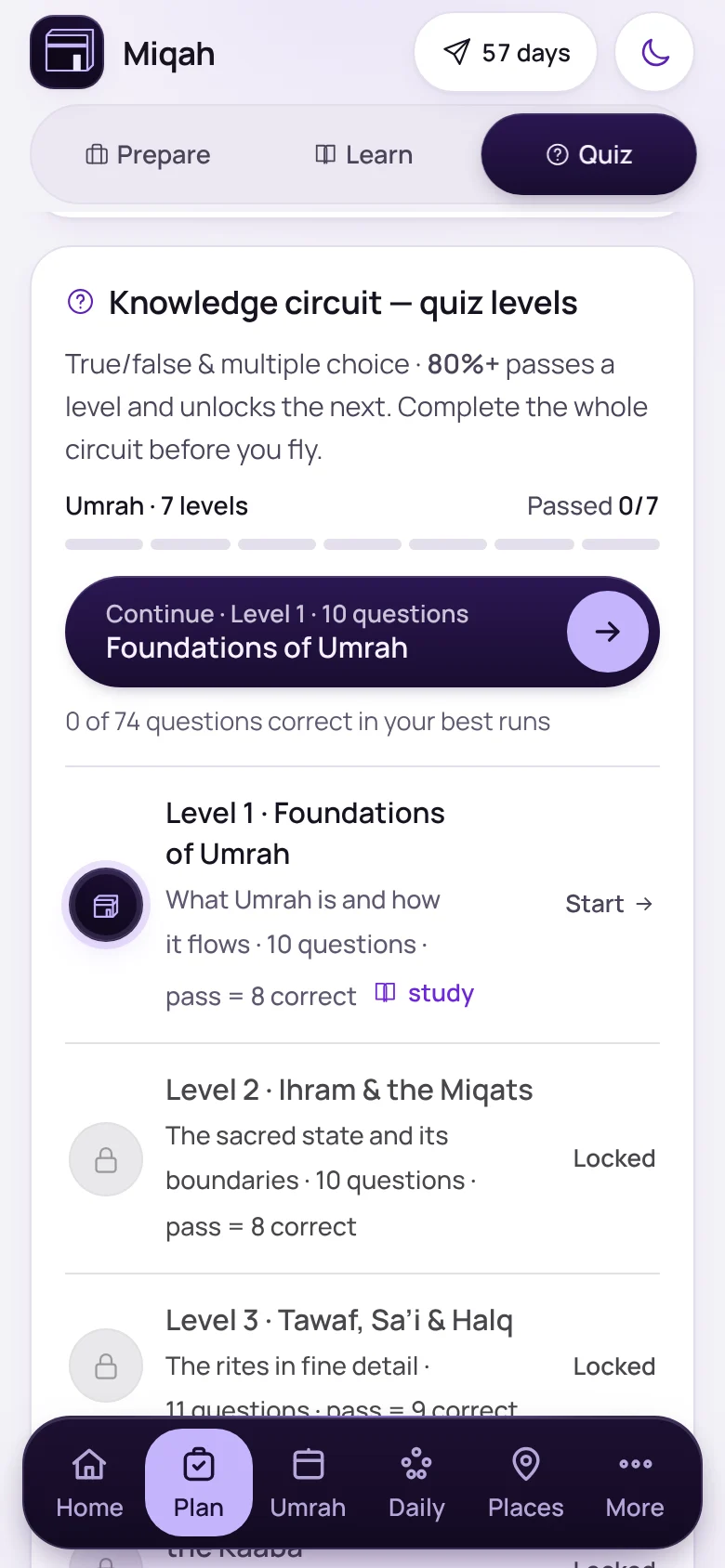
Multiple choice and true or false, level by level. Score 80% to open the next, and each answer shows its source.
  • Separate levels for Hajj
  • A certificate at the end
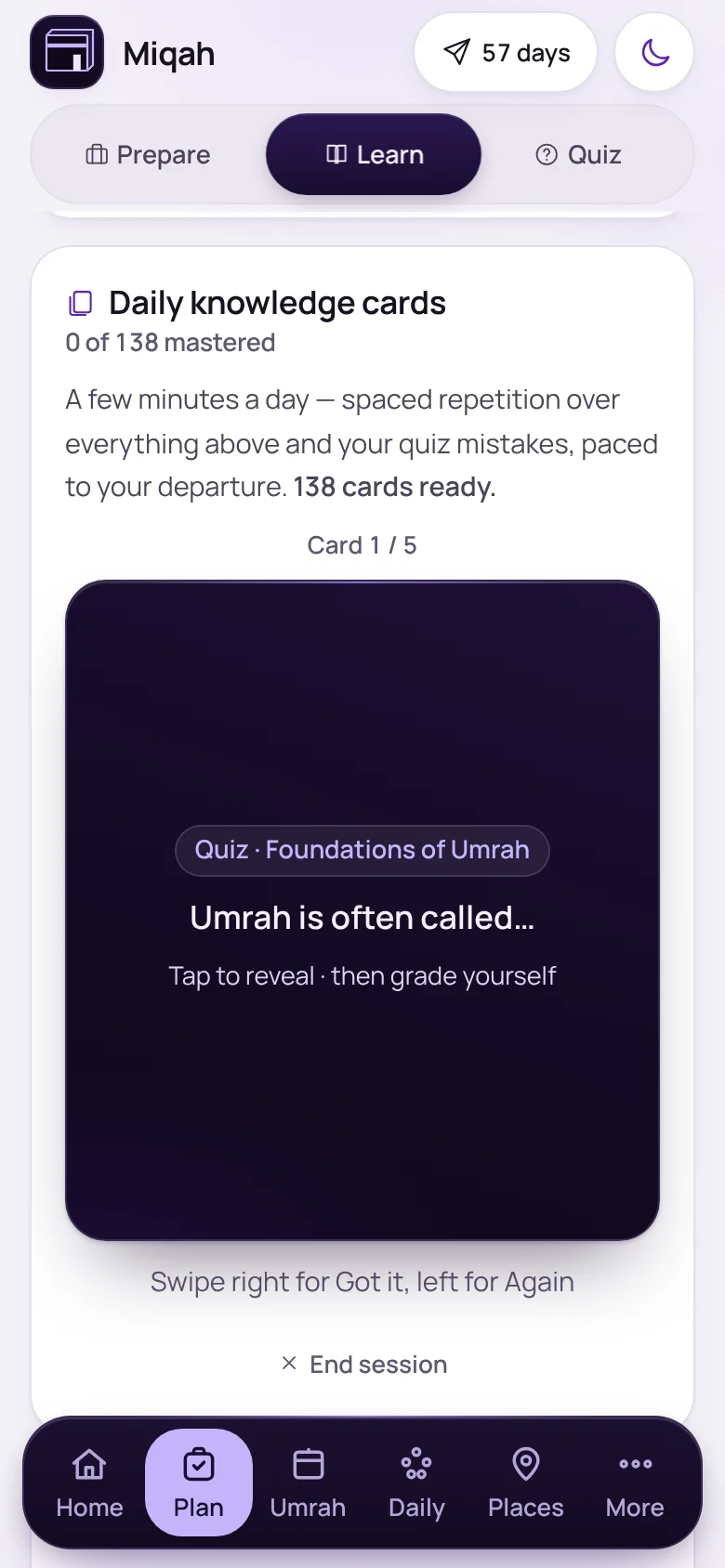
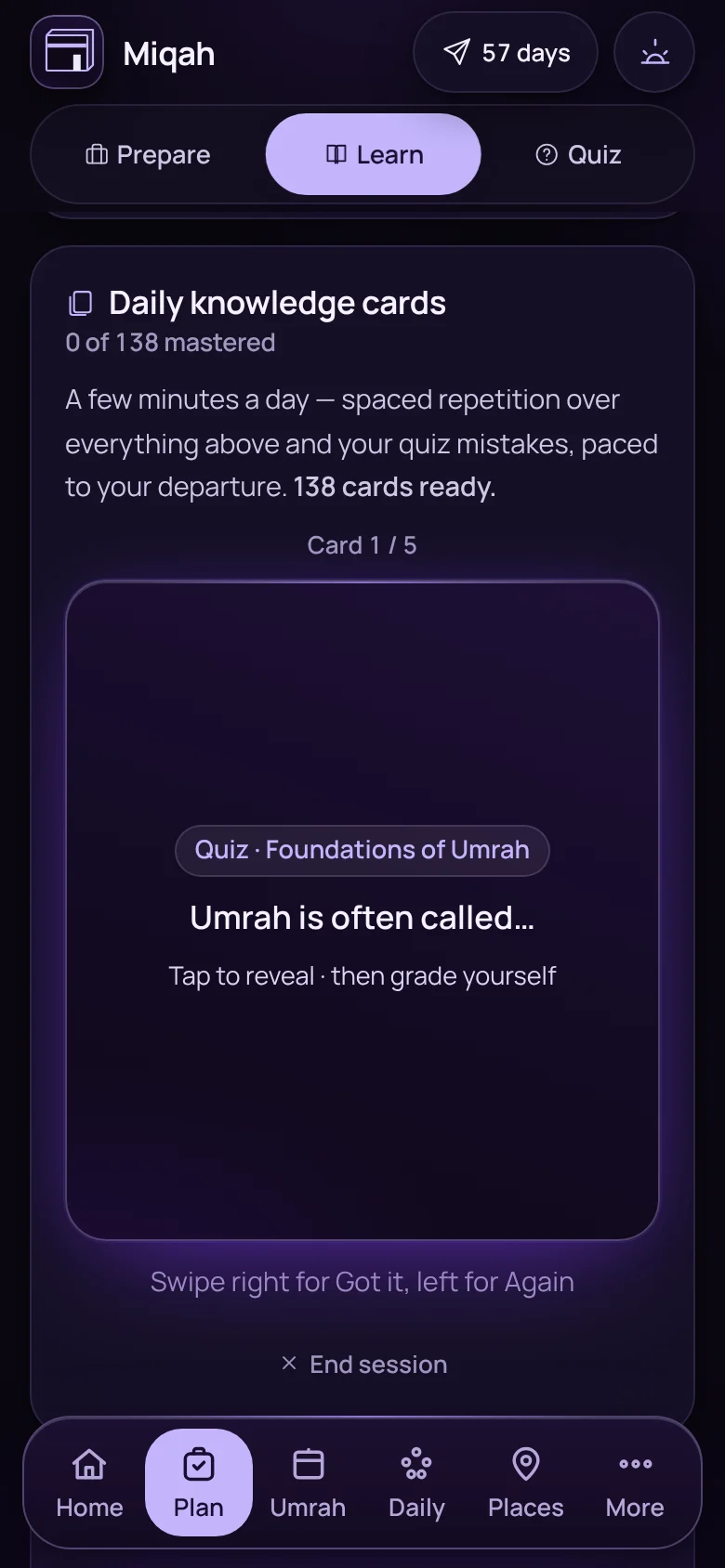
A knowledge card from the daily deckA knowledge card from the daily deck

Plan › Learn

A few cards a day

Daily knowledge cards on spaced repetition, paced to your departure date, with your quiz mistakes mixed in.
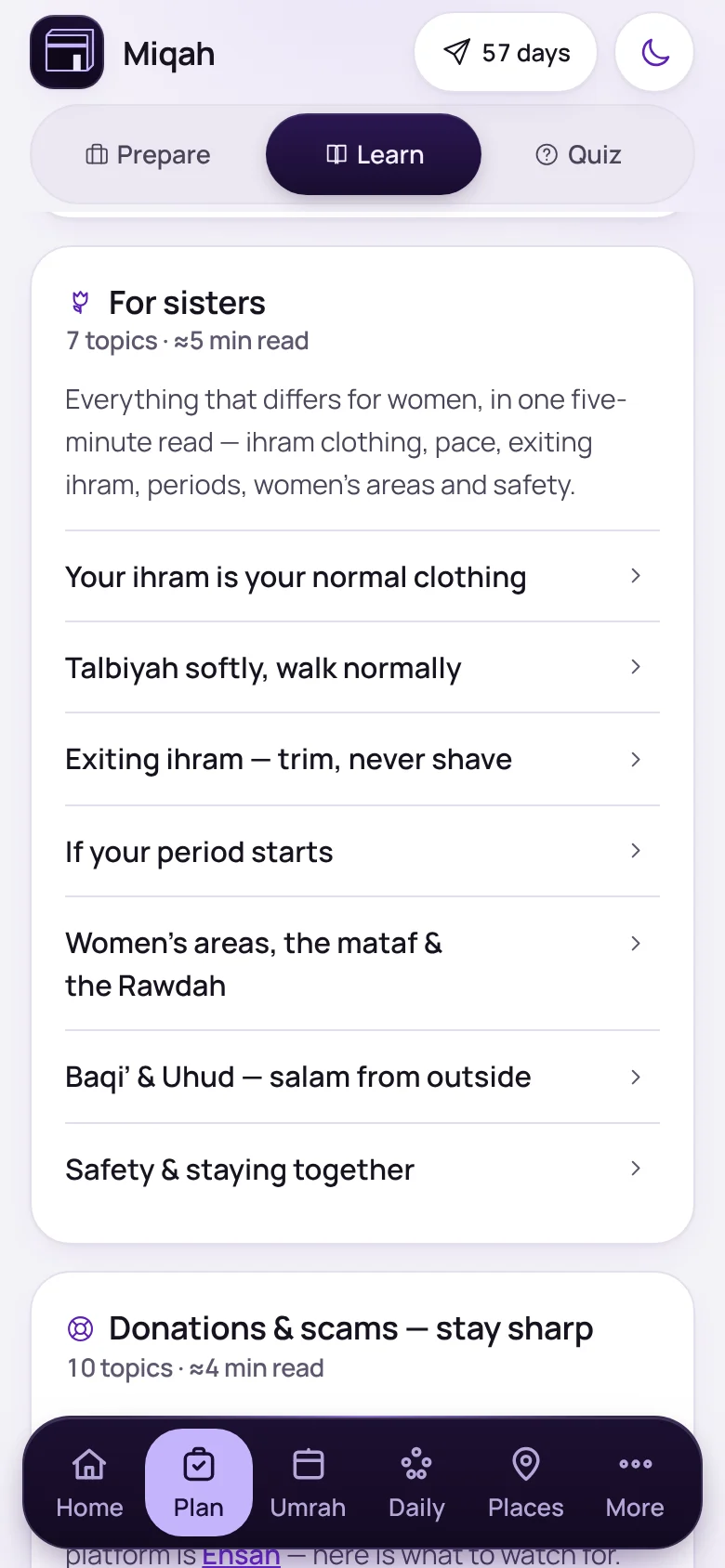
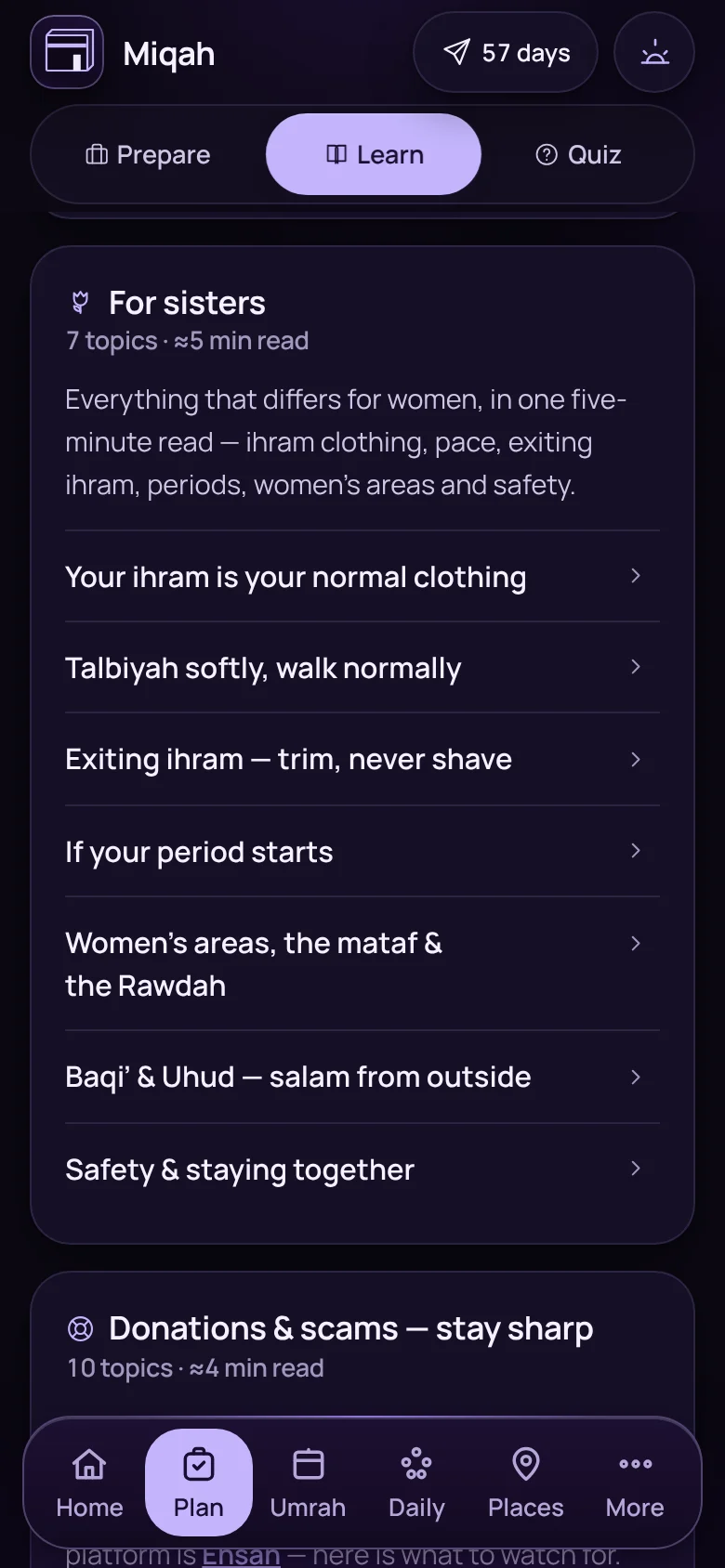
The For sisters section of LearnThe For sisters section of Learn

Plan › Learn

For sisters, in one place

Everything that differs for women in a five-minute read: ihram clothing, periods, the women’s areas and staying together.
And 8 more in learning

Learn in Hajj mode, with a tile for each day of HajjLearn in Hajj mode, with a tile for each day of Hajj
Hajj in 5 daysOne tile for each day of Hajj, with its expected date. Tap a day to open it in the rites guide.
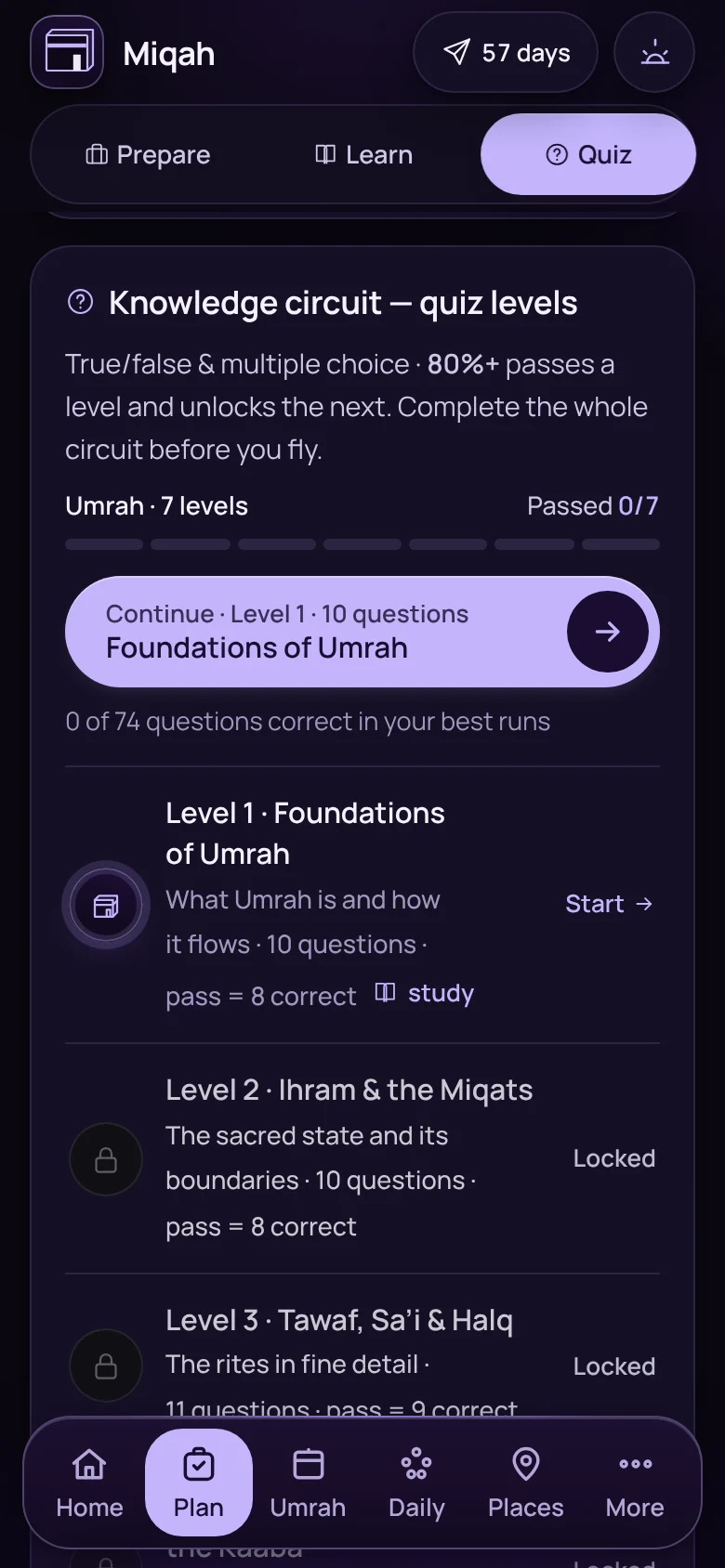
The list of quiz levelsThe list of quiz levels
Quiz levelsSee what each level covers and what it takes to pass.
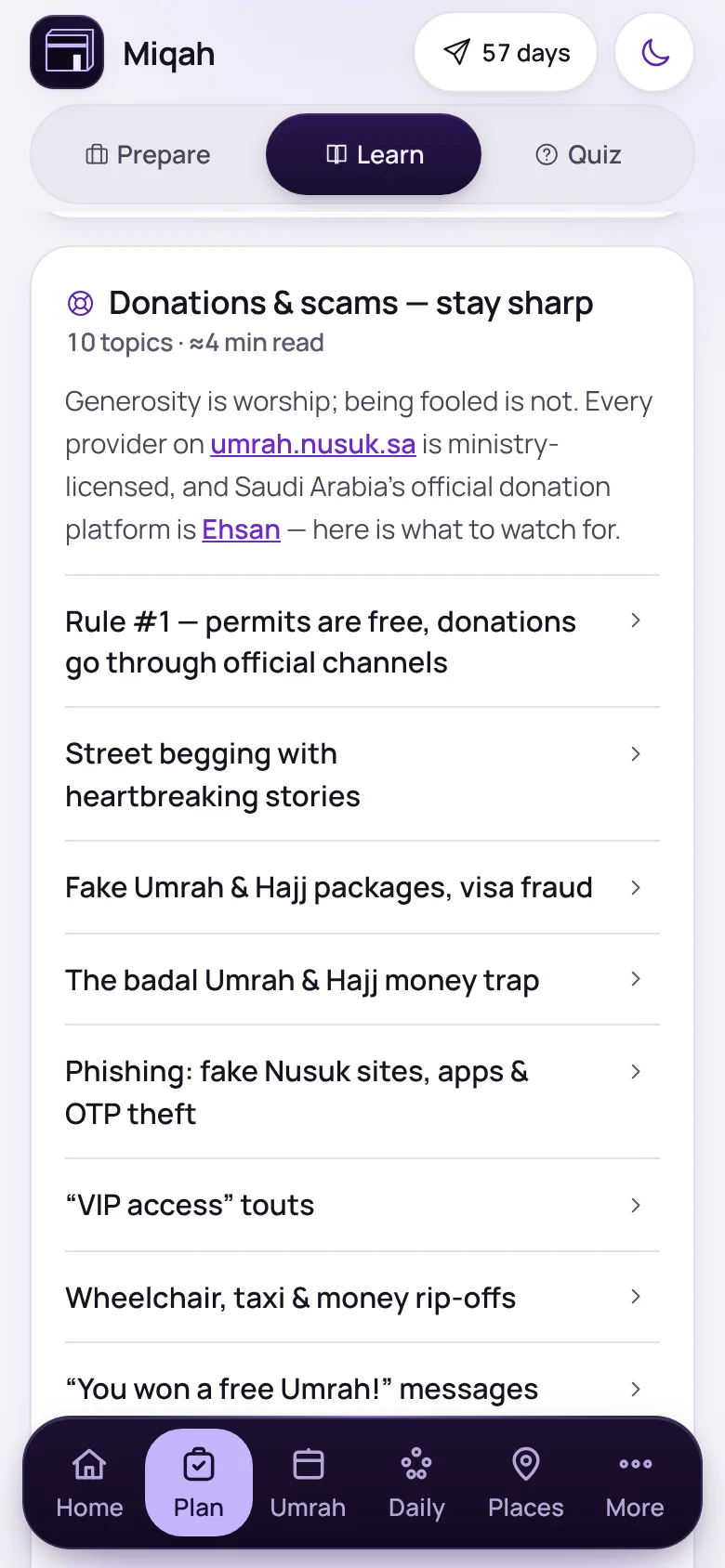
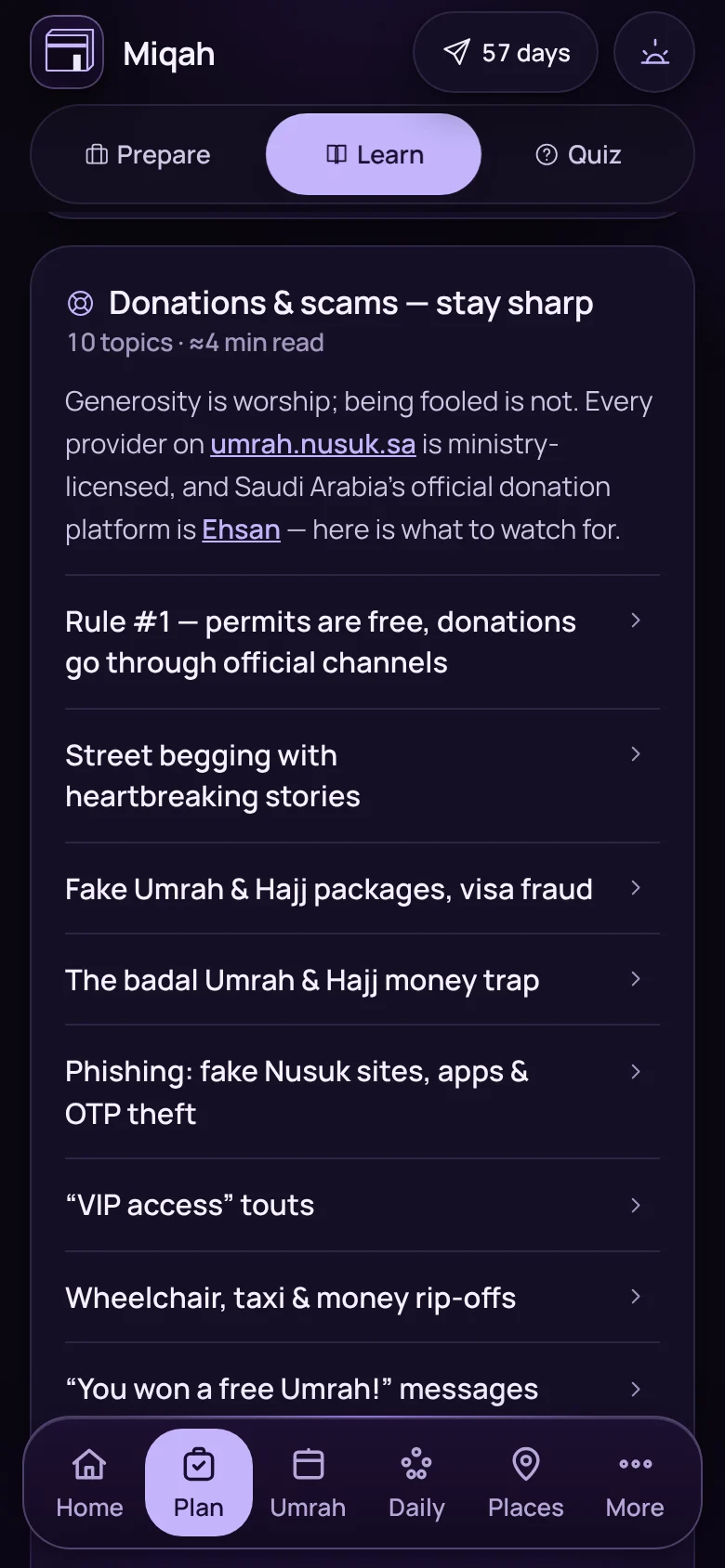
The Donations and scams section of LearnThe Donations and scams section of Learn
Donations and scamsHow to give safely, and the common rip-offs to watch for.
  • “Why?” on every stepThe evidence behind each action, with its reference.
  • Today’s rulingsOn each day of Hajj, the rulings that matter that day.
  • Where the schools differThe four schools are named, not folded into one view.
  • Review my mistakesDrill only the questions you got wrong.
  • CertificateFinish the circuit and get a certificate with your name.

Performing the rites · 19 features

Each rite, one step at a time.

When you are tired and the crowd is moving, you should not have to remember what comes next.
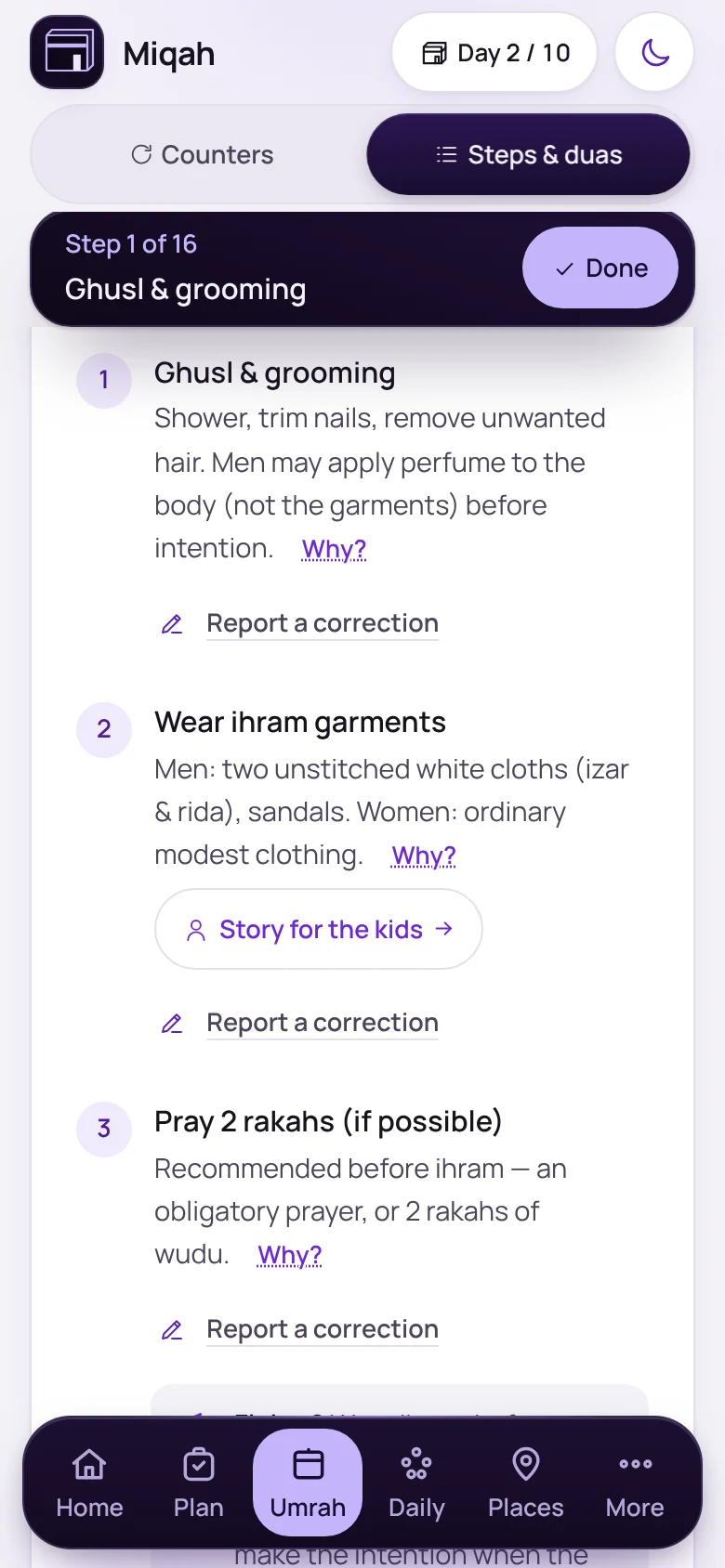
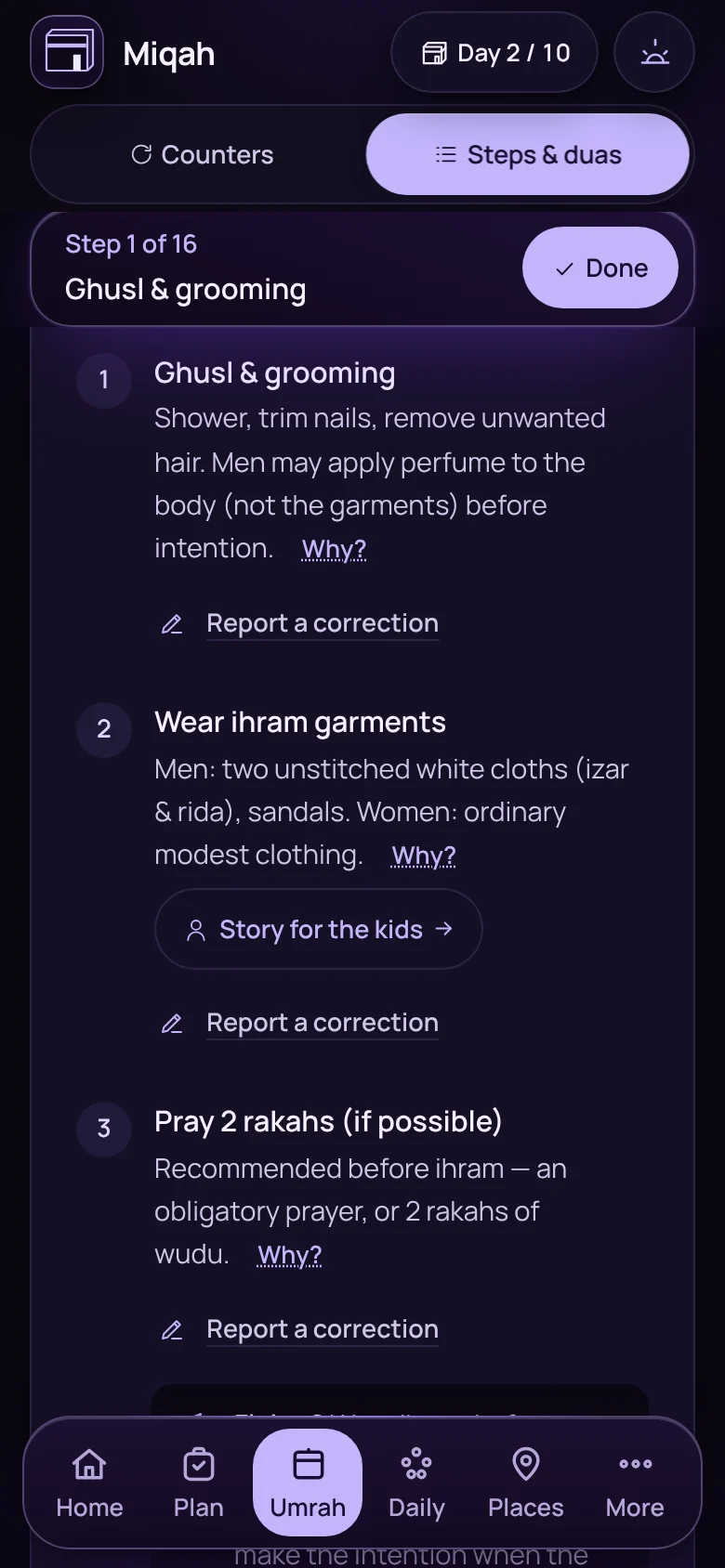
The Umrah walkthrough at step 1 of 16The Umrah walkthrough at step 1 of 16

Umrah › Steps & duas

Every step in order, with its dua

The whole rite as a walkthrough: what to do, what to say and why. Duas come in Arabic, transliteration and meaning.
  • Guidance for sisters
  • A story for the kids
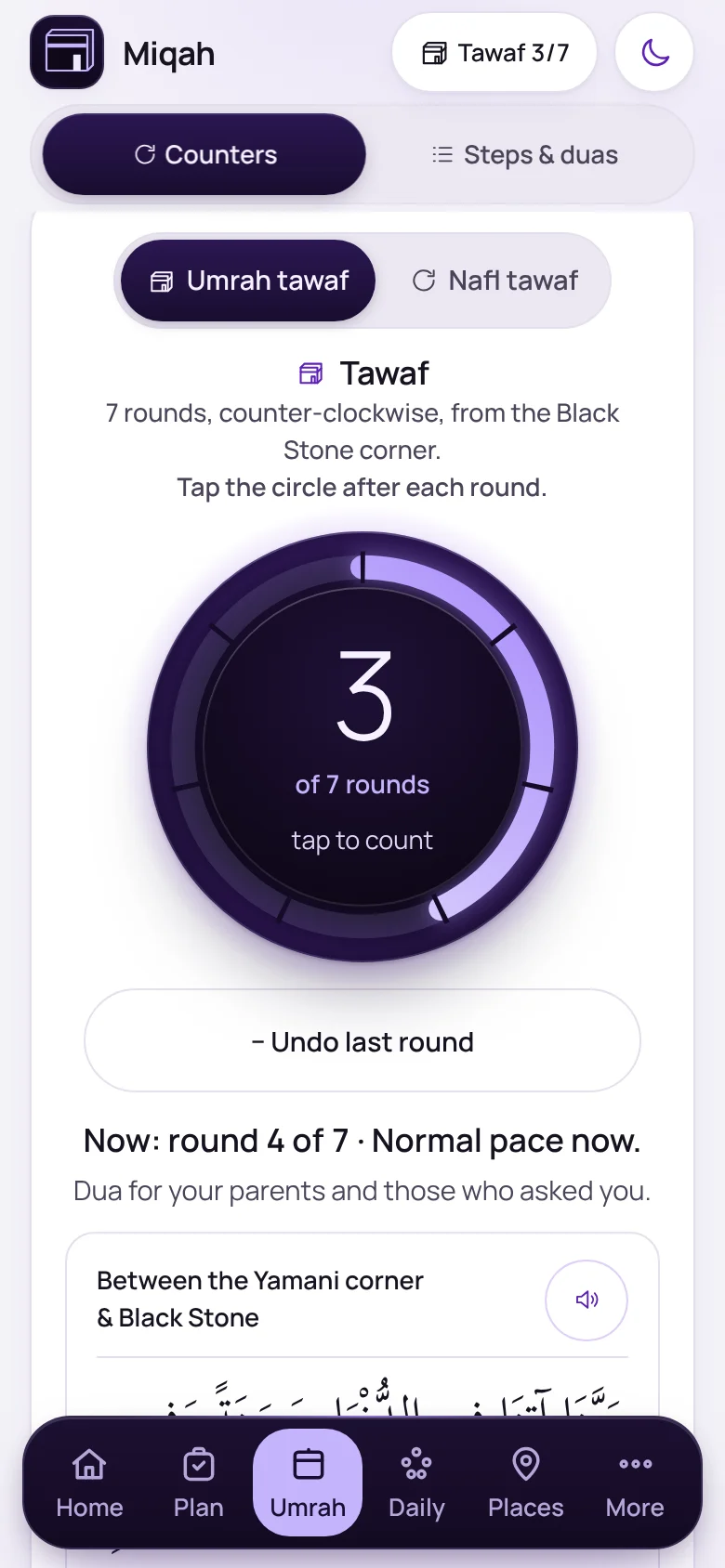
The tawaf counter showing round 3 of 7The tawaf counter showing round 3 of 7

Umrah › Counters

Count rounds without losing your place

One big ring for tawaf and one for sa’i. Tap after each round and Miqah tells you which round you are on, with the dua for where you are standing.

  • Wudu check before tawaf
  • Undo a round
  • Nafl tawaf too
Focus mode: a full-screen tawaf counter on round 3 of 7

Focus mode

Eyes on the Kaaba, not the screen

Go full-screen and tap anywhere to count. The screen stays awake until you are done.
  • Tap anywhere
  • Screen stays awake
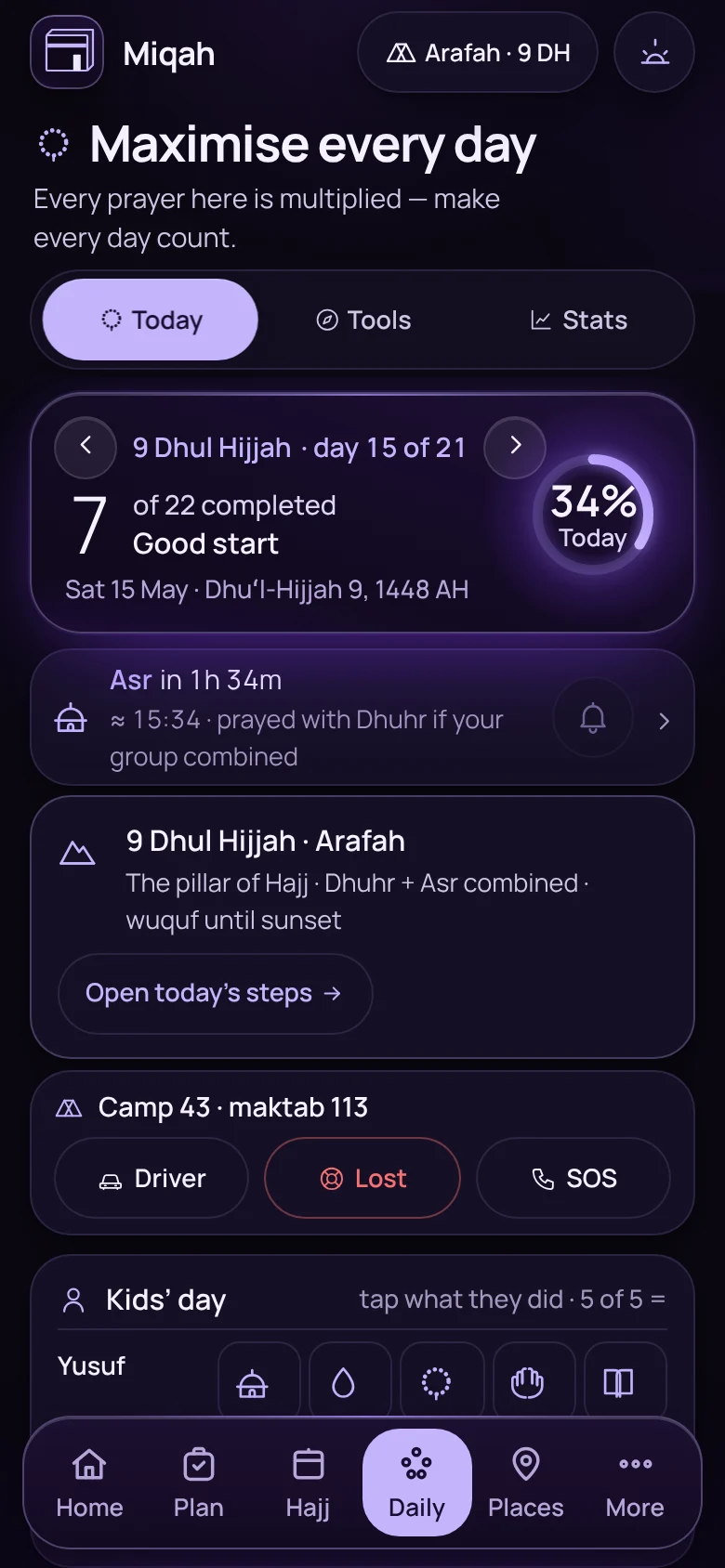
Home screen on 9 Dhul Hijjah: stand at Arafah, from Dhuhr until sunsetHome screen on 9 Dhul Hijjah: stand at Arafah, from Dhuhr until sunset

Home, on Hajj

It knows which day of Hajj it is

From the 8th of Dhul Hijjah, Home shows the rite for the day and when it must happen. On the 9th that is the standing at Arafah, from Dhuhr until sunset.
  • Dates you can correct
  • Your camp on every card
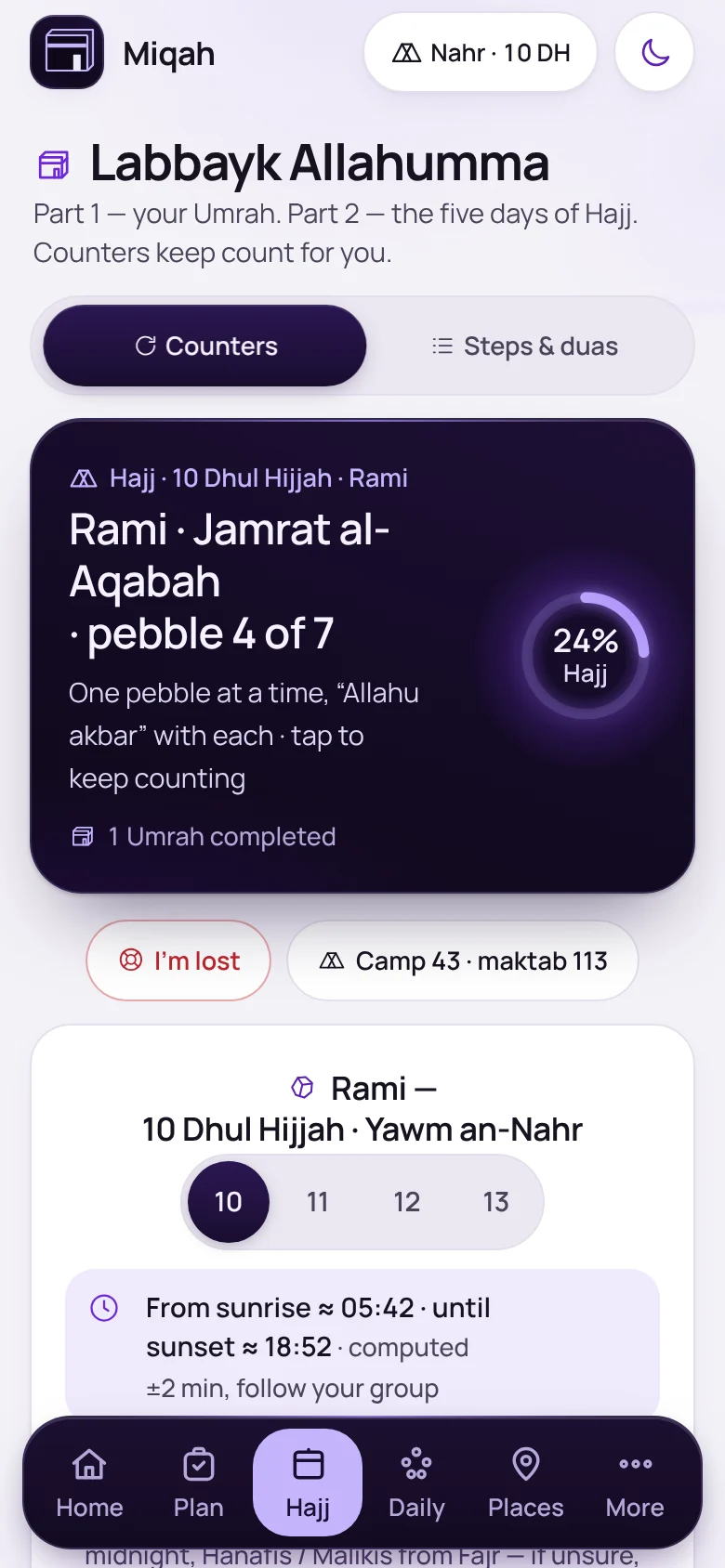
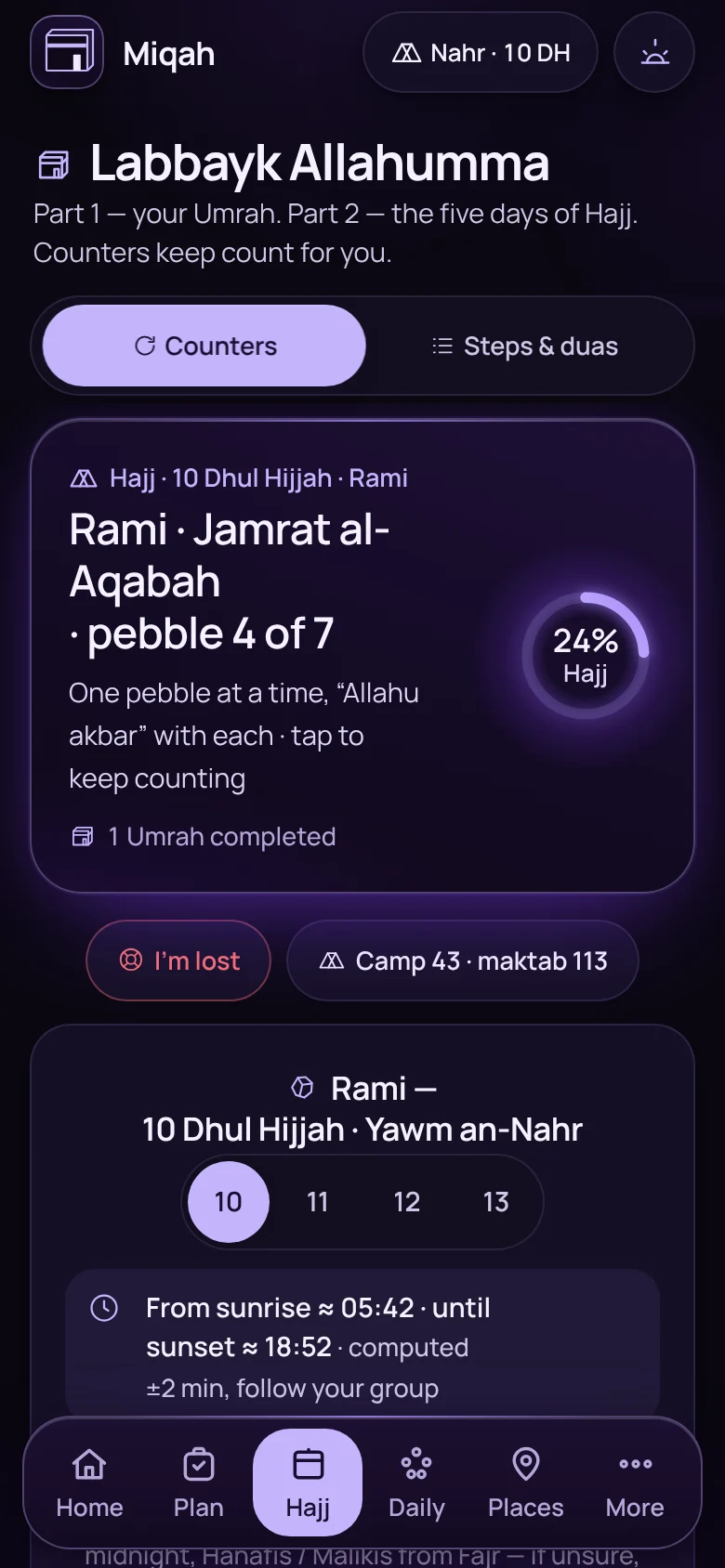
The rami counter on 10 Dhul Hijjah at pebble 4 of 7The rami counter on 10 Dhul Hijjah at pebble 4 of 7

Hajj › Counters

Seven pebbles, counted per pillar

A counter for each jamrah on each day, with the time window for stoning that day.
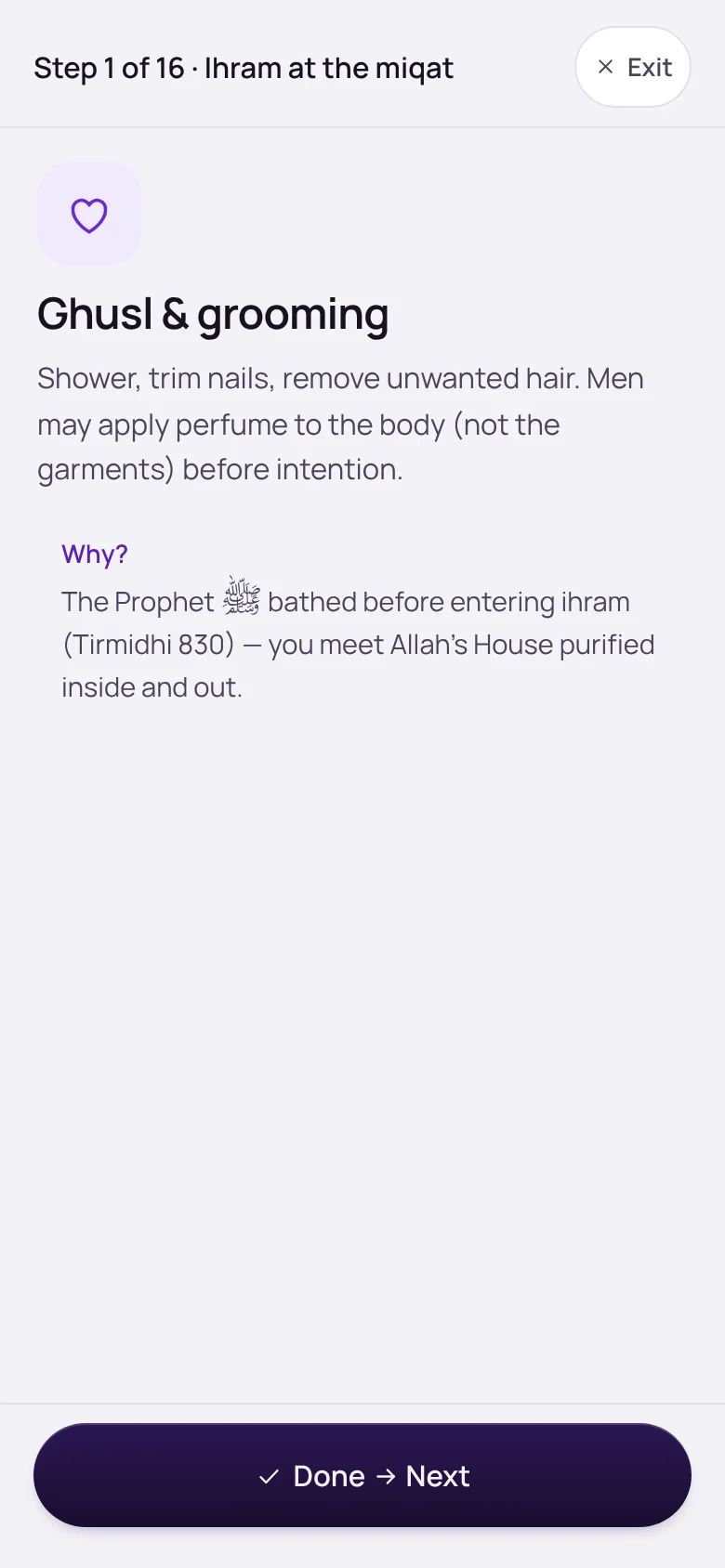
And 14 more in performing the rites

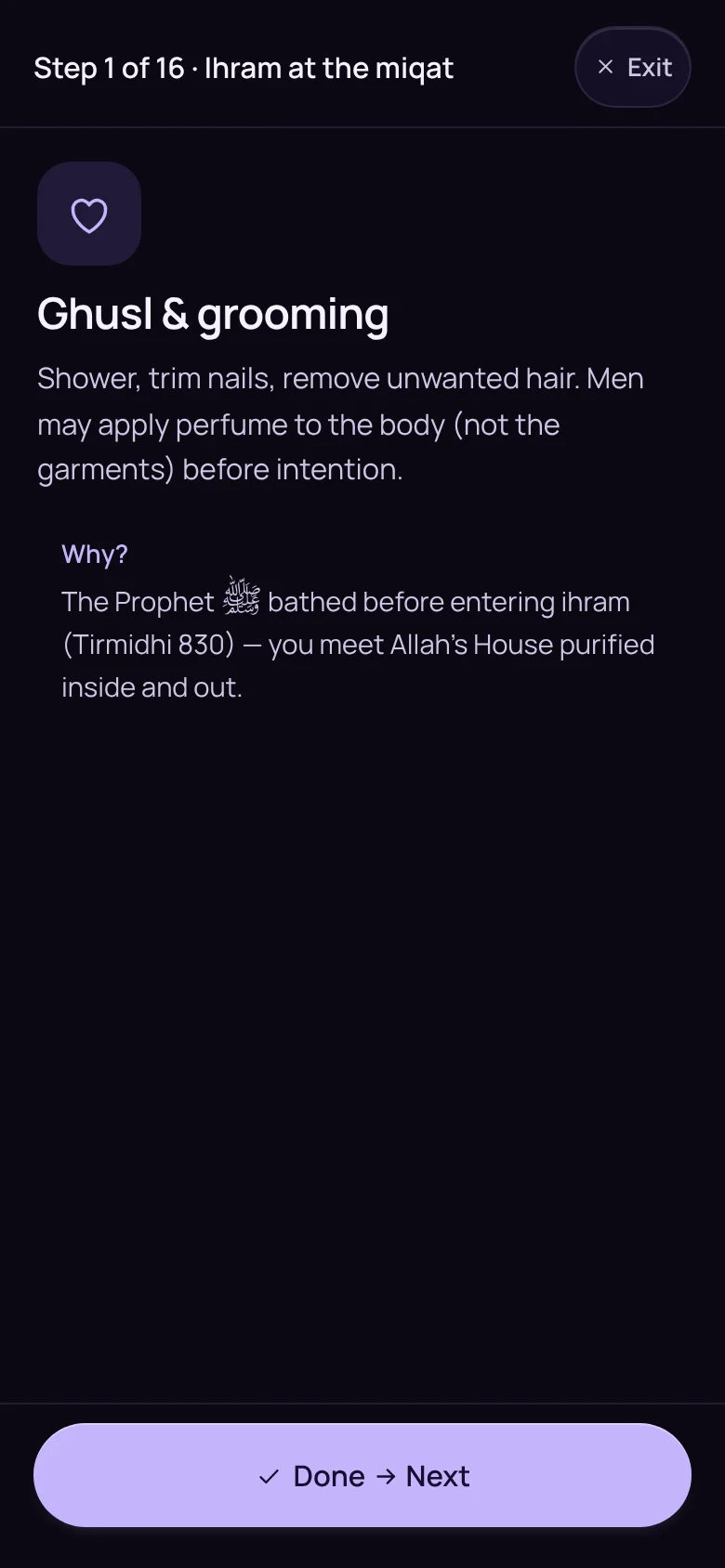
The guided walkthrough, on step 1 of 16The guided walkthrough, on step 1 of 16
Walk me through itOne step to a screen, with Done and Next.
The Daily screen on the Day of Arafah with the day’s checklistThe Daily screen on the Day of Arafah with the day’s checklist
A checklist for each day of HajjFrom the intention on the 8th to the last day of stoning.
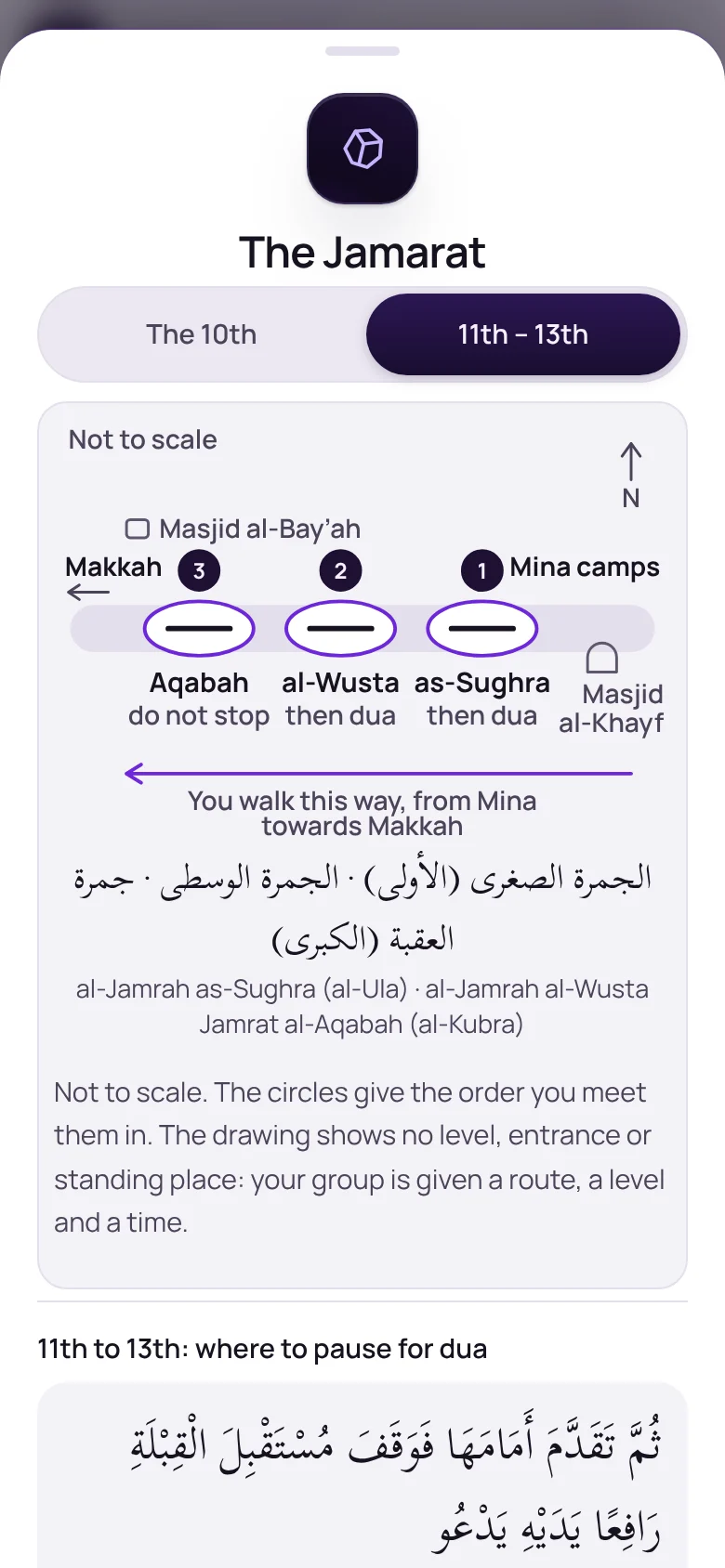
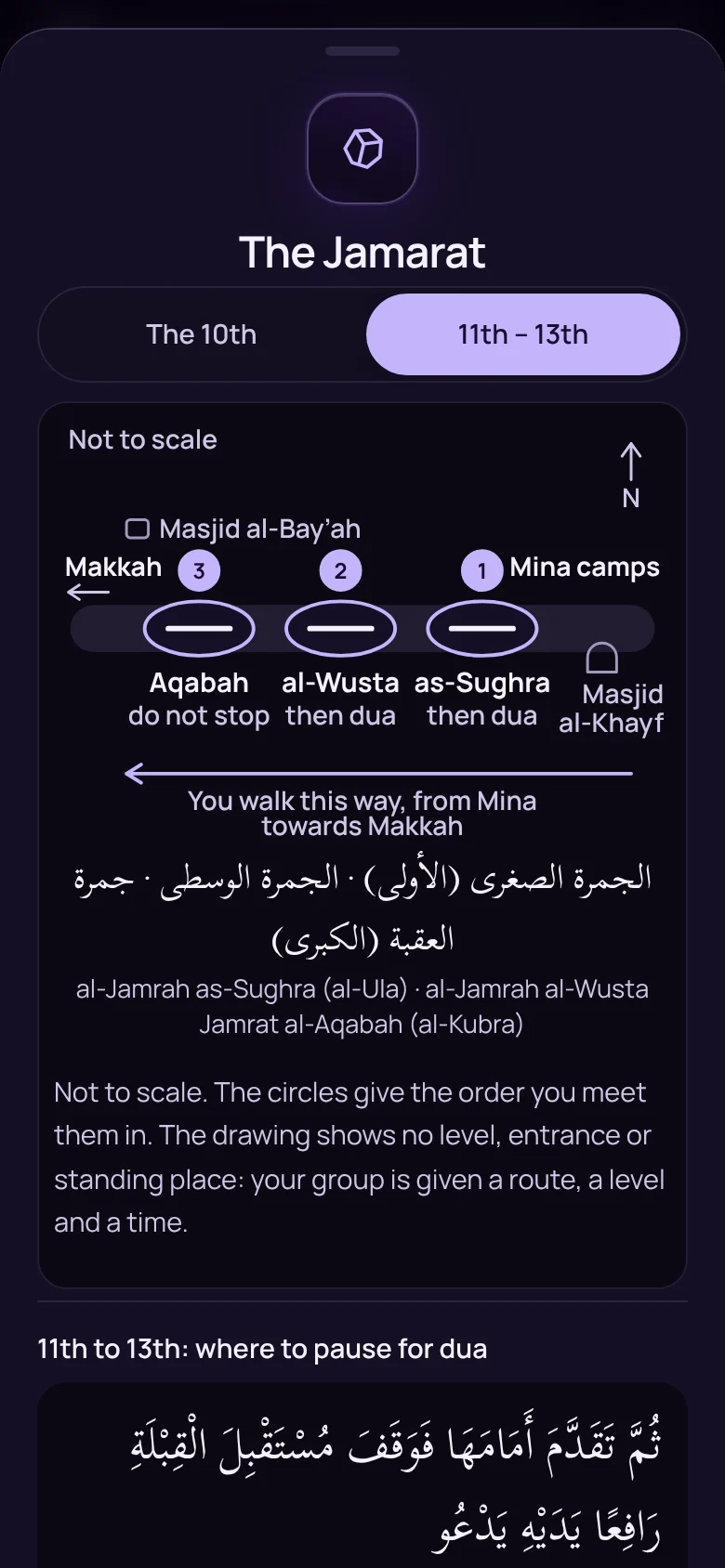
A simple sketch of the three Jamarat pillarsA simple sketch of the three Jamarat pillars
The Jamarat, drawn simplyThe three pillars in the order you meet them, and where to pause for dua. Not to scale.
  • Tamattu’, Qiran or IfradThe steps follow the kind of Hajj you intend.
  • More than one UmrahRecord a completed Umrah and start the next.
  • A map of the matafWhere the Black Stone corner, the Hijr and the Safa exit are.
  • Spoken countOn phones with a built-in voice, hear the count through earphones.
  • Time left on ArafahA countdown to sunset on the 9th.
  • The stoning windowEach day’s time for stoning, and the order if you are making one up.
  • Stoning on someone’s behalfCount pebbles for the people you are stoning for.
  • When something goes wrongLost count, a pebble that missed, a break in wudu: what to do.
  • Log it laterCould not tap at the time? Add the day afterwards.
  • If your period startsWhat changes for the rites, for Umrah and for Hajj.
  • Print the ritesThe steps and duas as a page to print or save.

Duas and dhikr · 8 features

The words, when you need them.

Arabic, transliteration and meaning for the duas of the rites, and a place for your own.
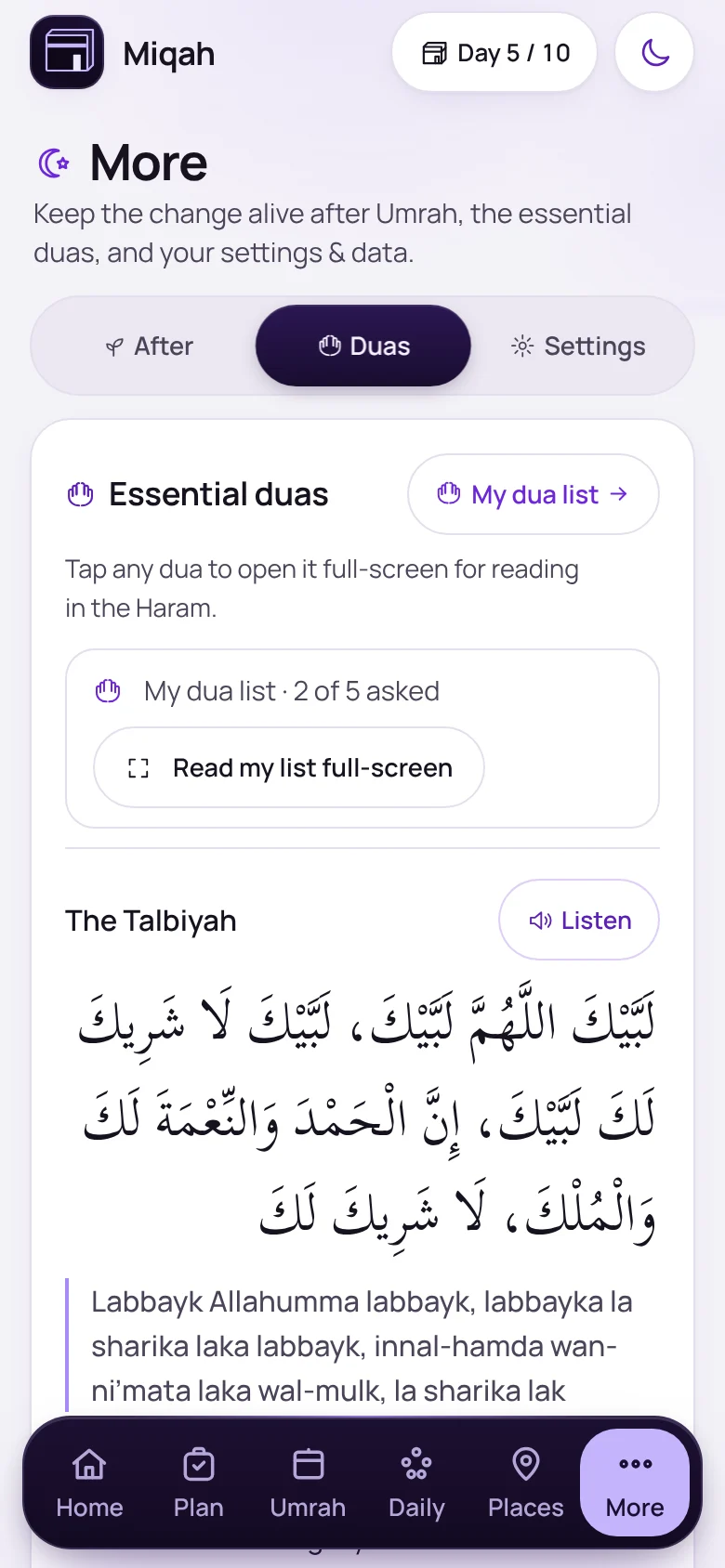
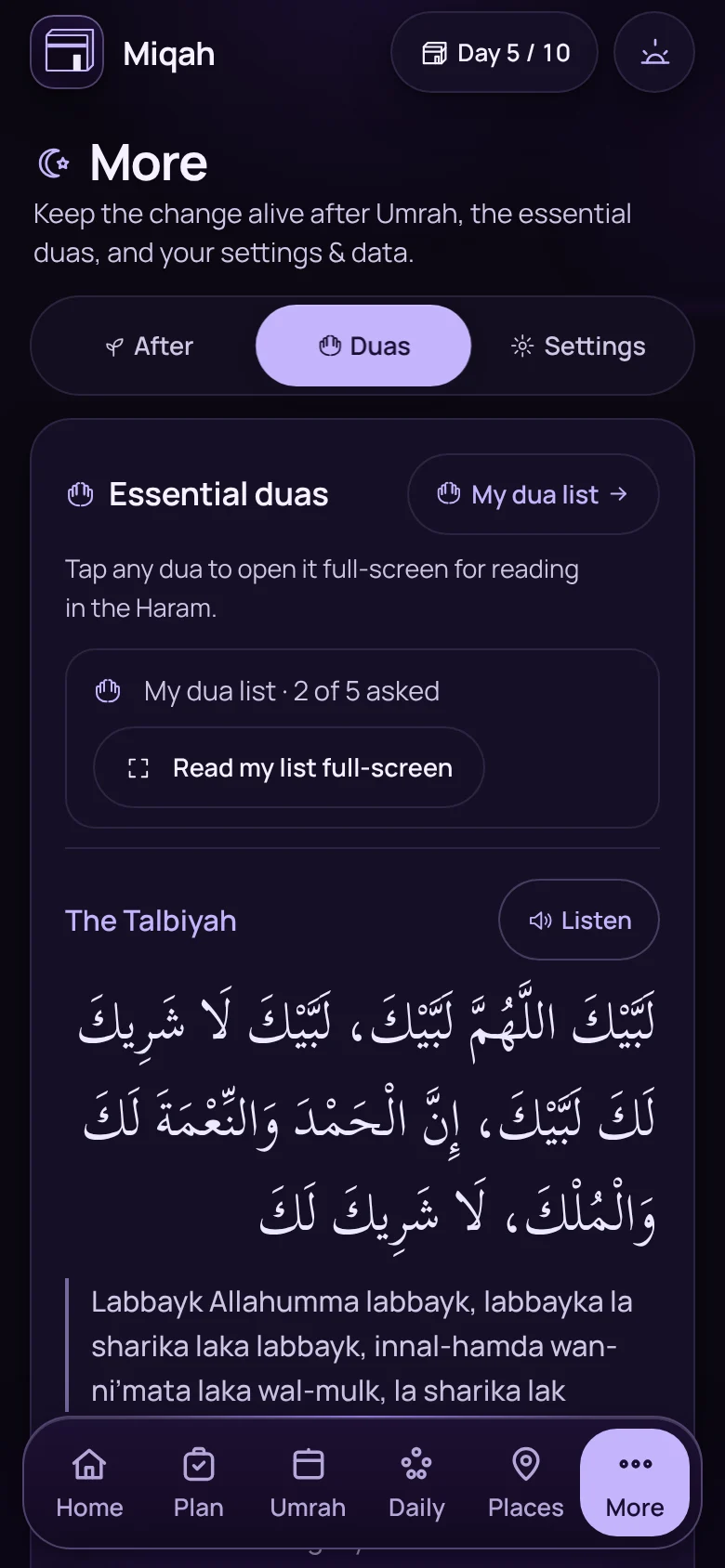
The Duas screen, opening with the TalbiyahThe Duas screen, opening with the Talbiyah

More › Duas

Every dua, with a Listen button

The essential duas in Arabic, transliteration and meaning. Tap one to read it full-screen in the Haram, or Listen where your phone has an Arabic voice.
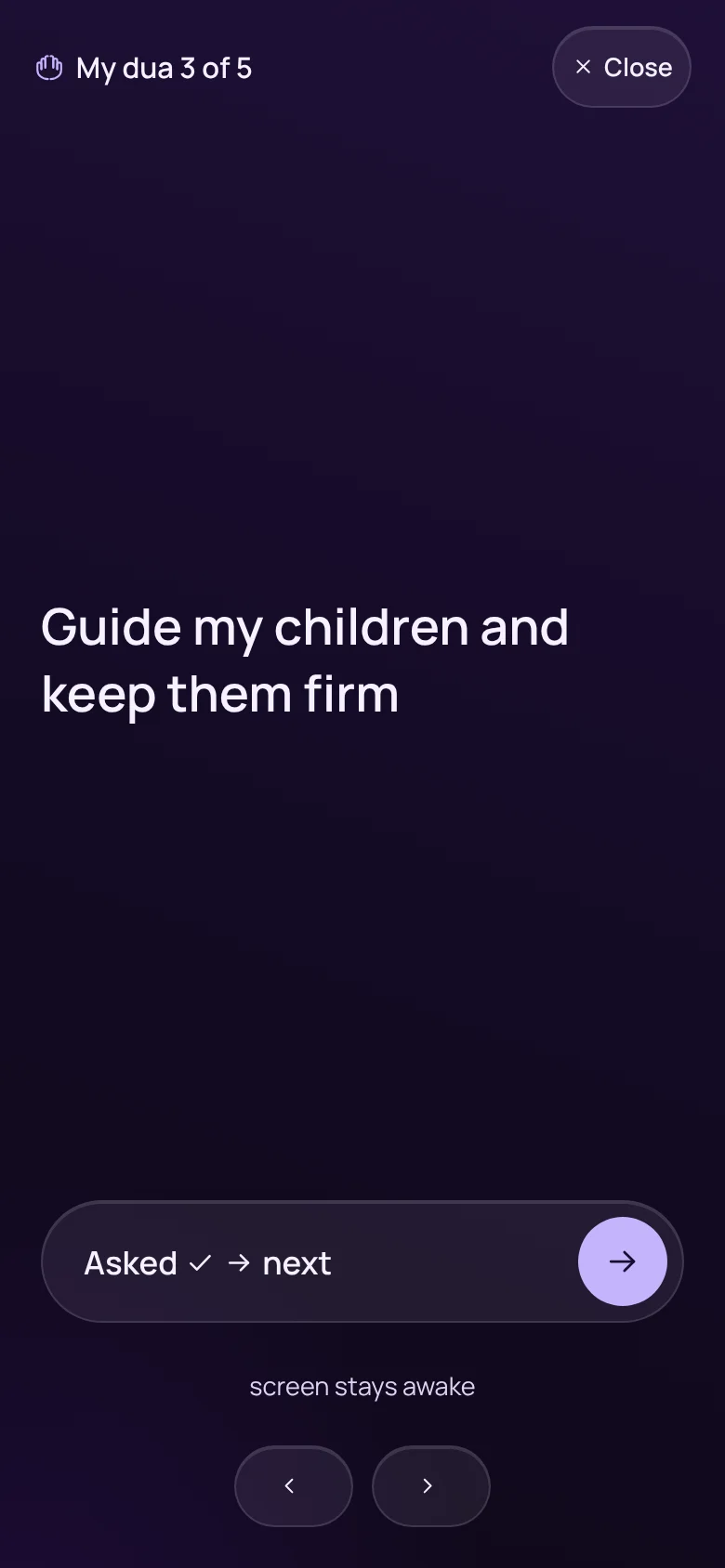
A personal dua shown full-screen, number 3 of 5

More › Duas

The duas you were asked to make

Keep a list of your own duas and the ones people asked of you. Read them full-screen, one at a time, and mark each as asked.
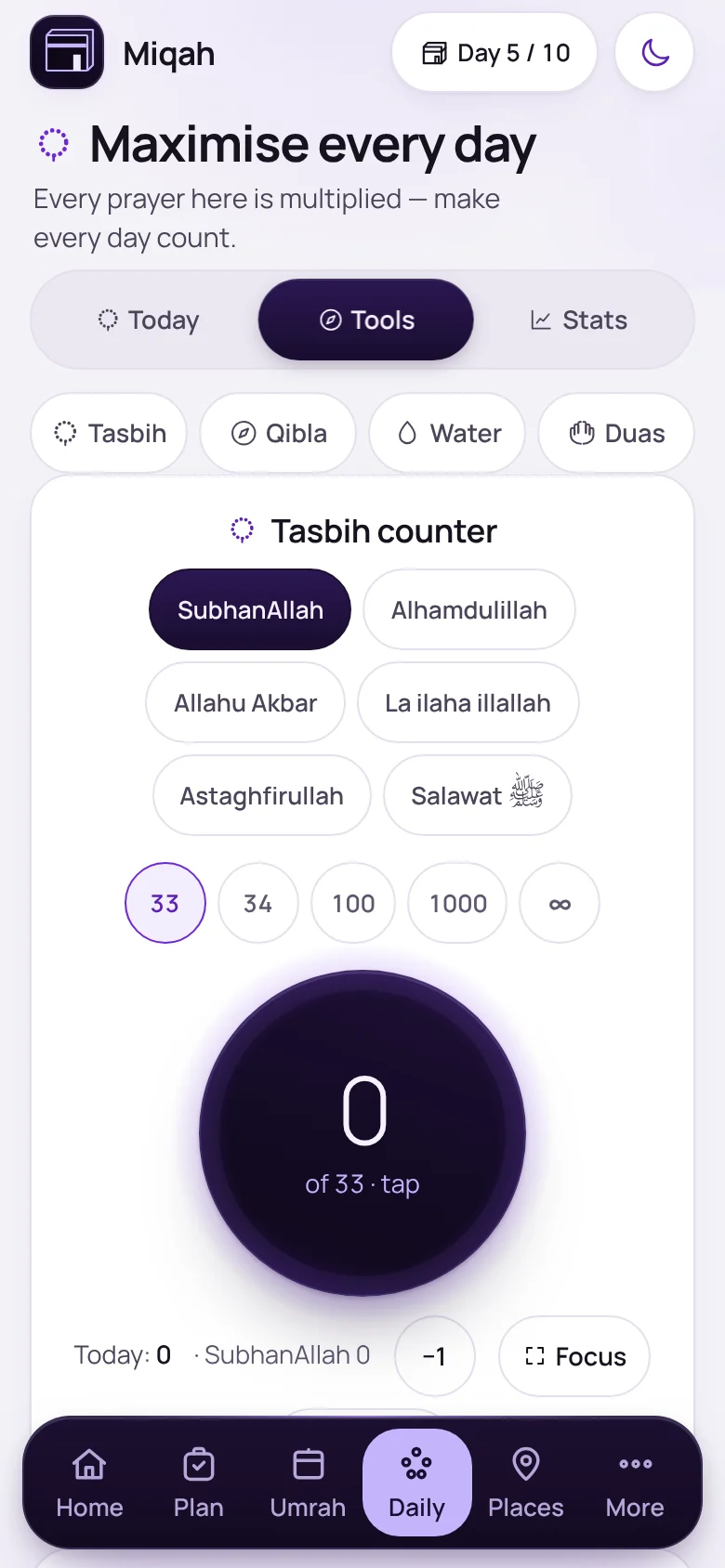
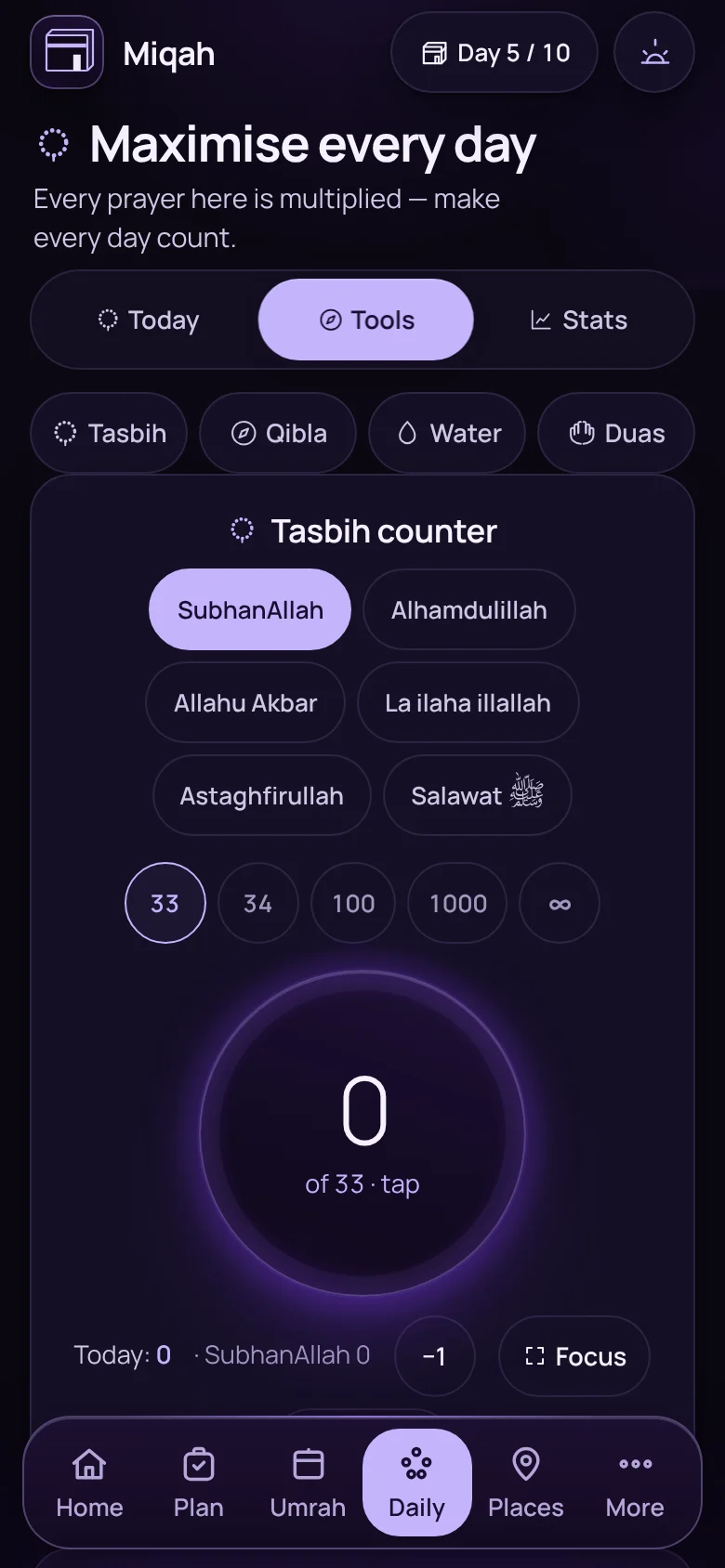
The tasbih counterThe tasbih counter

Daily › Tools

A tasbih in your pocket

A dhikr counter with the common phrases and targets of 33, 34, 100 and 1000. On Hajj it adds the Talbiyah, the dua of Arafah and the takbir.

And 5 more in duas and dhikr

  • Duas that follow the dayOn Hajj, the dua of Arafah comes first on the 9th, and the takbir after it.
  • A counter for the dua of ArafahTap as you repeat it on the day.
  • Full-screen dhikrThe tasbih has a focus mode too.
  • Starters for your listBegin with the people who asked you to pray for them.
  • A new roundAsked them all? Start the list again.

Tracking · 13 features

Make every day there count.

The days between the rites are the ones that slip away. Miqah gives each of them a shape.
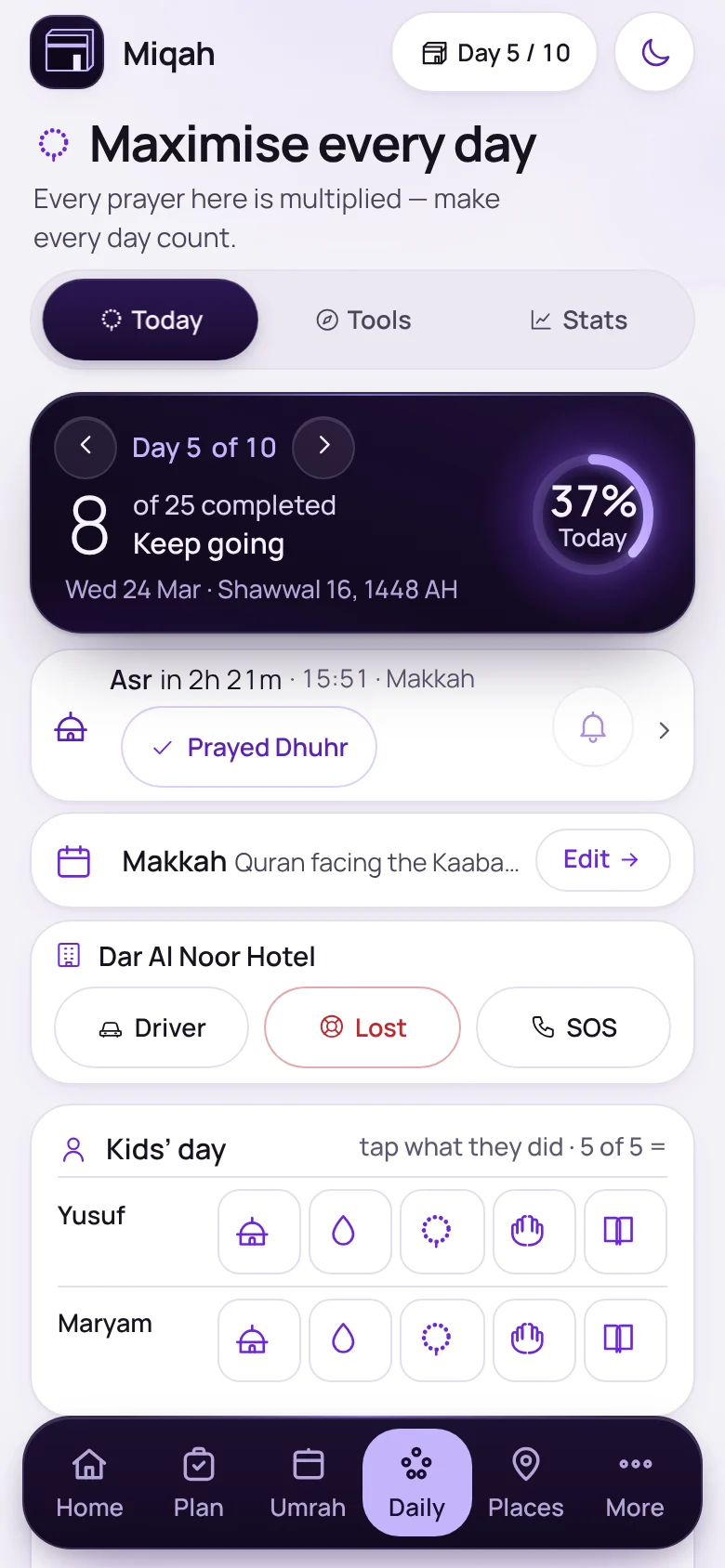
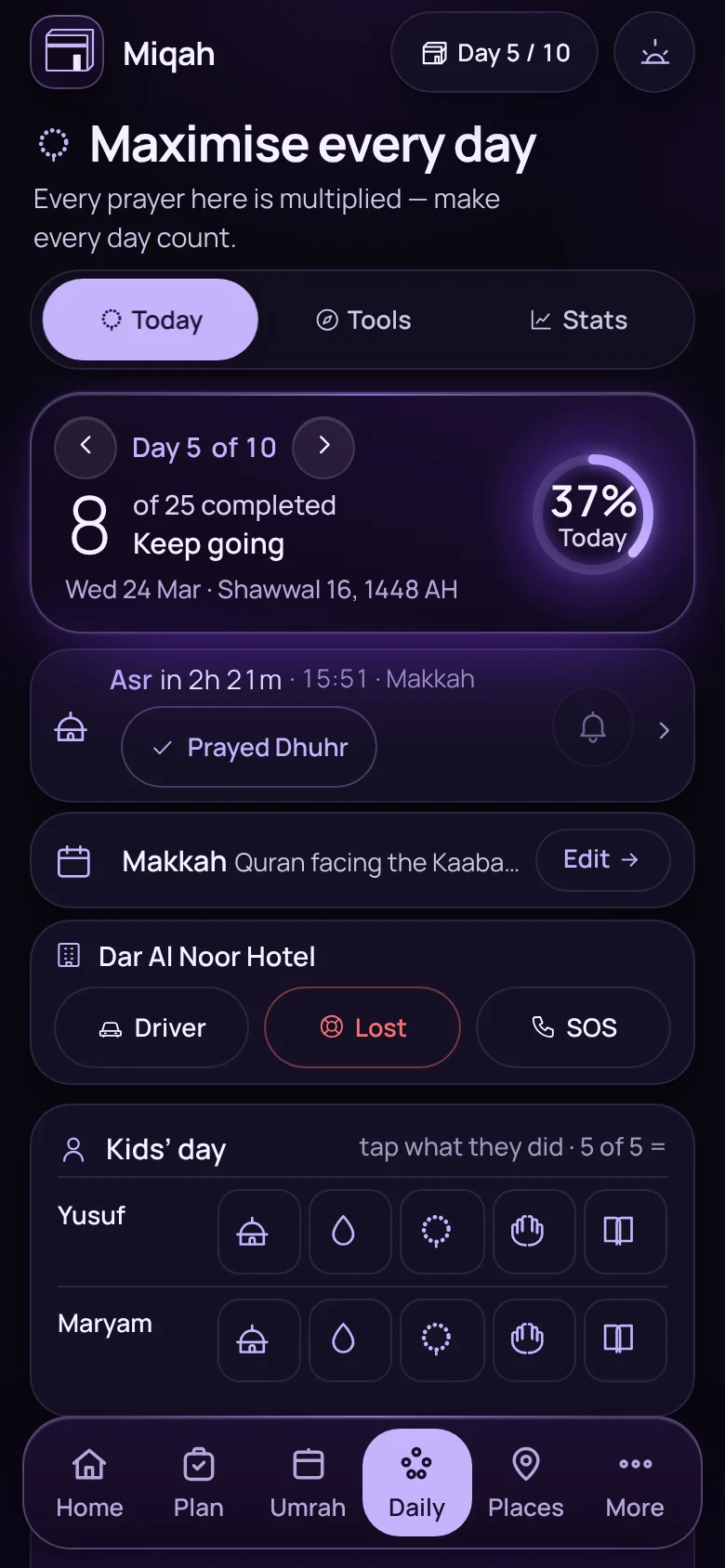
The Daily screen on day 5 of 10 with prayer times and the day’s checklistThe Daily screen on day 5 of 10 with prayer times and the day’s checklist

Daily › Today

The day at a glance

Prayer times for Makkah and Madinah, the day’s worship checklist, your hotel and meeting point, and a row for each child’s day.
  • Times worked out on the phone when offline
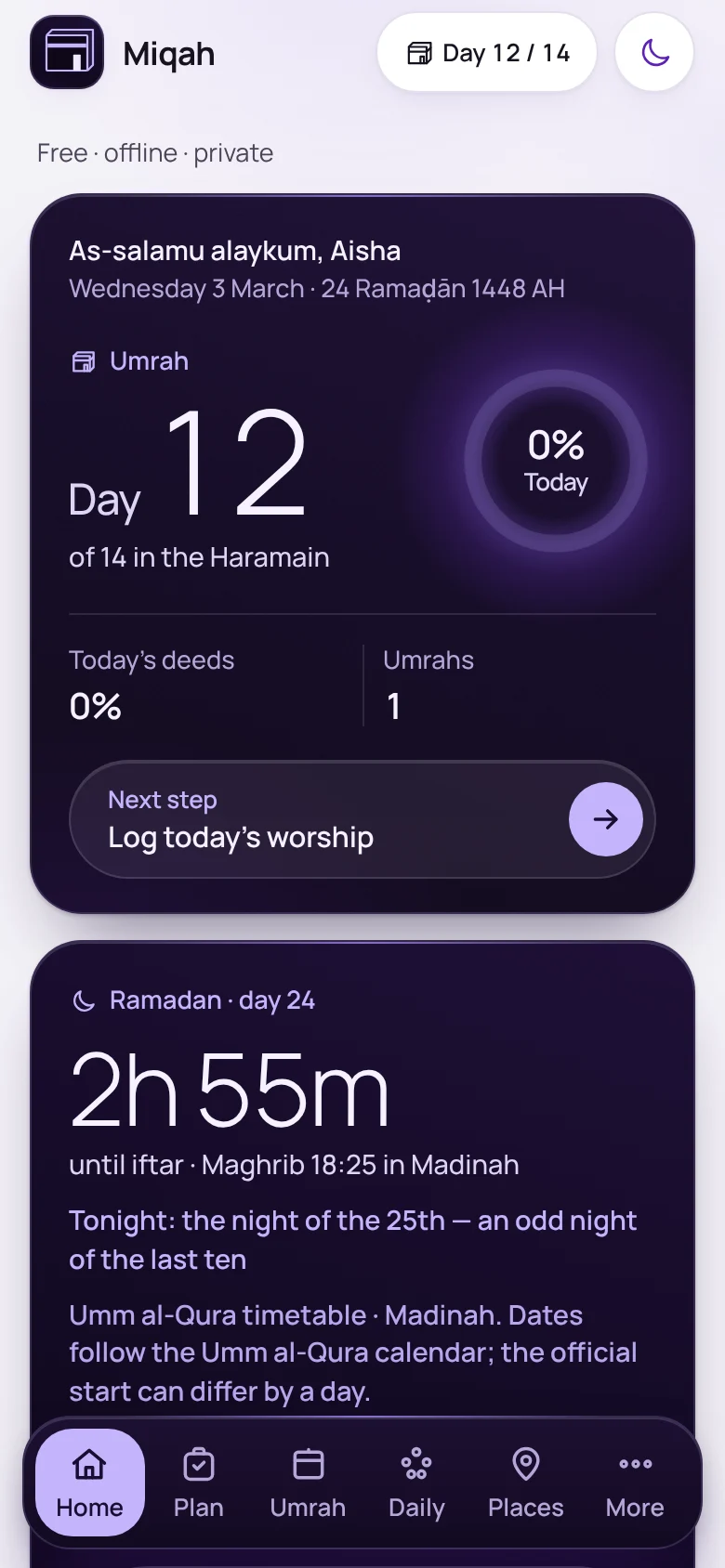
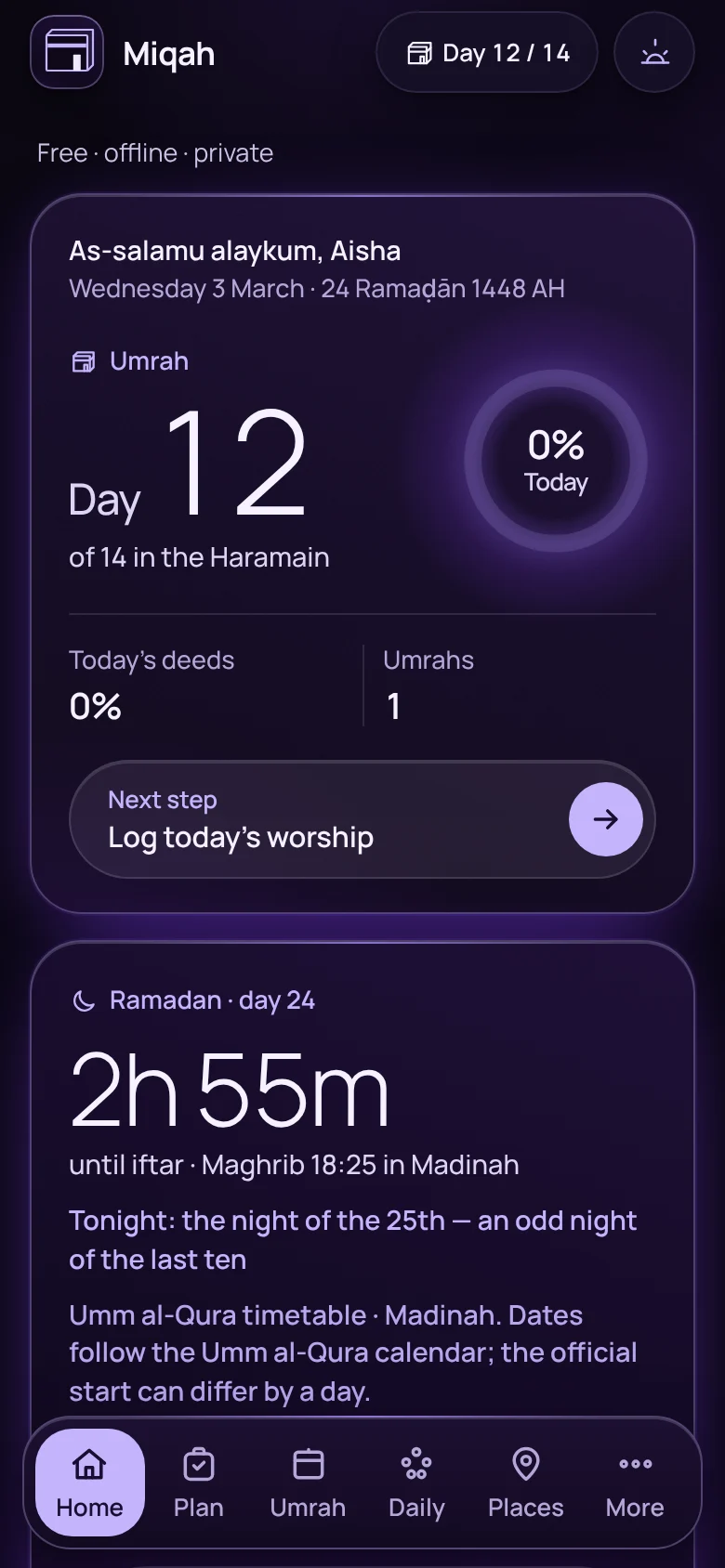
Home screen in Ramadan, counting down to iftarHome screen in Ramadan, counting down to iftar

Home, in Ramadan

Ramadan mode

Travelling in Ramadan? Home counts down to iftar and suhoor, and marks the odd nights of the last ten.
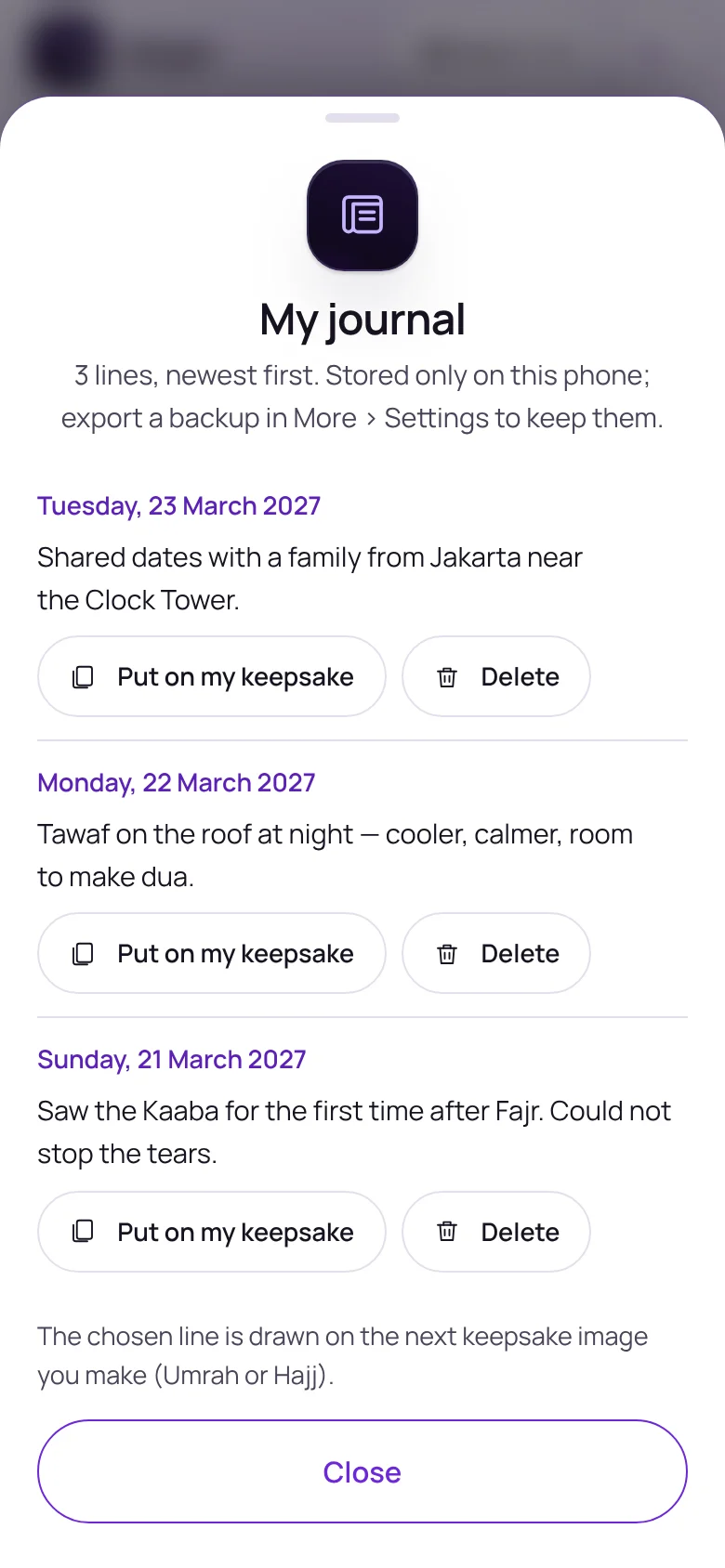
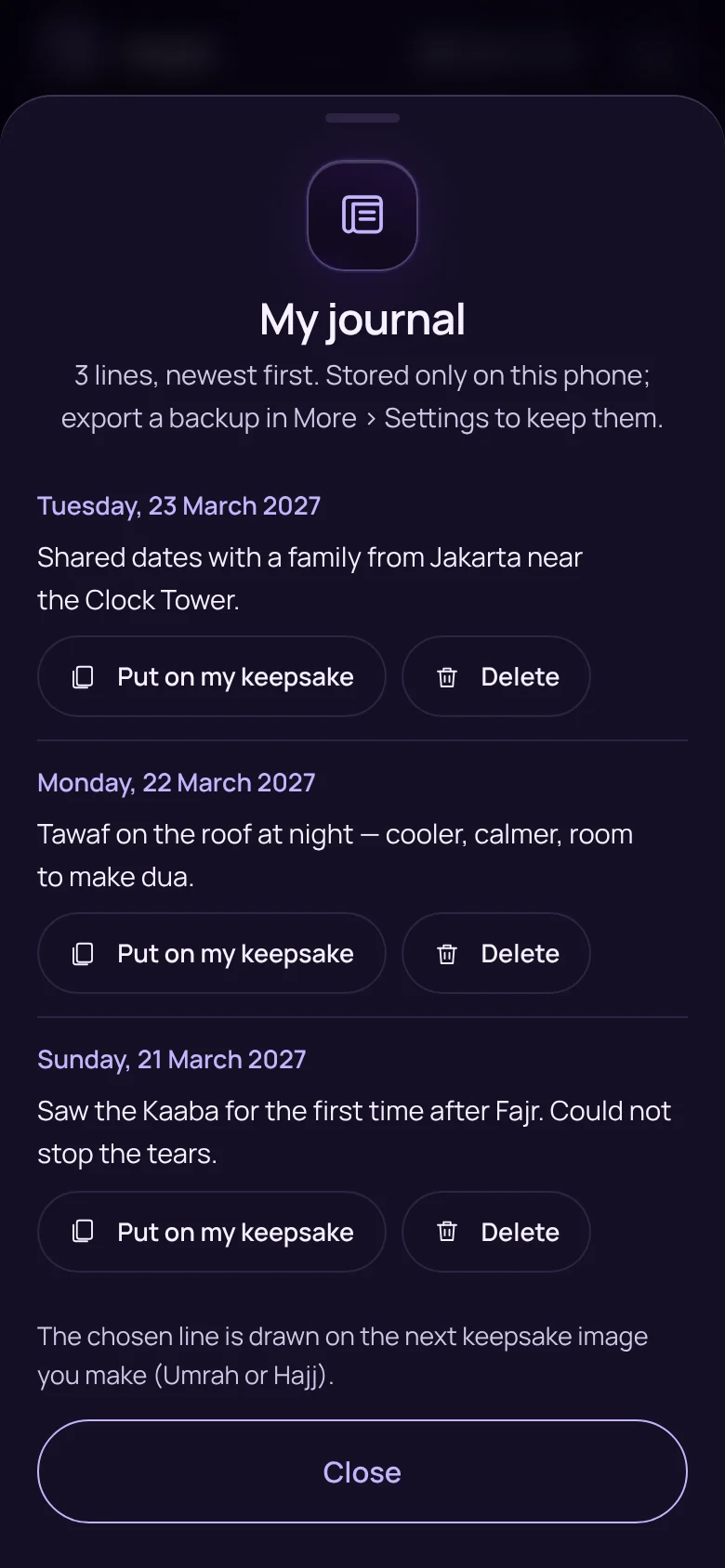
The journal with three one-line entriesThe journal with three one-line entries

Daily › TodayNew

One line a day

A private journal with one line for each day. It stays on your phone and in your backup.
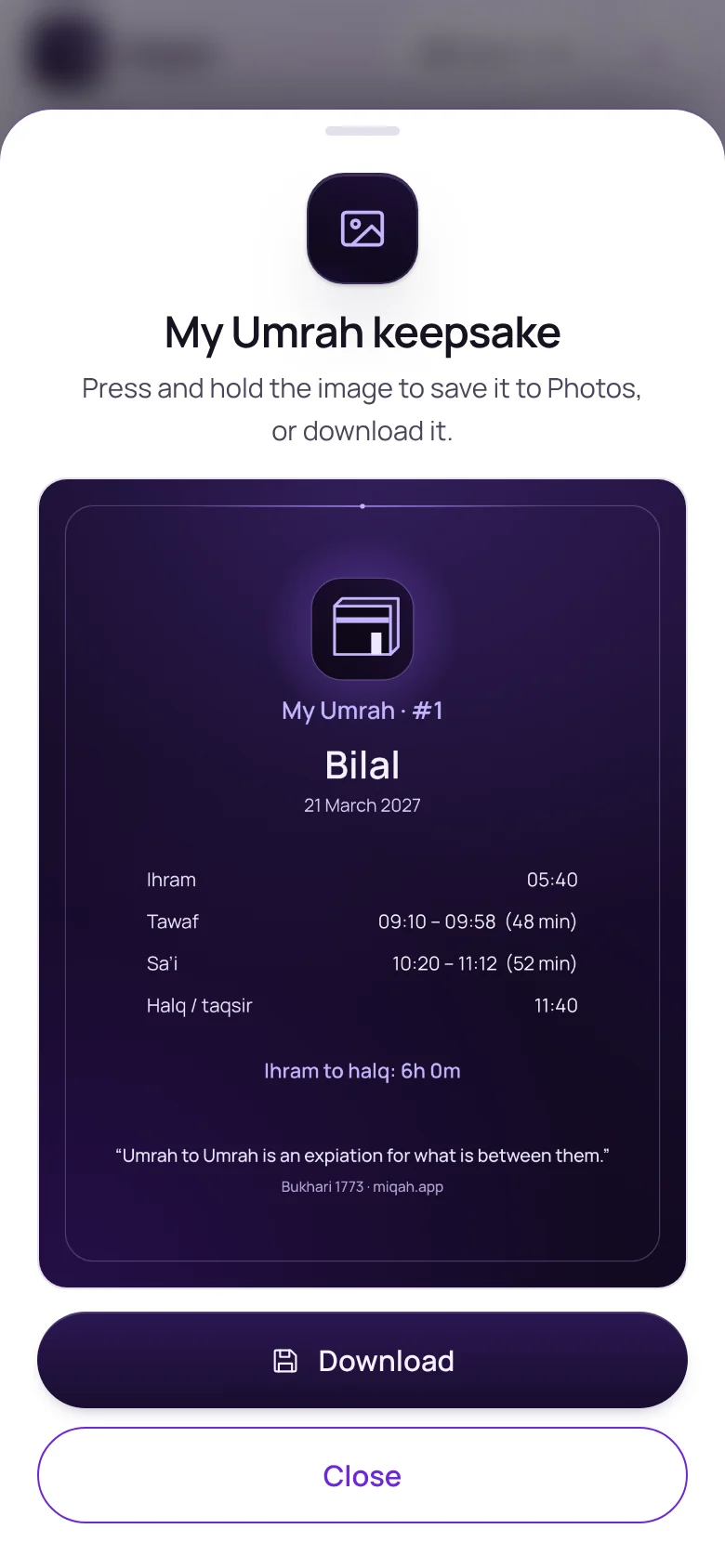
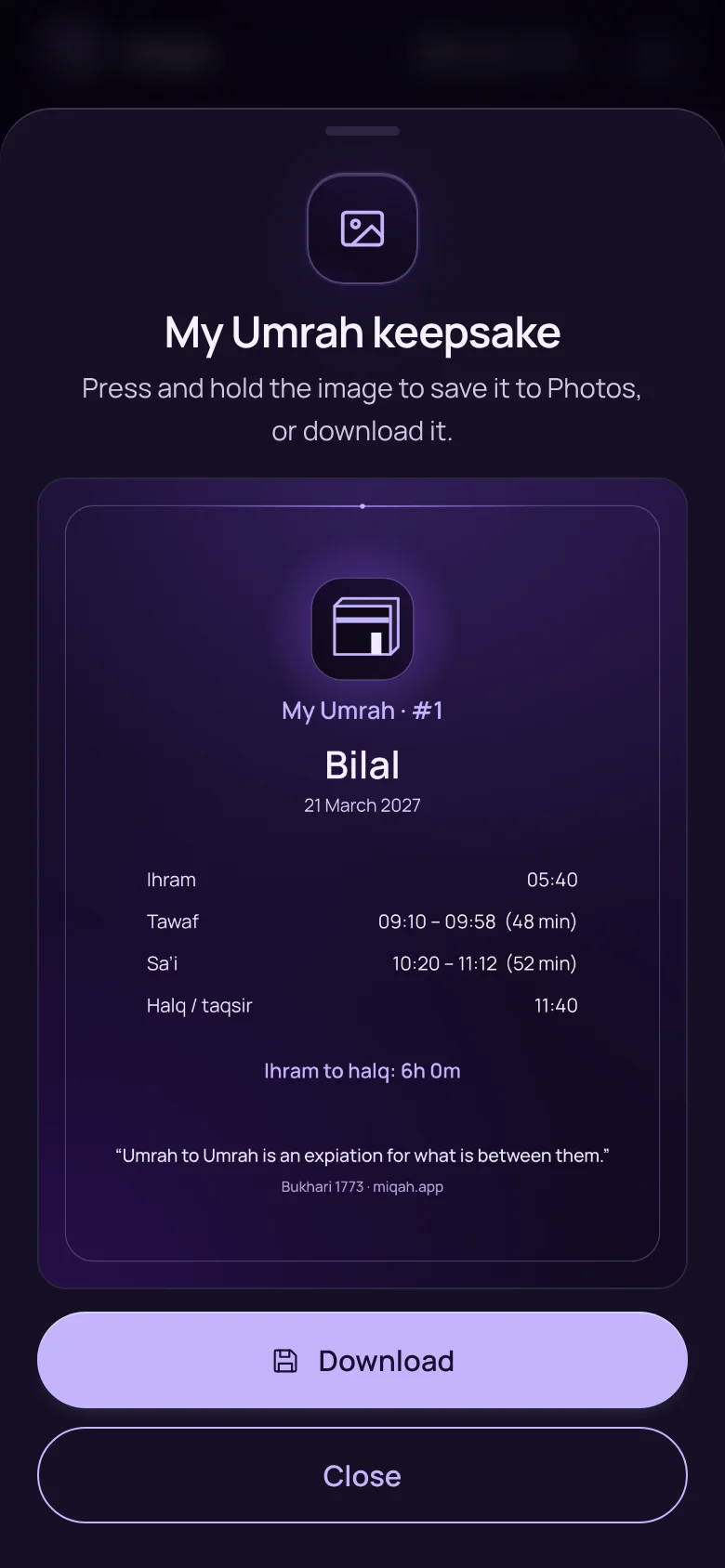
An Umrah keepsake image listing the time of each riteAn Umrah keepsake image listing the time of each rite

After each Umrah or Hajj

A keepsake of the day you did it

Miqah notes the time of each rite as you tick it. When you finish, it becomes an image to keep, with a line from your journal if you choose.
And 9 more in tracking

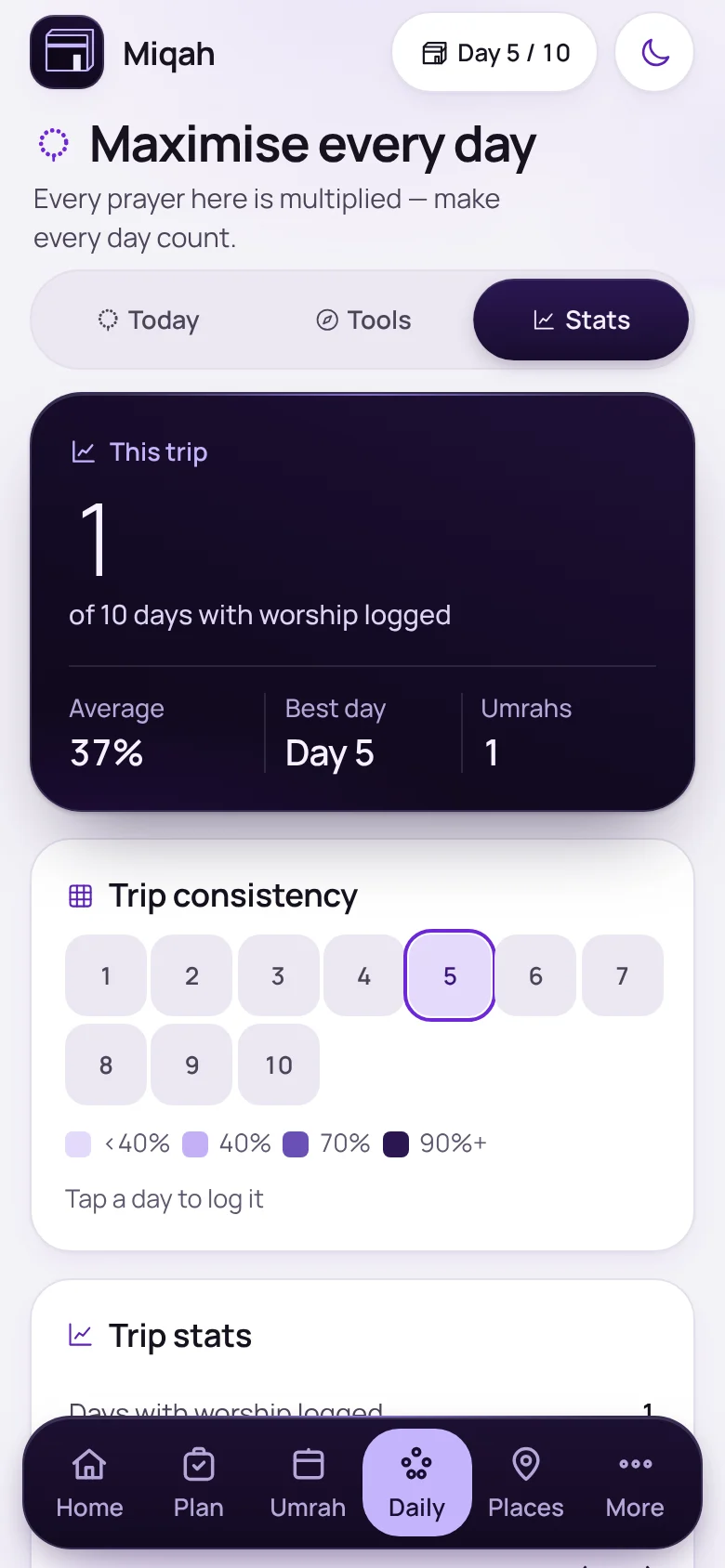
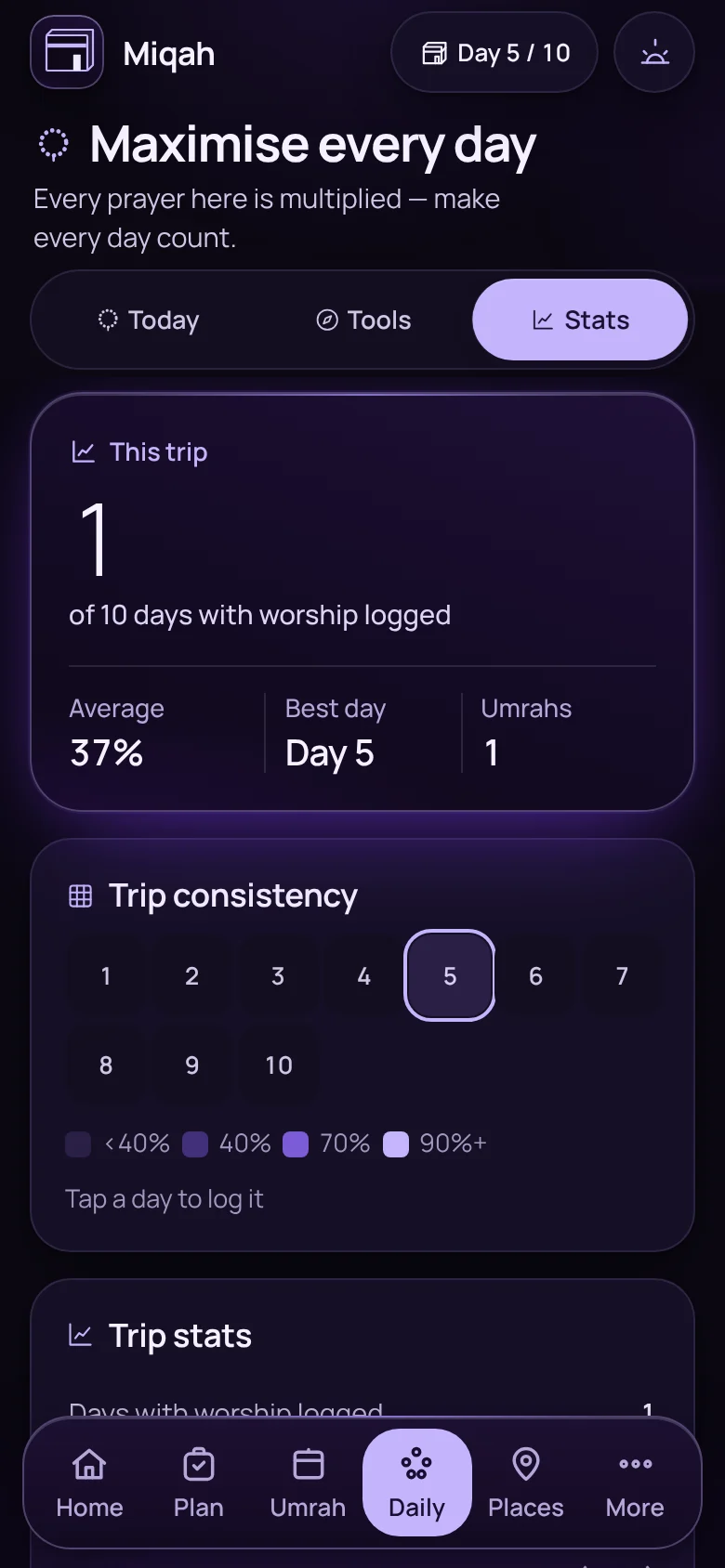
Trip statistics and a consistency gridTrip statistics and a consistency grid
Stats and streaksThe days you logged, and how consistent you were.
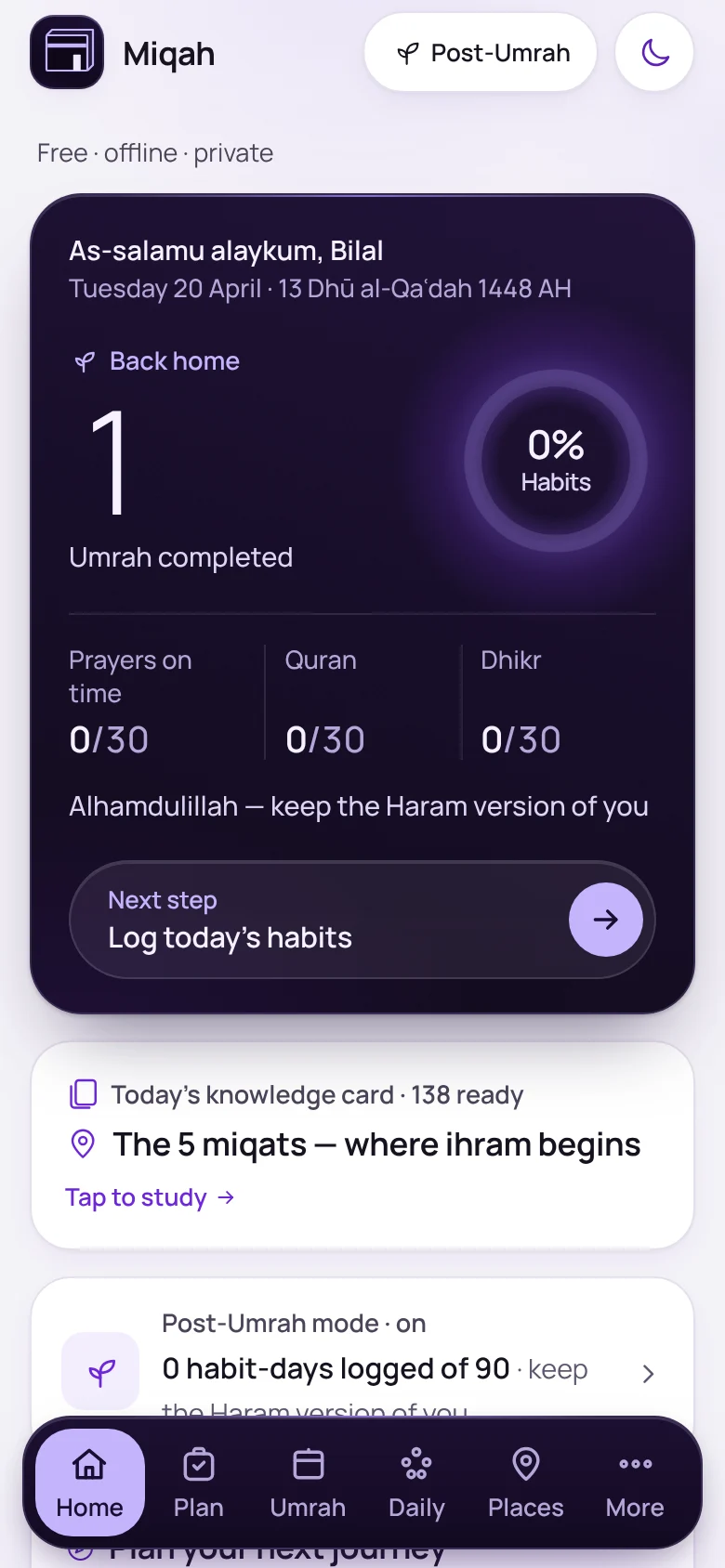
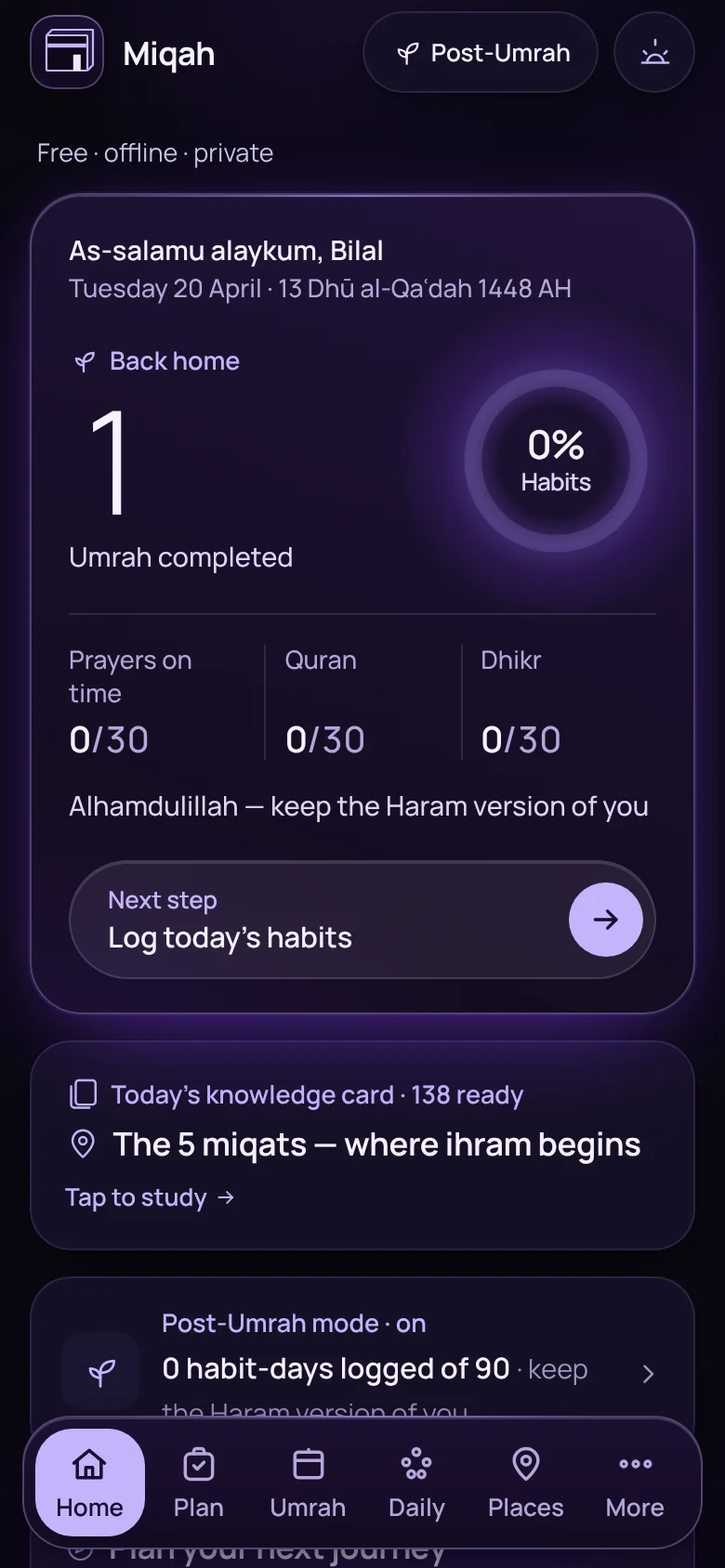
Home screen after the trip, tracking thirty days of habitsHome screen after the trip, tracking thirty days of habits
Home againThirty days of habits to keep: prayers on time, Quran and dhikr.
  • Tick a prayer in one tapStraight from the prayer times row.
  • Prayer remindersA notice before each prayer, made on the phone.
  • Excused daysFor sisters: prayer and tawaf rows pause without breaking a streak.
  • WaterA simple tracker for the hot days.
  • Your Hajj, day by dayA record of each day, with a keepsake at the end.
  • Share my progressAn image of your trip so far.
  • My journeysAn archive of past trips, and a start on the next.

Finding your way · 11 features

Visit with purpose. Find your way back.

The places worth seeing, what they mean, and how to get there and home again.
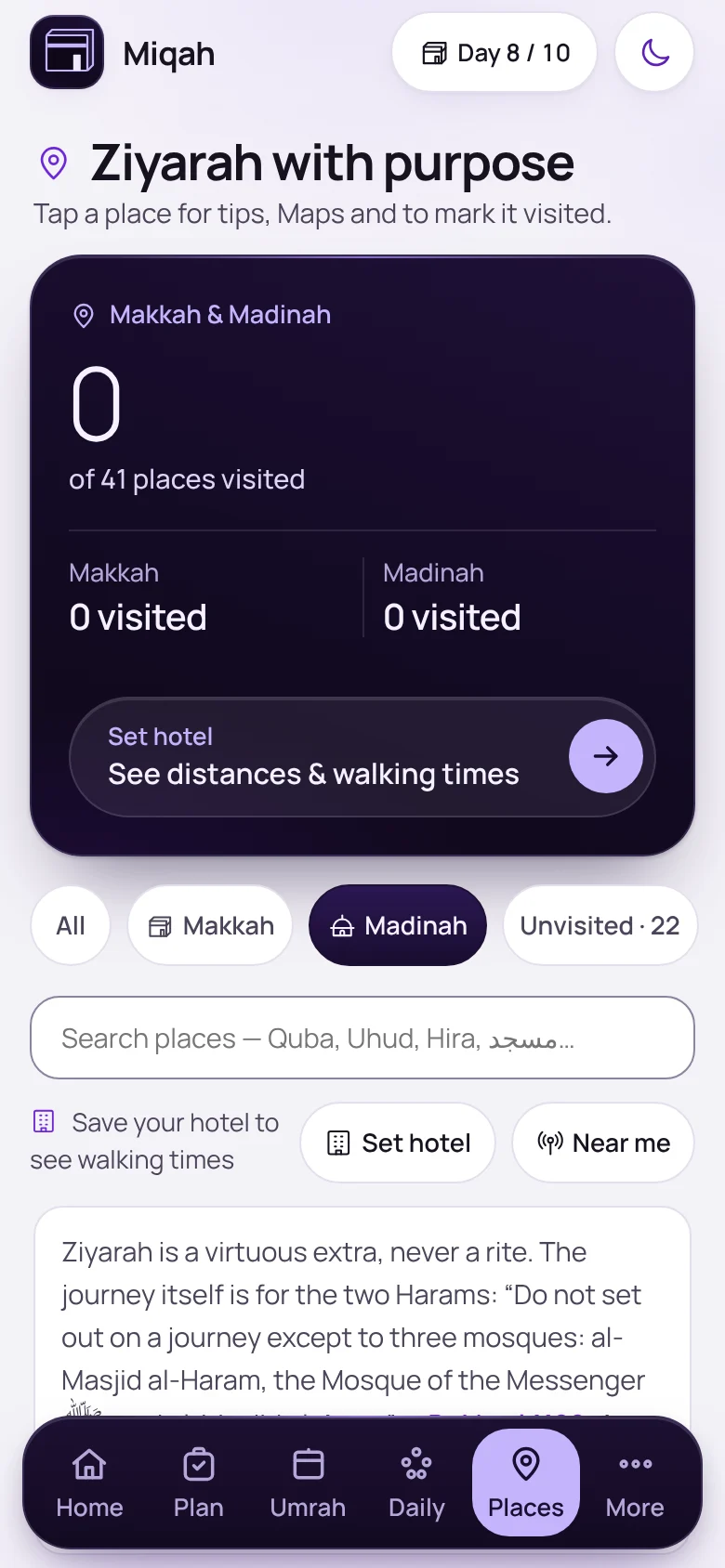
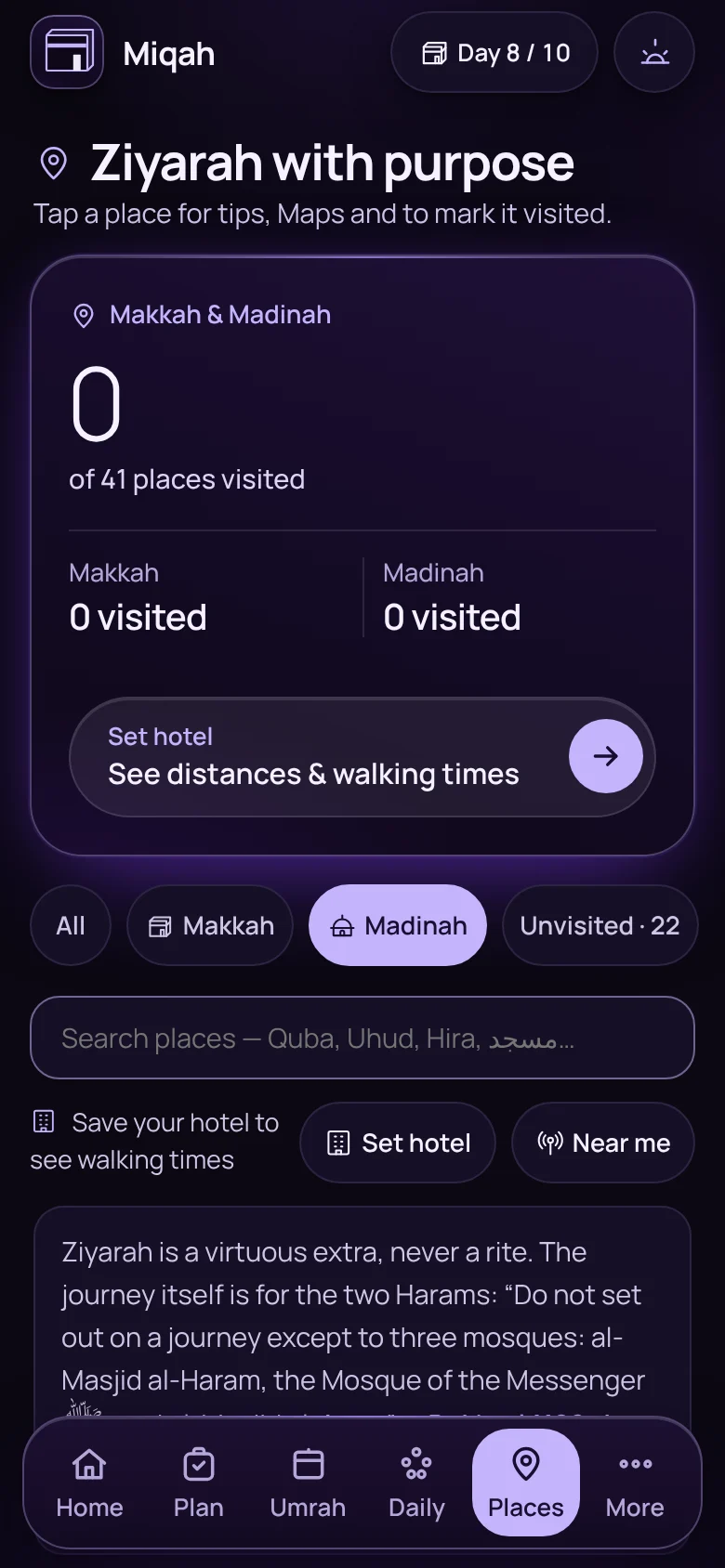
The Places screen listing sites in Makkah and MadinahThe Places screen listing sites in Makkah and Madinah

Places

Ziyarah with purpose

The sites of Makkah and Madinah, each with what happened there, a practical tip, a one-tap map, and a card to show your driver in Arabic.
  • Near me
  • Walking times from your hotel
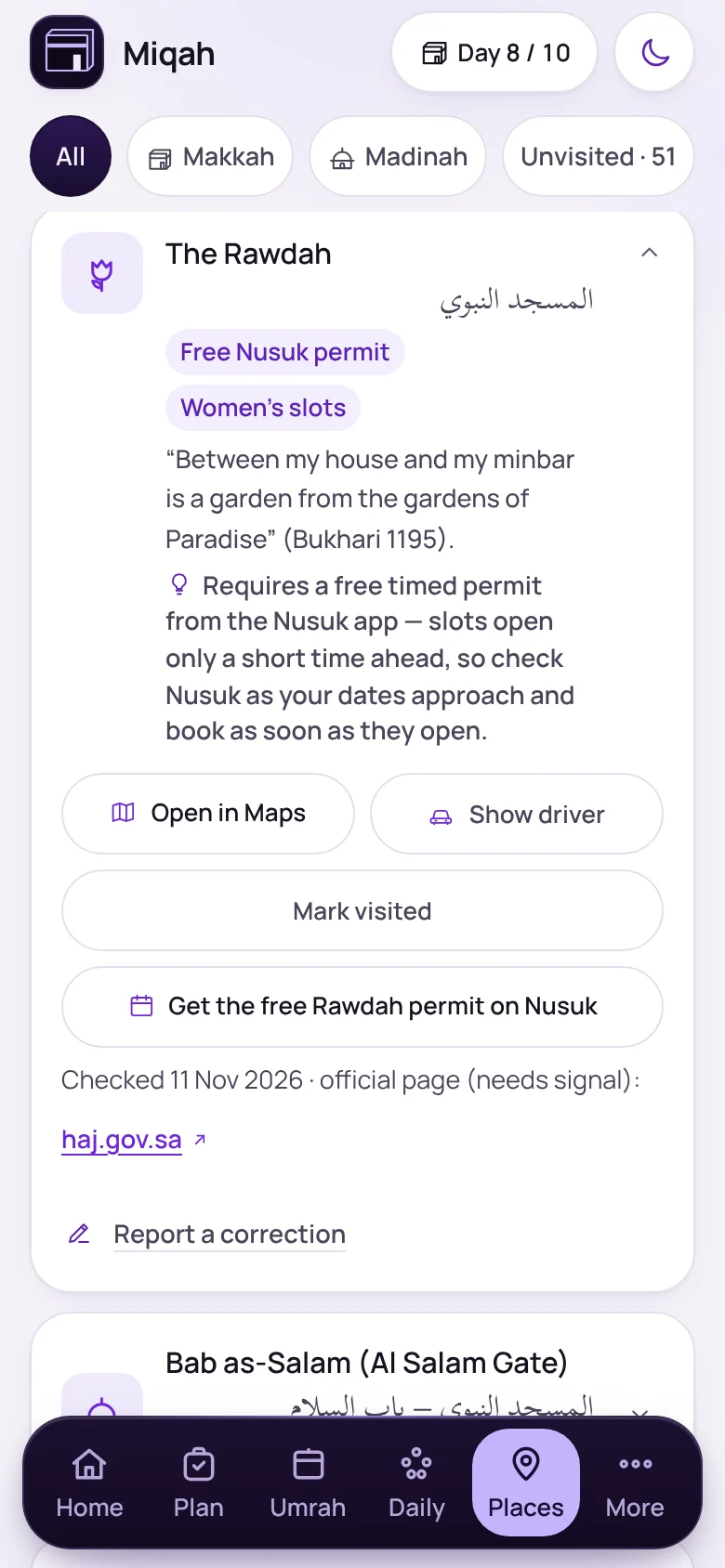
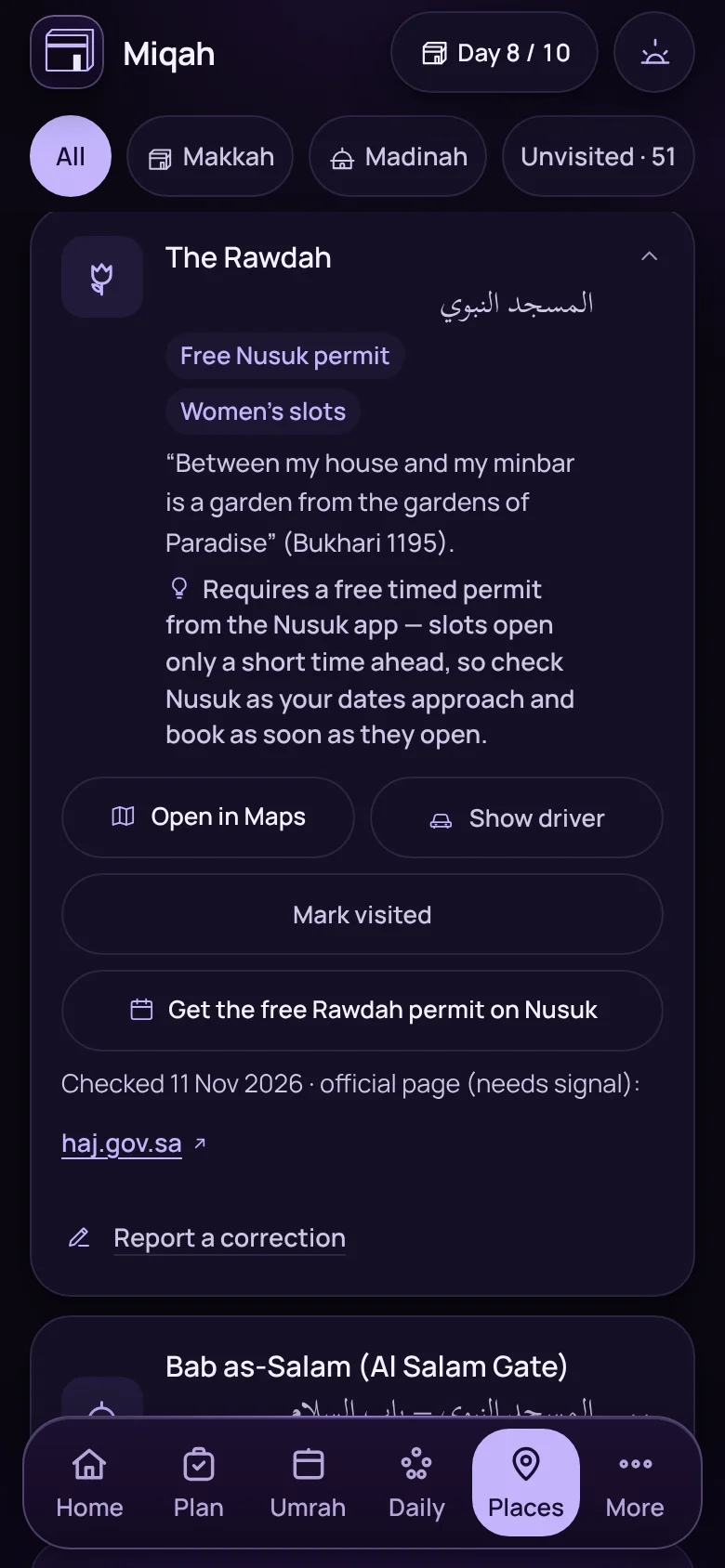
The Rawdah entry, noting that a free Nusuk permit is requiredThe Rawdah entry, noting that a free Nusuk permit is required

Places

What you need before you go

Where a visit needs a permit, like the Rawdah, Miqah says so, links the official page, and shows the date it last checked.
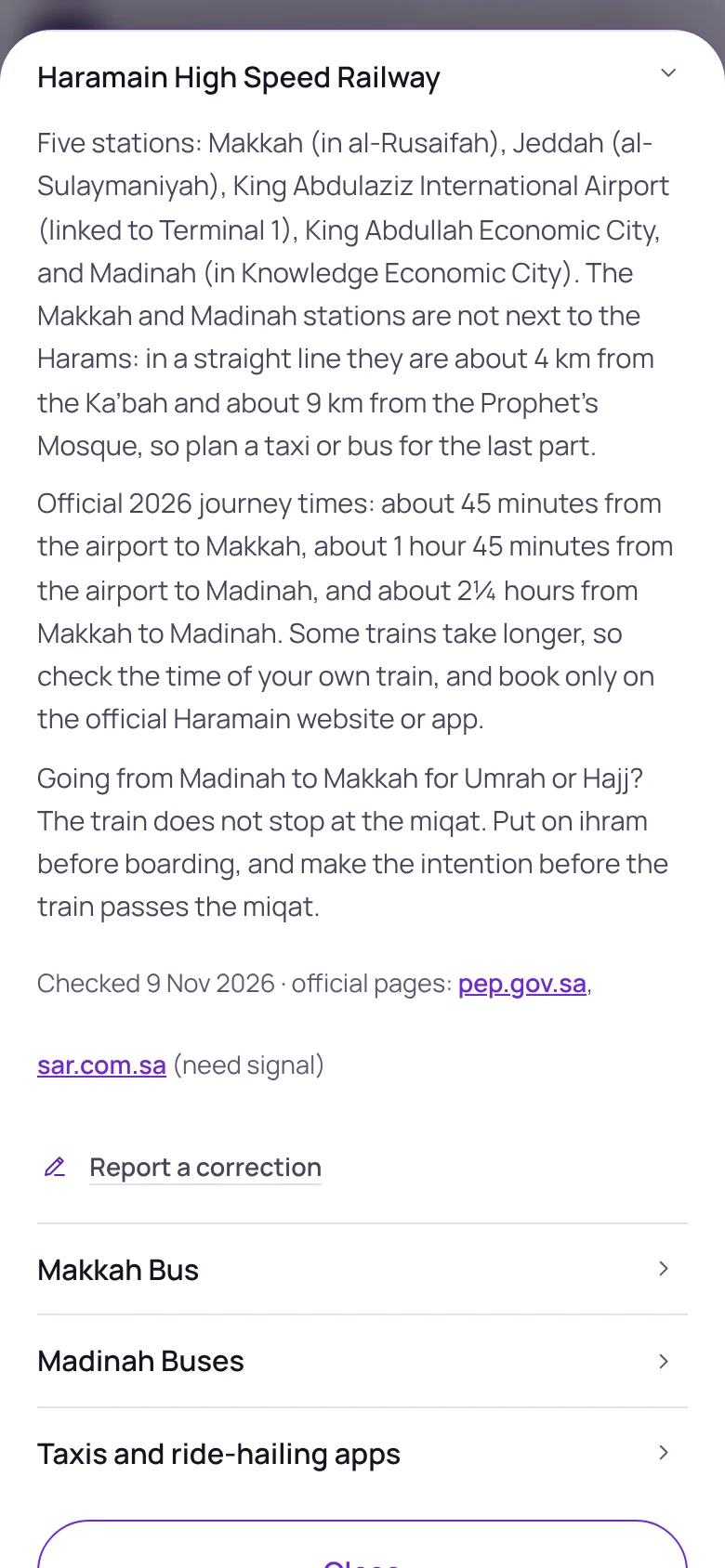
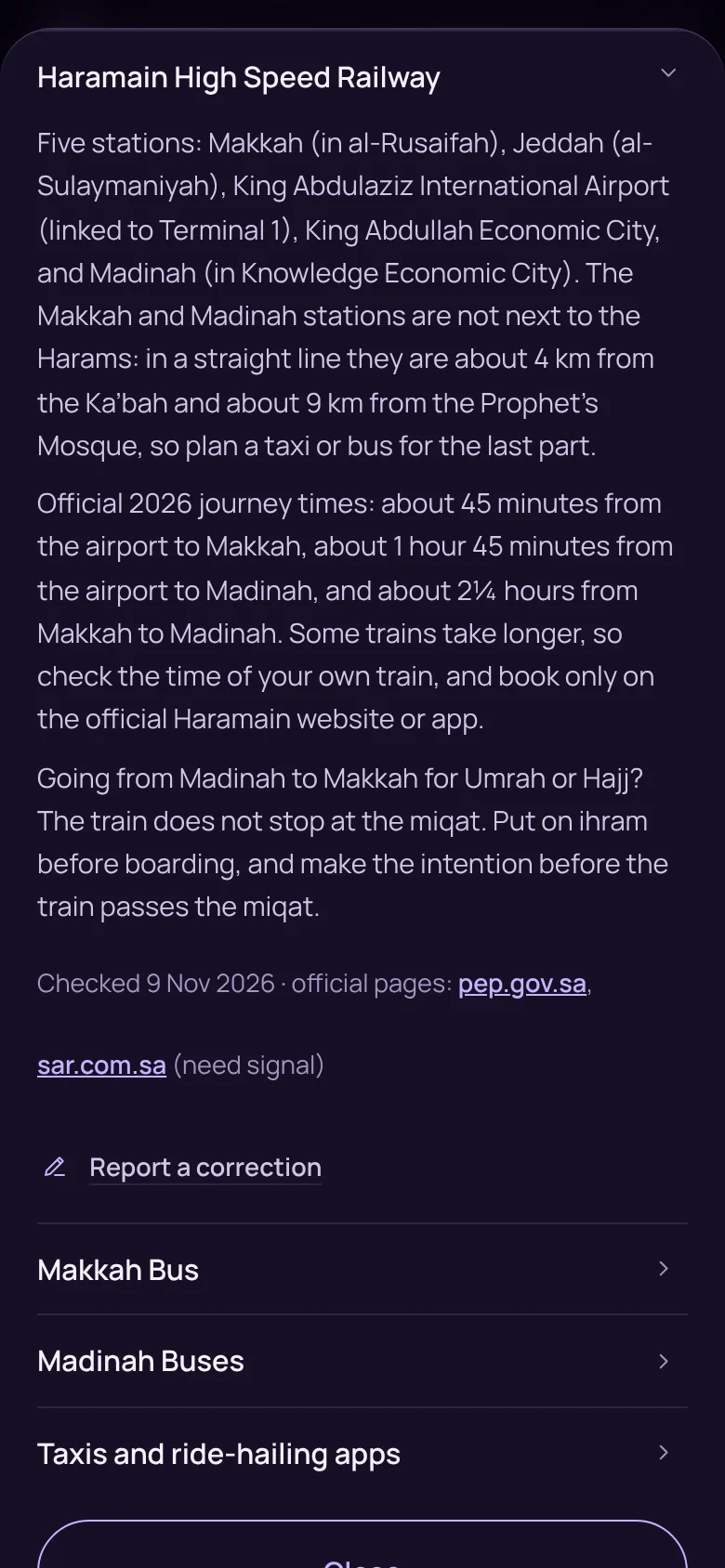
The Getting around sheet, open on the Haramain High Speed RailwayThe Getting around sheet, open on the Haramain High Speed Railway

Places

Getting around

The Haramain train, the Makkah and Madinah buses and taxis, and on Hajj the Mashaer metro and the walking routes. Each fact carries the date it was checked. No fares are given, because they change.
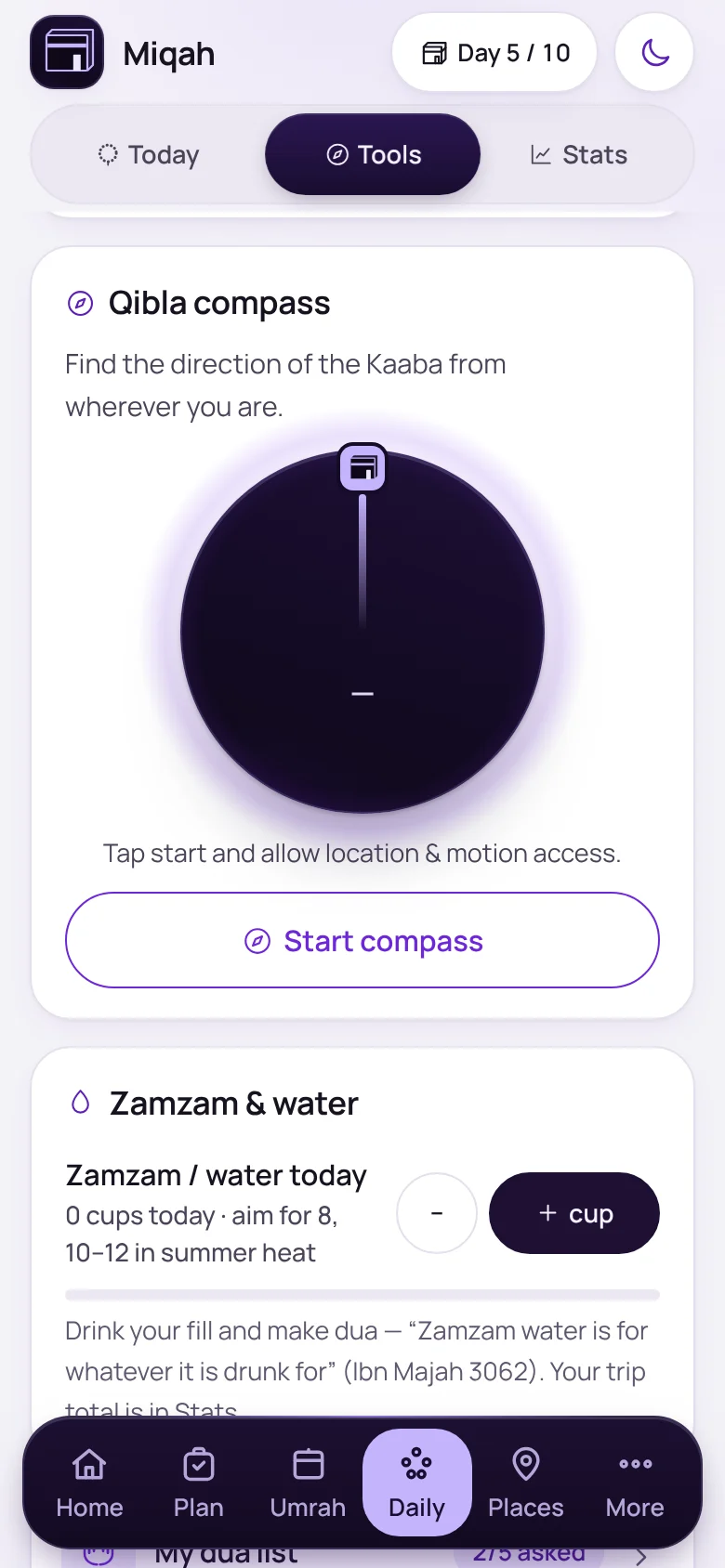
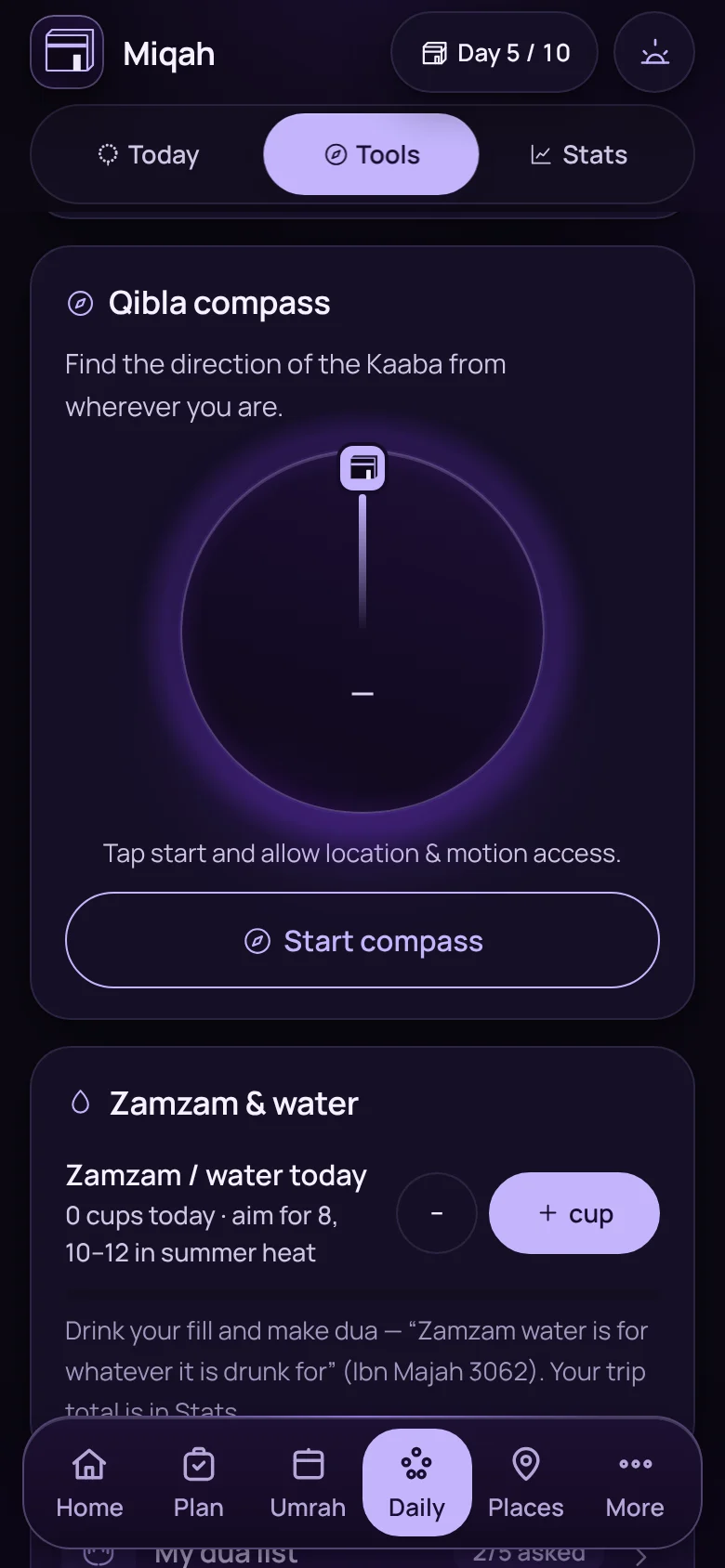
And 8 more in finding your way

The qibla compassThe qibla compass
Qibla compassPoints to the Kaaba using your phone’s sensors.
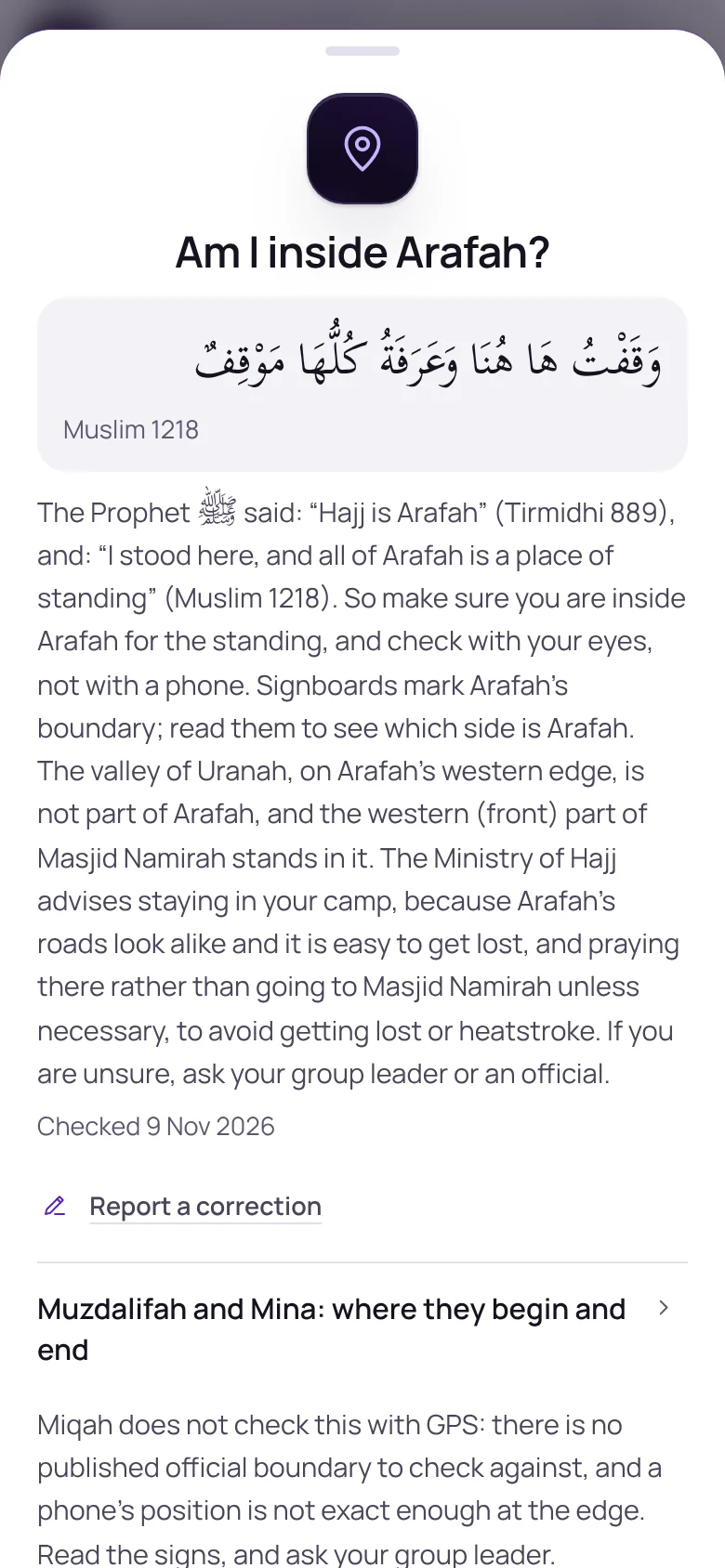
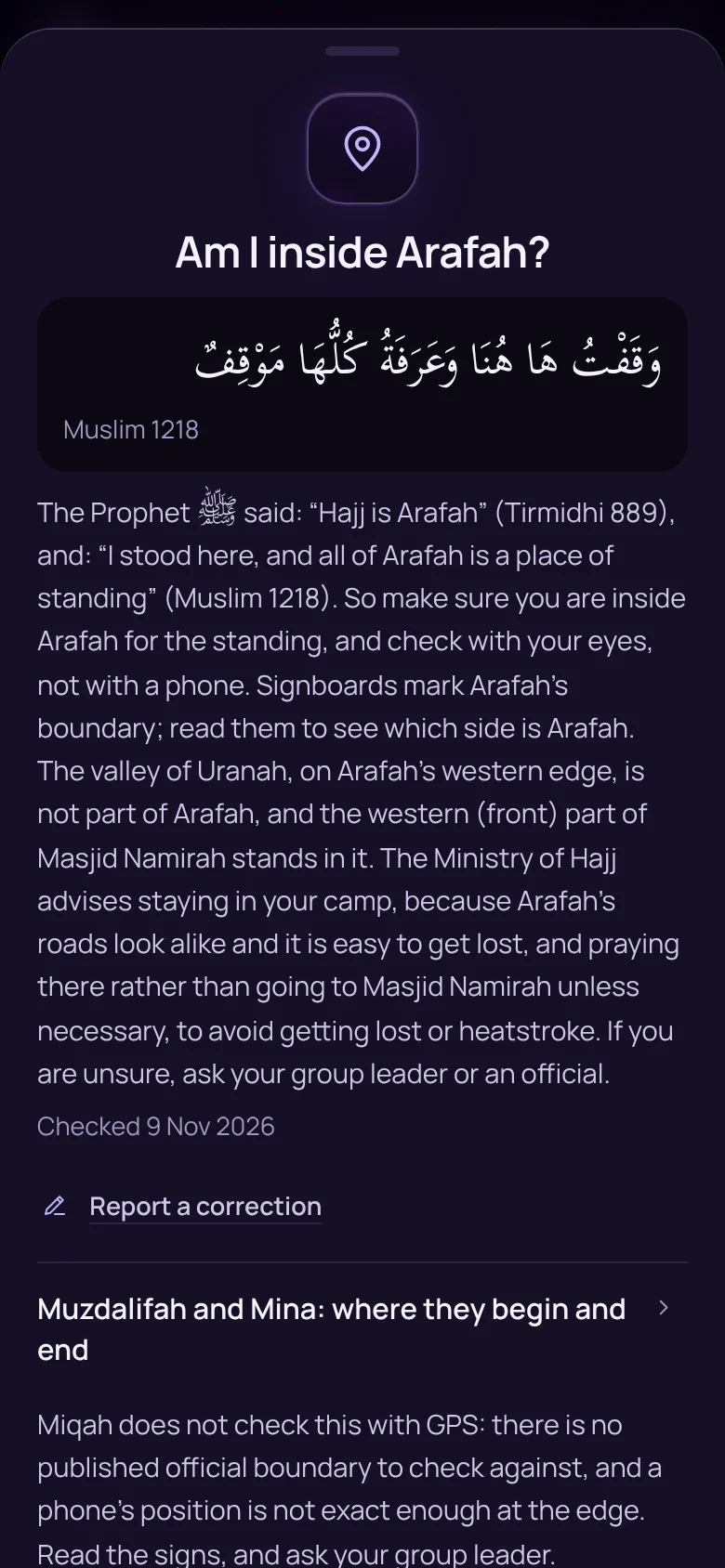
A sheet explaining the boundary signs of ArafahA sheet explaining the boundary signs of Arafah
Am I inside Arafah?How to read the signs that mark Arafah, Muzdalifah and Mina.
  • Show your driverAny place, in Arabic, on a card to hold up.
  • Access notesPermits, opening hours, men-only cemeteries and climbs, before you set off.
  • Route plannerNearest first from your hotel, stop by stop.
  • Madinah sightseeing busThe hop-on hop-off stops and routes on one card.
  • Save my campSave where your camp is in Mina, to find it again.
  • Mark visitedKeep count of where you have been.

Staying safe · 14 features

When words fail, show the screen.

Six cards made to be handed to a stranger. Arabic first, your language underneath, and always white so they can be read in full sun.
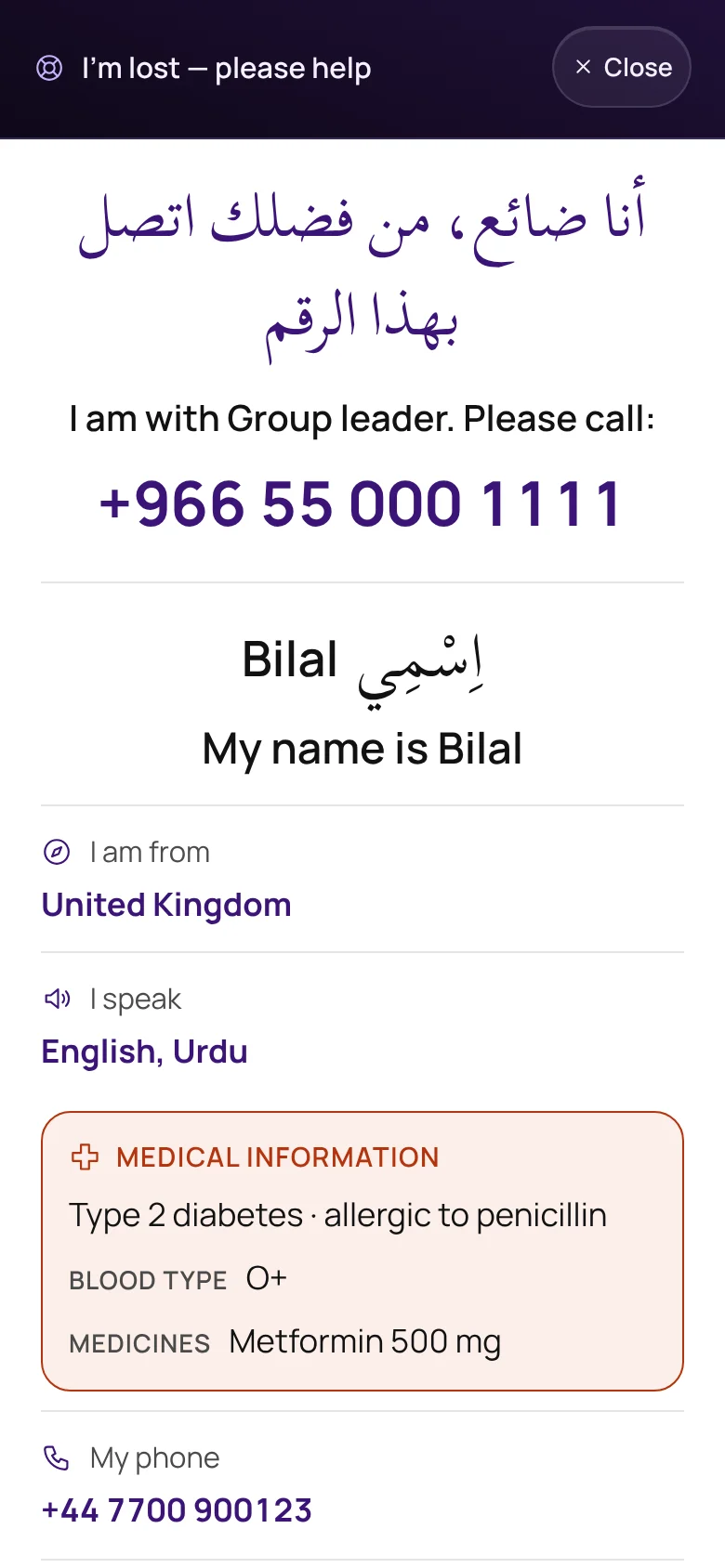
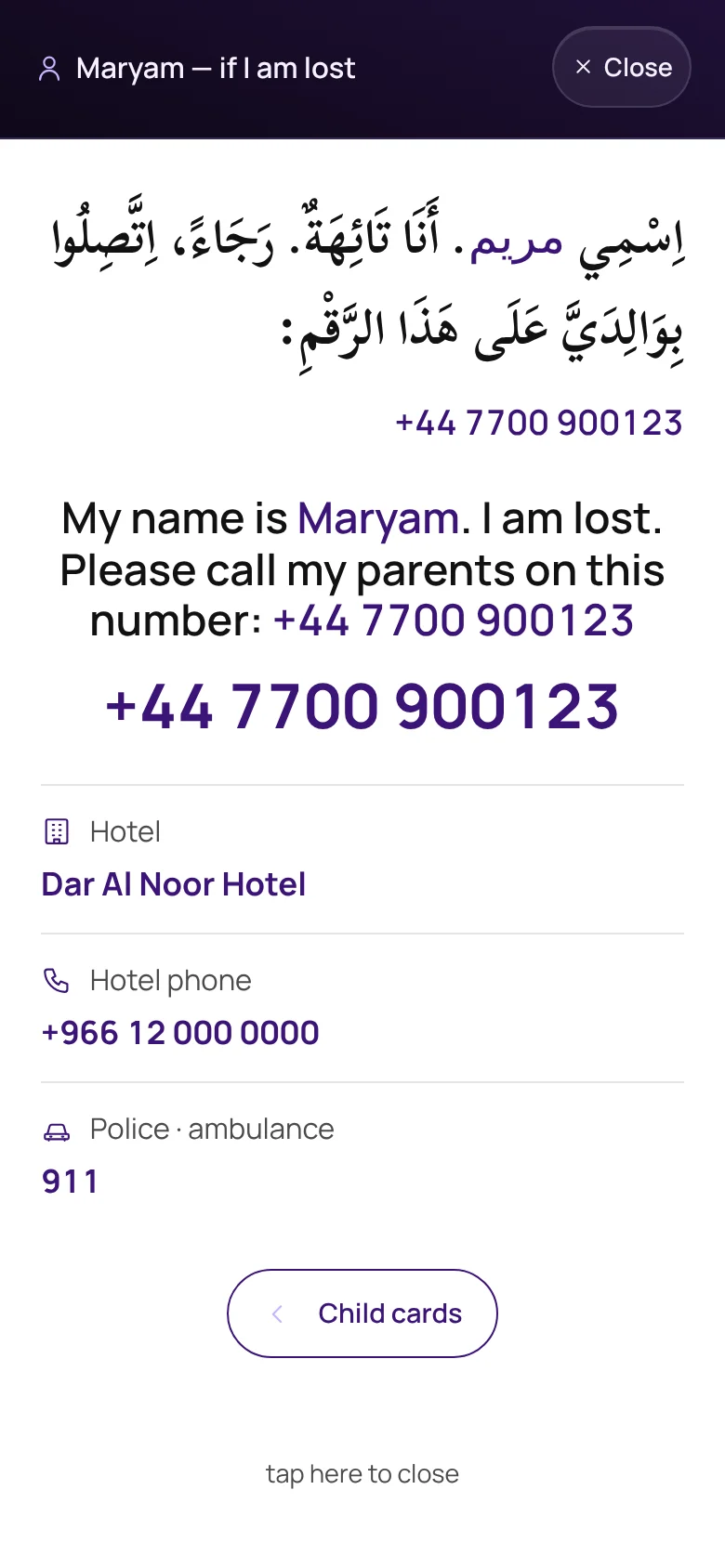
The I’m-lost card with Arabic first and a number to call
I’m lostYour name, who to call and where you are from. Medical notes only if you choose to show them.
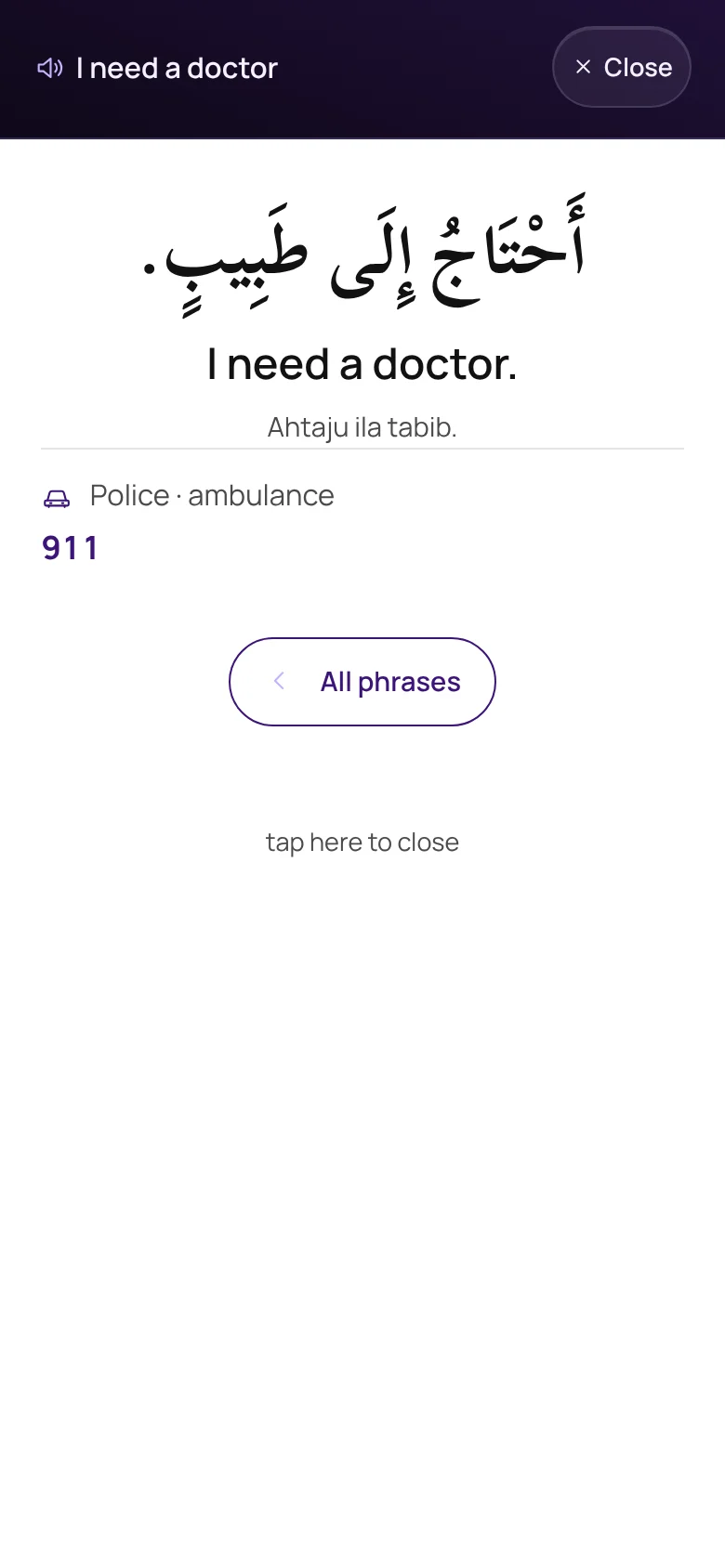
A phrase card reading “I need a doctor” in Arabic and English
Show a phraseMedical and wayfinding phrases, with Listen where your phone has an Arabic voice.
A lost-child card with the parents’ phone number
If a child is lostA card for each child, with your number in large digits.
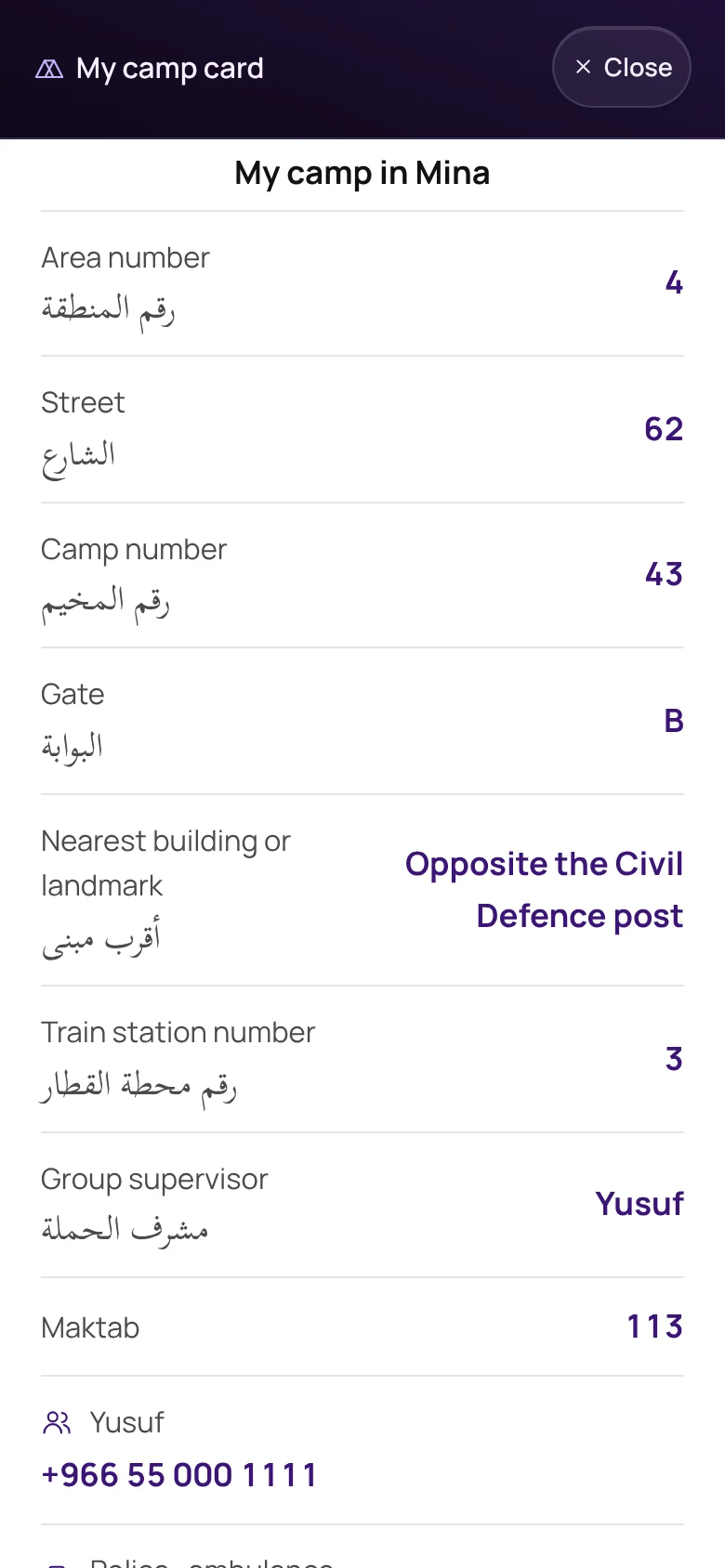
The Mina camp card with area, street, camp and gate
My camp in MinaArea, street, camp and gate numbers in both languages.
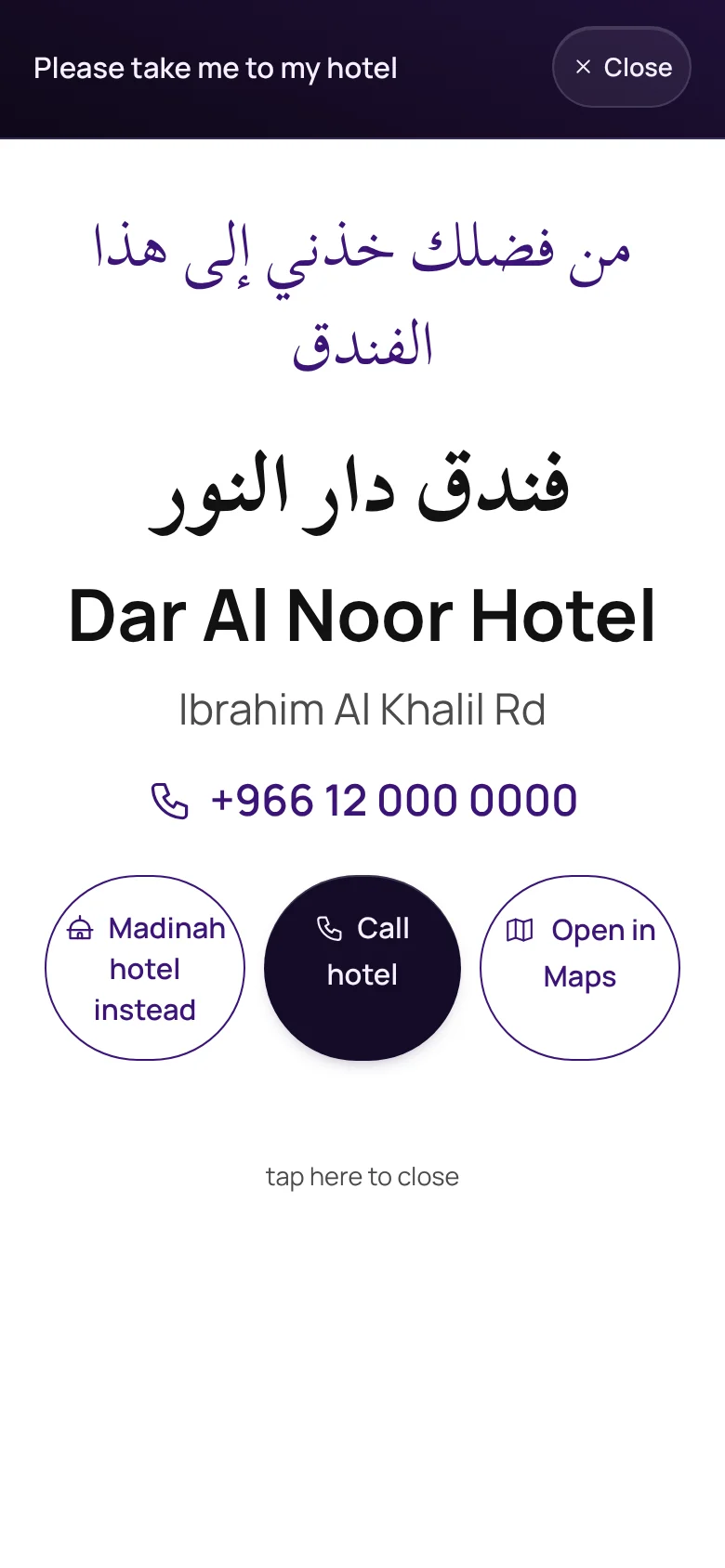
A card asking a driver to go to the hotel, in Arabic
Take me to my hotelThe hotel’s name in Arabic, with call and map buttons.
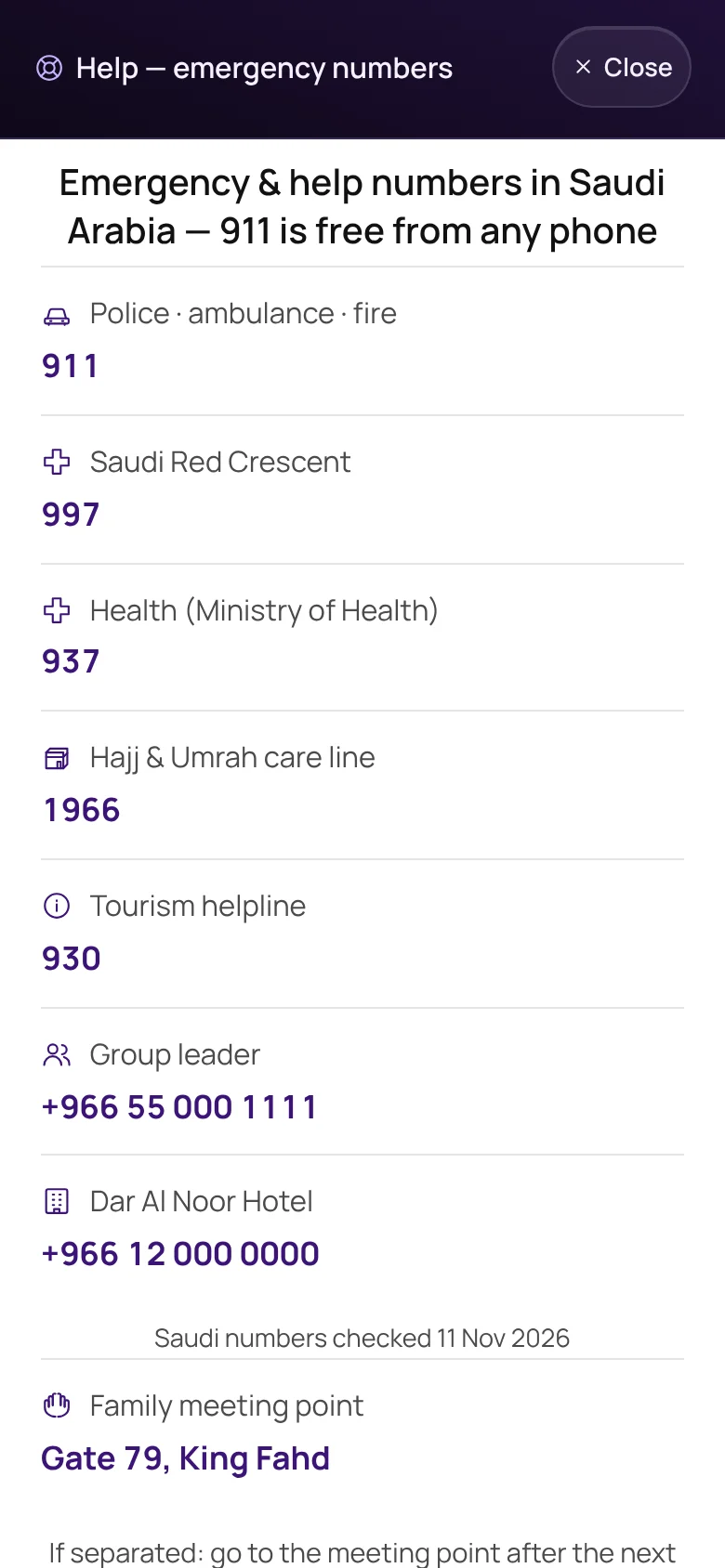
Emergency and help numbers in Saudi Arabia
Emergency numbers911 and the Saudi help lines, with the date they were last checked.

And 8 more in staying safe

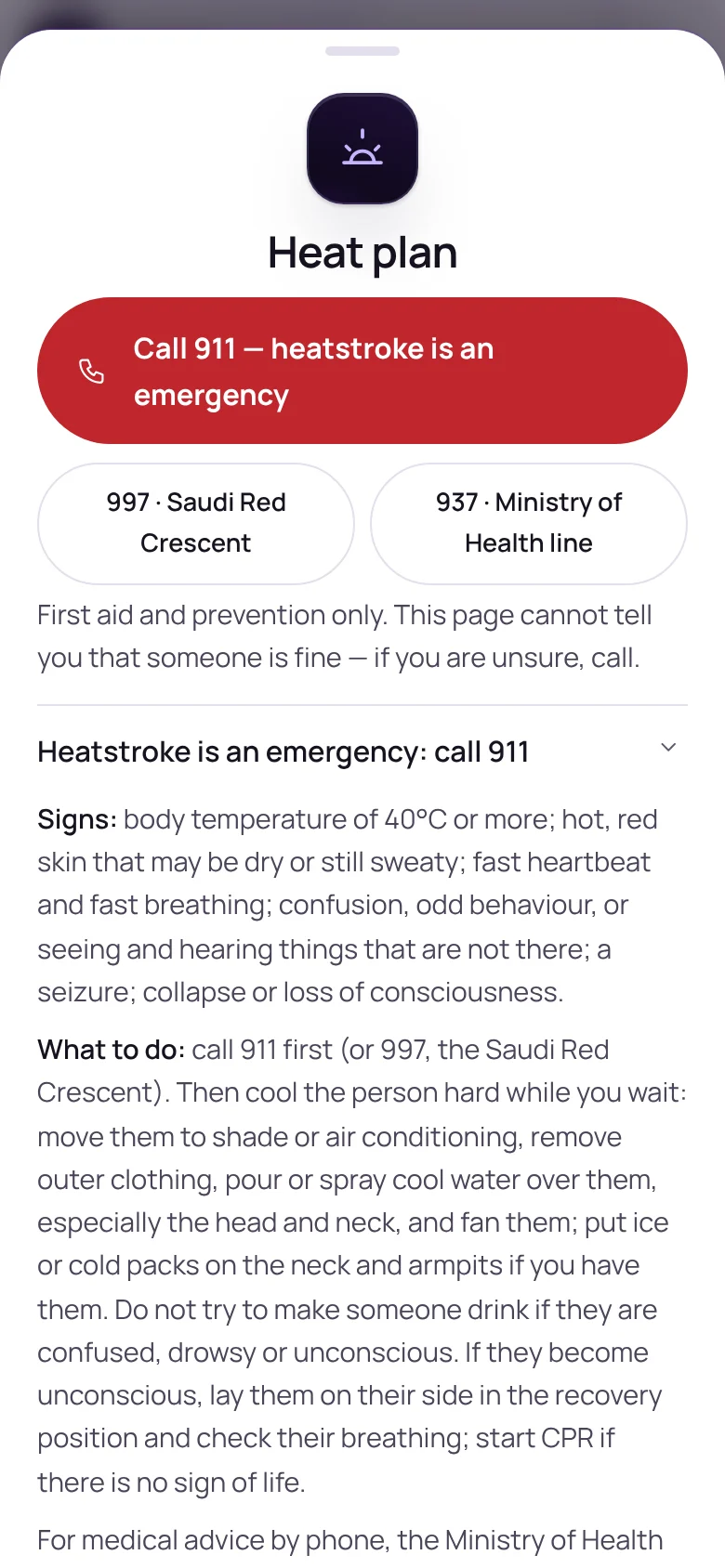
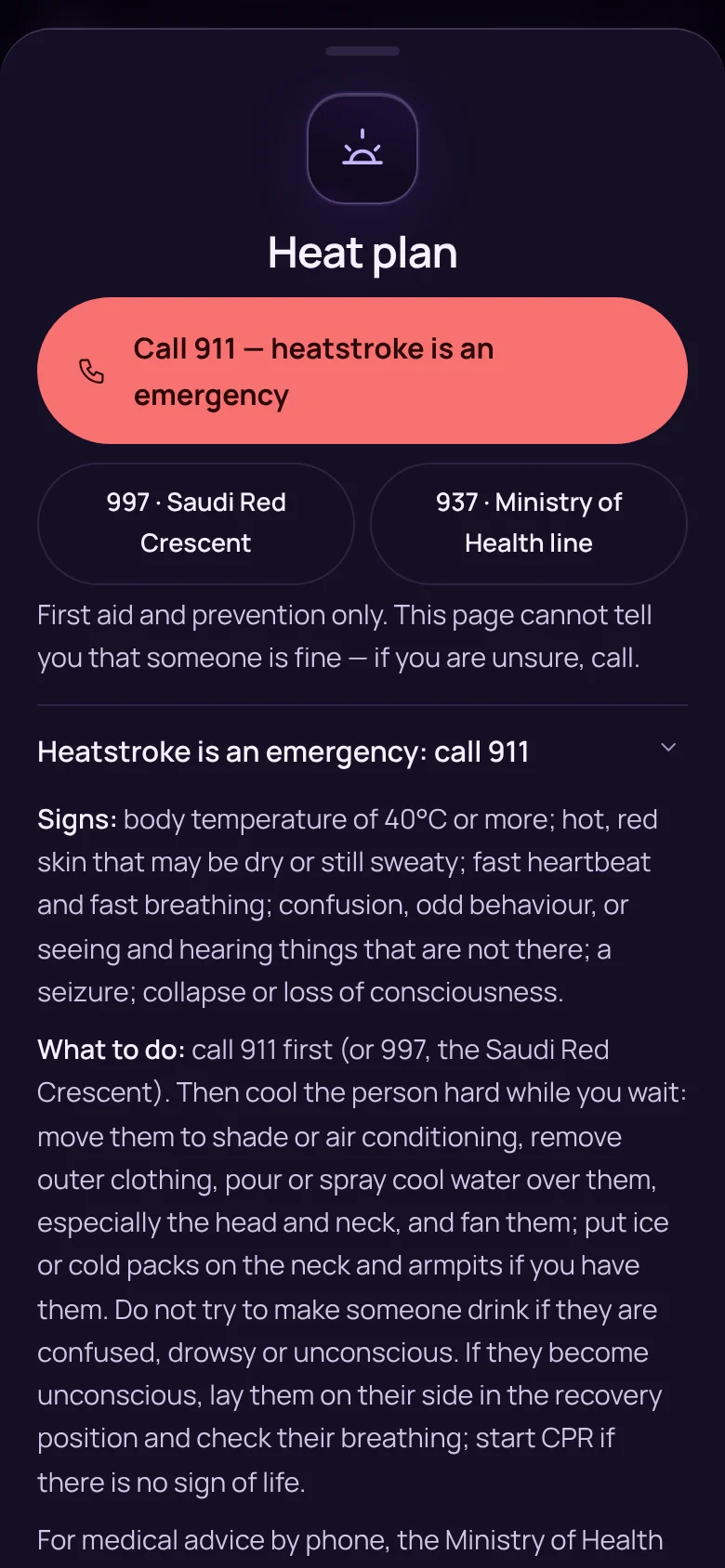
The heat plan, with emergency numbers at the topThe heat plan, with emergency numbers at the top
A plan for the heatThe signs of heatstroke, what to do, and who to call.
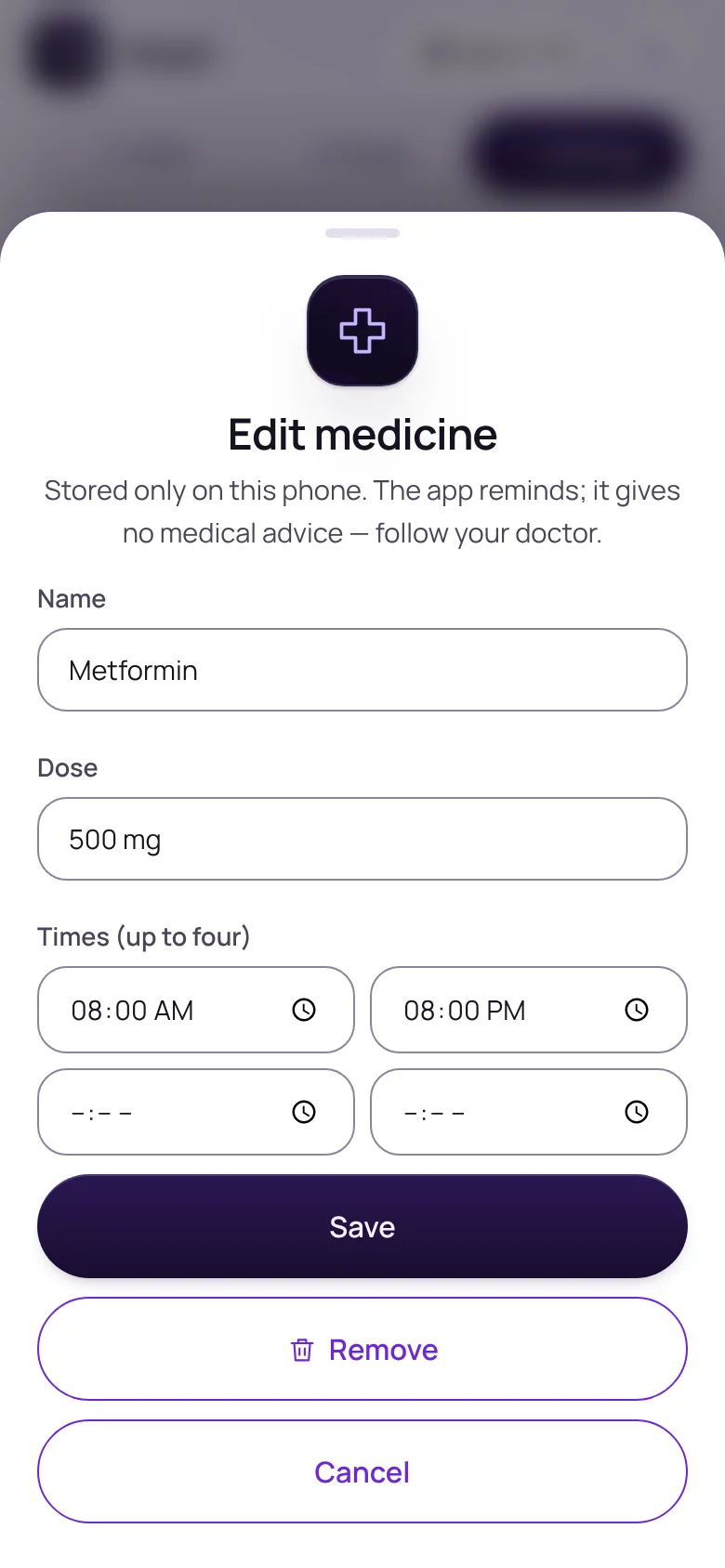
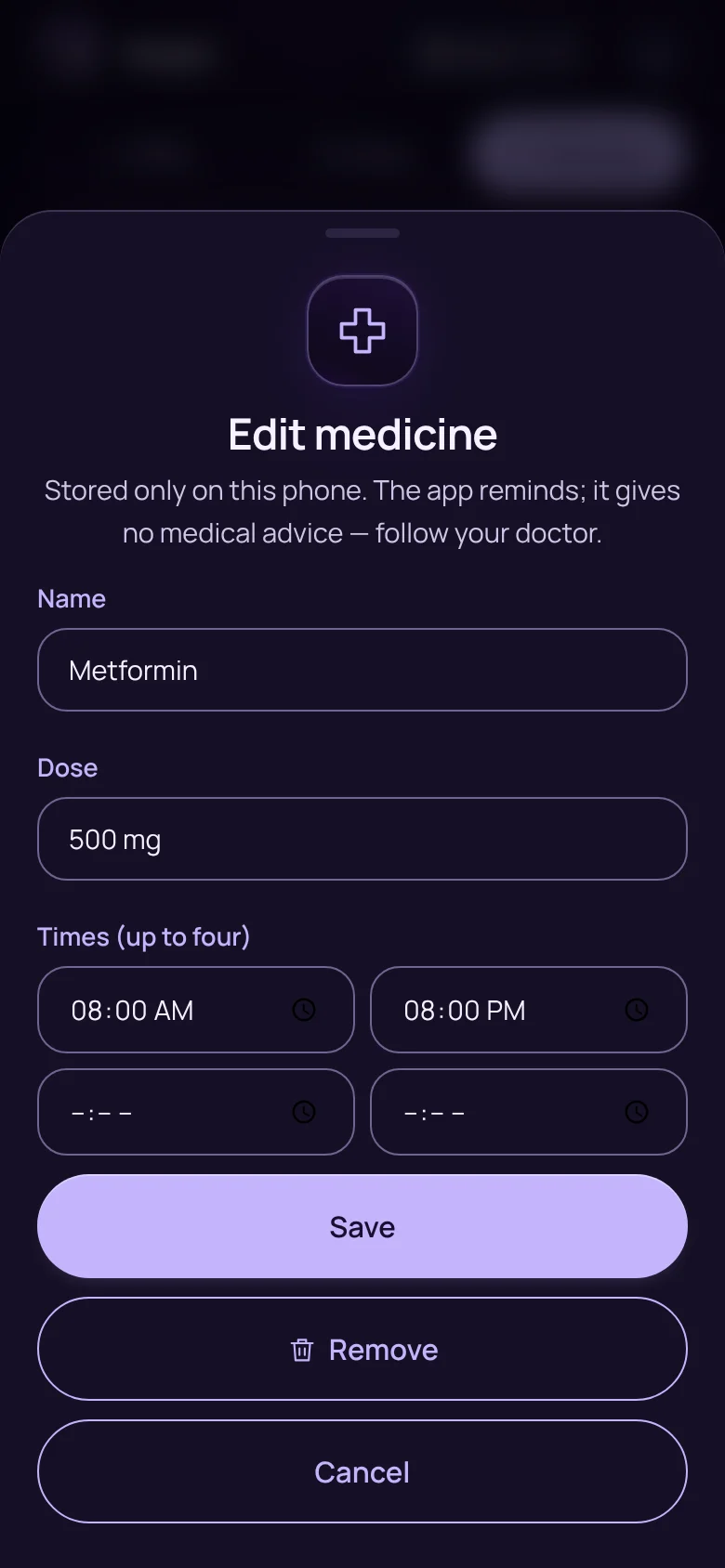
The sheet for adding a medicine and its timesThe sheet for adding a medicine and its times
Medicine remindersYour medicines and their times, with reminders made on the phone.
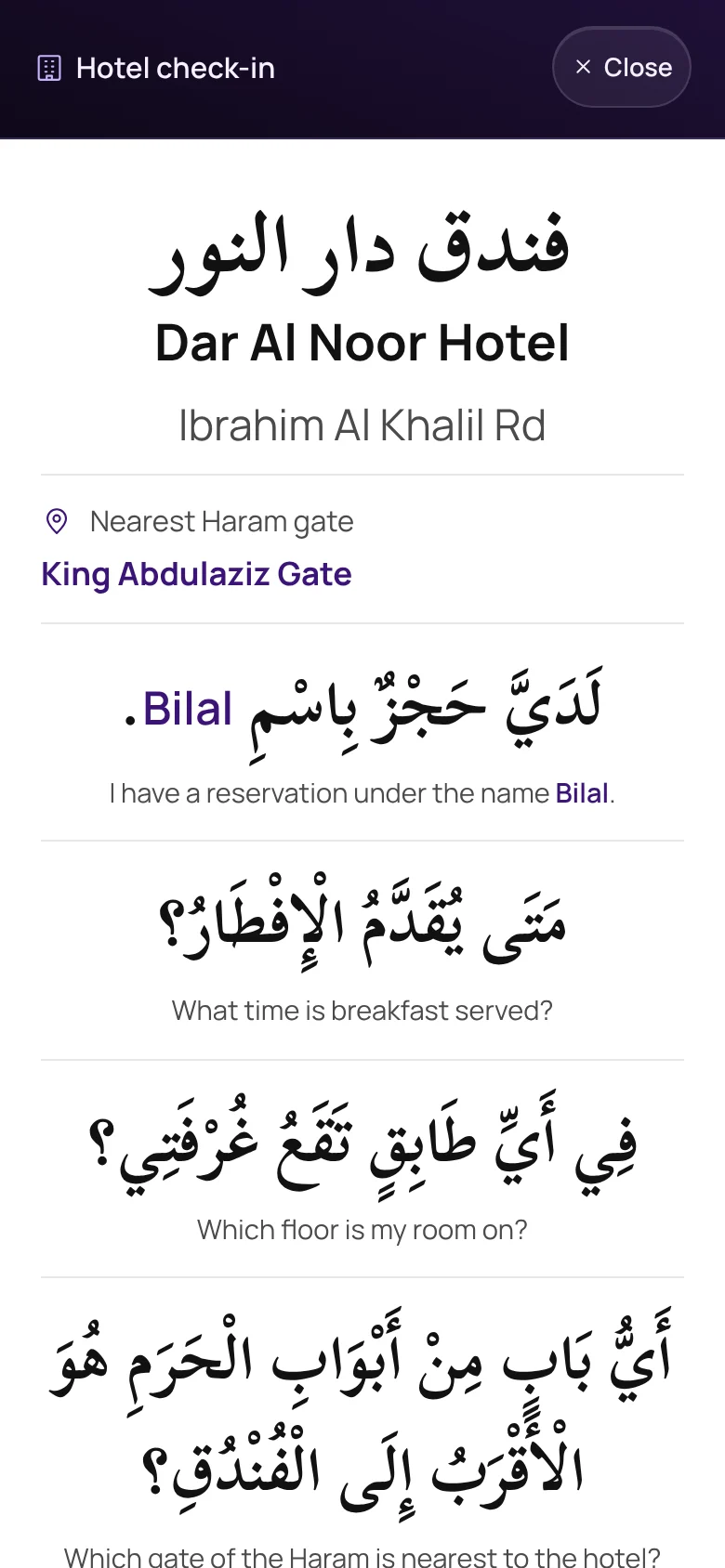
A card of hotel check-in phrases in Arabic
Hotel check-inThe questions you need at the desk, in Arabic.
  • About meCountry, languages and a contact at home, on the lost card.
  • Pocket cardsPrint the lost, hotel, camp and child cards for when the phone dies.
  • Home-screen shortcutsReach I’m lost and Help from the app icon.
  • Cards that follow the dayOn Hajj, the lost and driver cards show your camp, not your hotel.
  • Family meeting pointOne place to regroup, shown on the help card.

Family and group · 8 features

Bring the family and the group along.

Few people make this journey alone. Miqah has something for the children, the parents and the group leader.
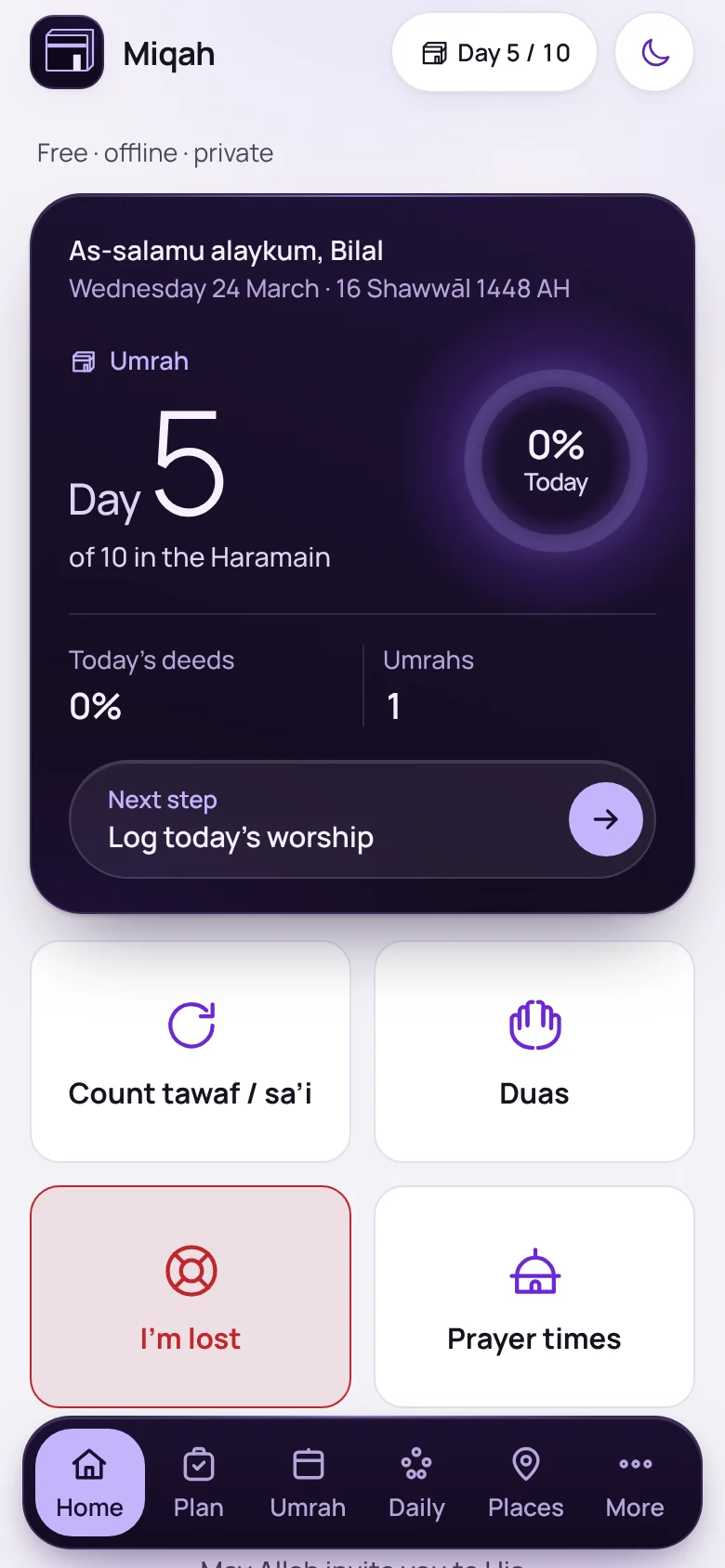
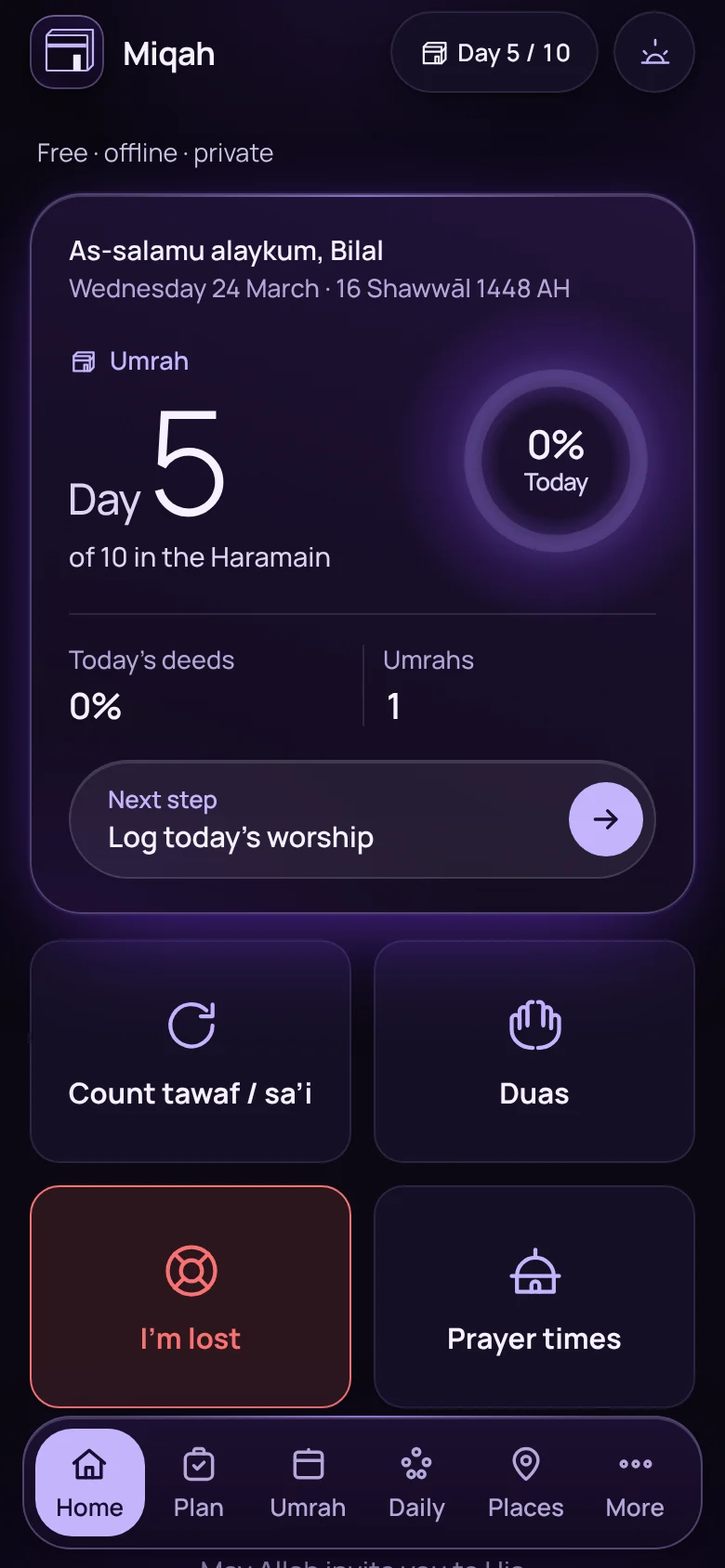
Essentials Home: a status card and four large buttonsEssentials Home: a status card and four large buttons

Home

A simpler Home for a parent’s phone

Set Miqah up for someone else and Home becomes the status card and four big buttons: count, duas, I’m lost and prayer times.
  • Larger text
  • Set up on one sheet
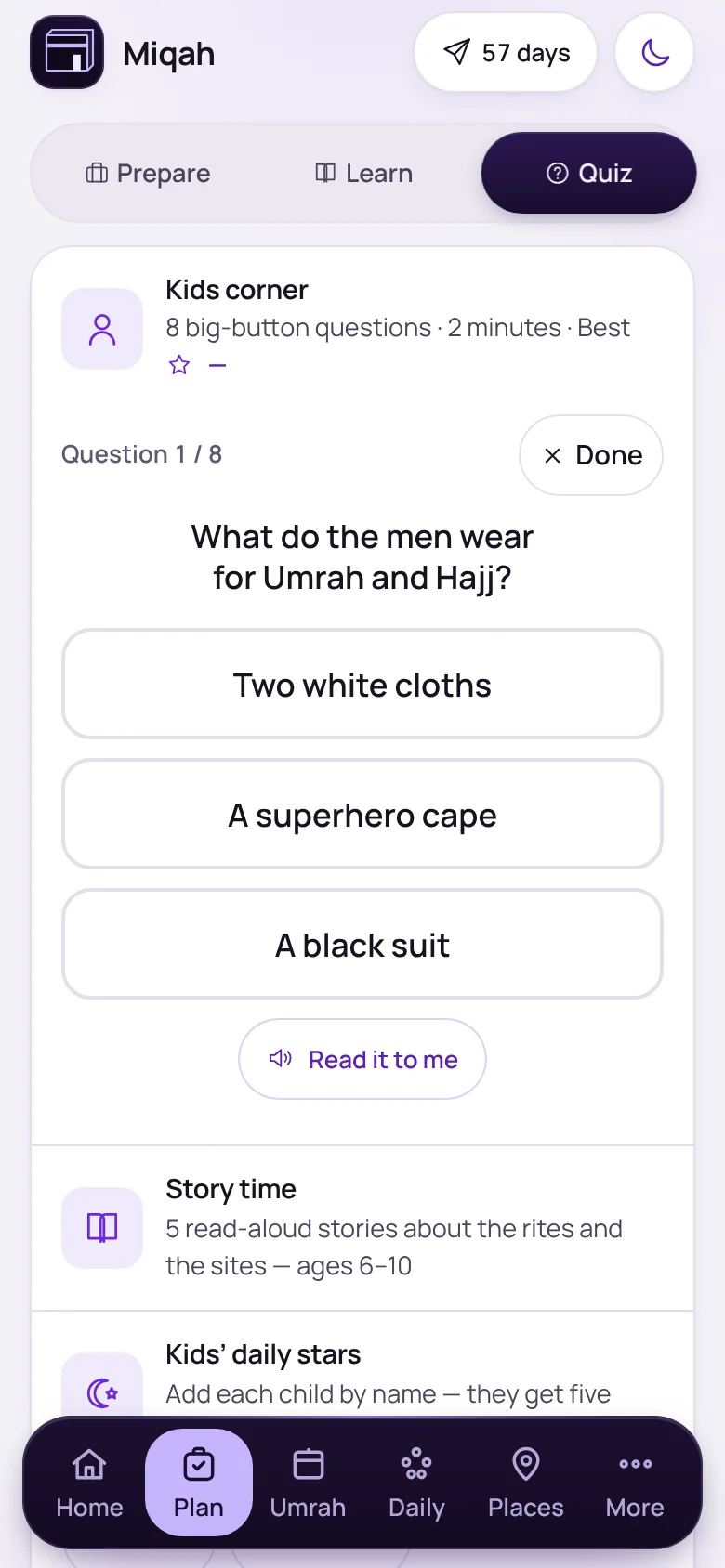
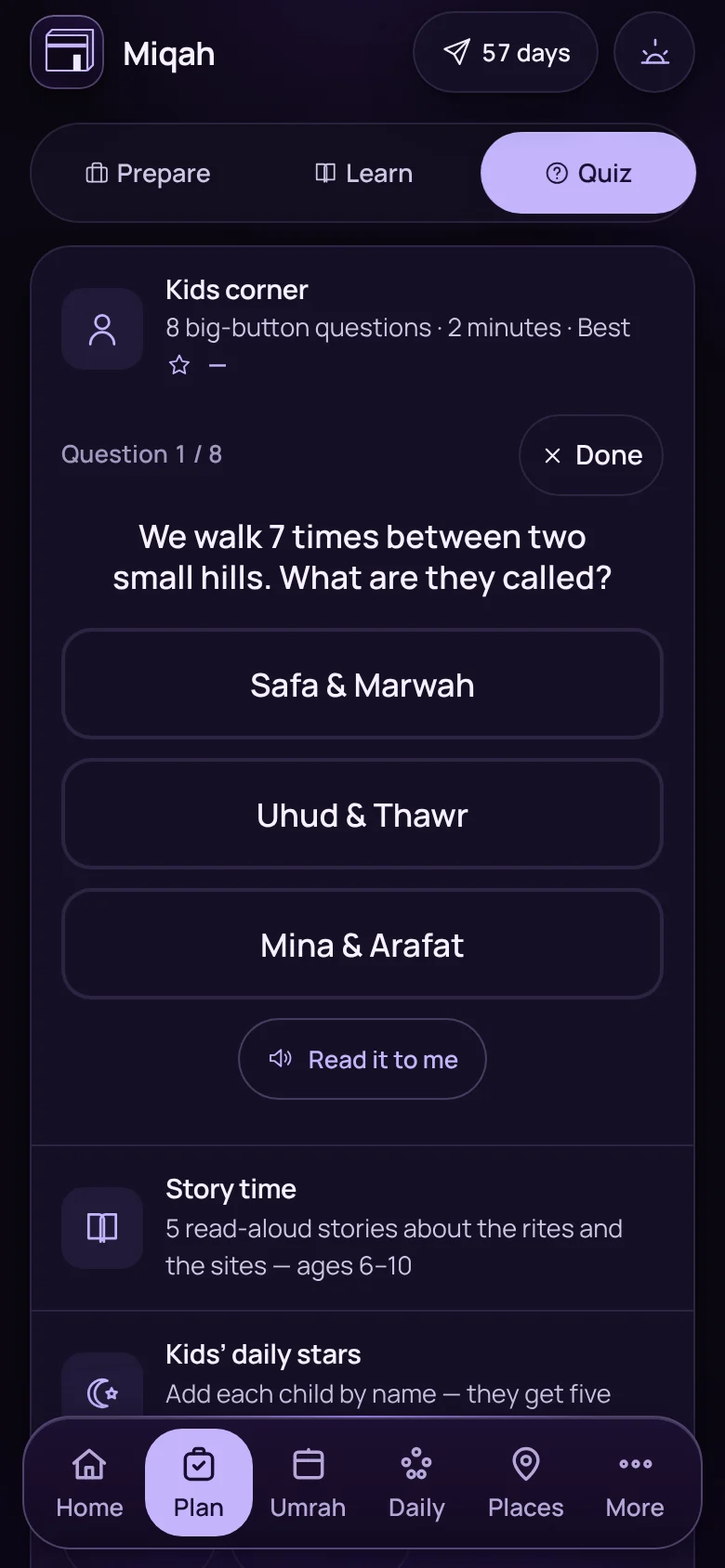
A kids’ quiz question with three large answer buttonsA kids’ quiz question with three large answer buttons

Plan › Quiz

A quiz made for small hands

Kids’ corner asks big-button questions and can read them aloud.
  • Read it to me
  • Stars to earn
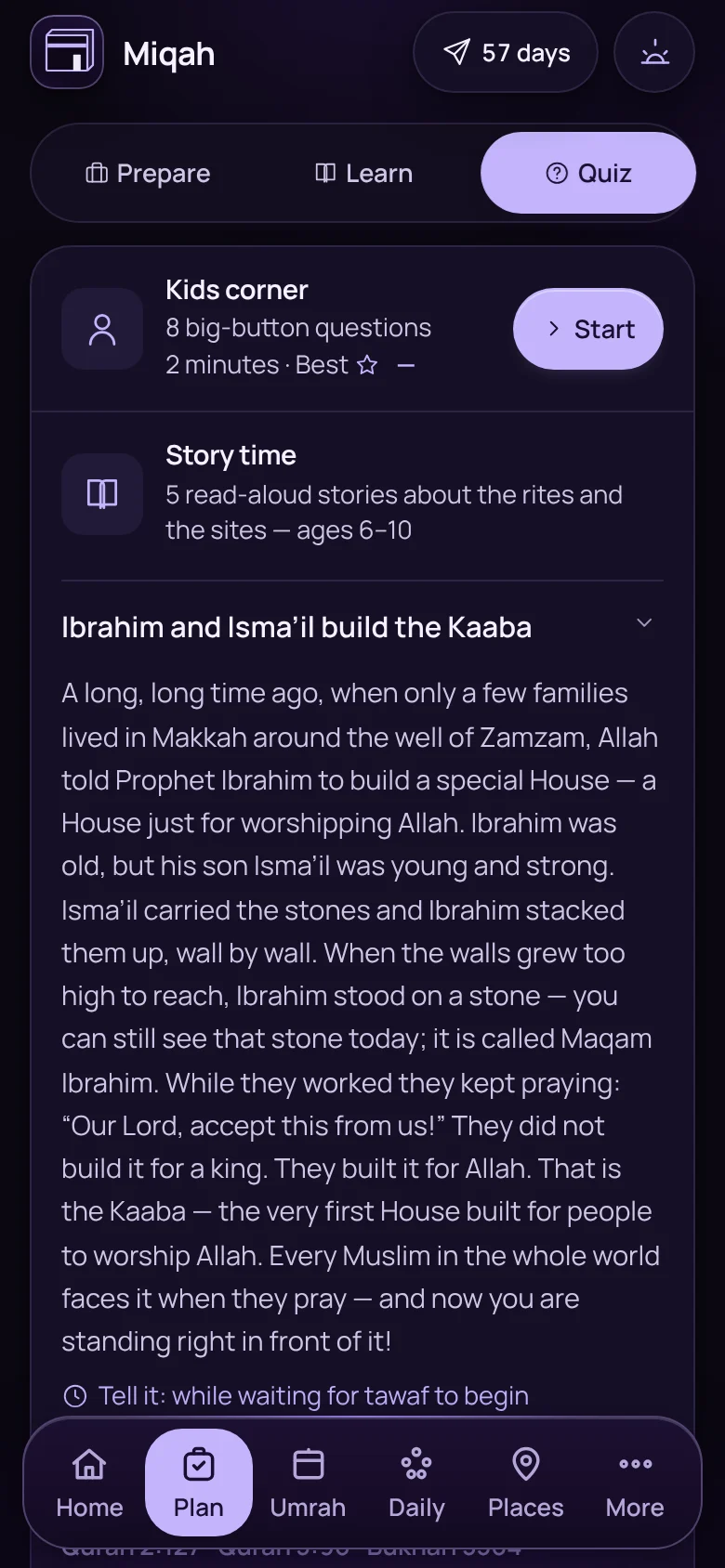
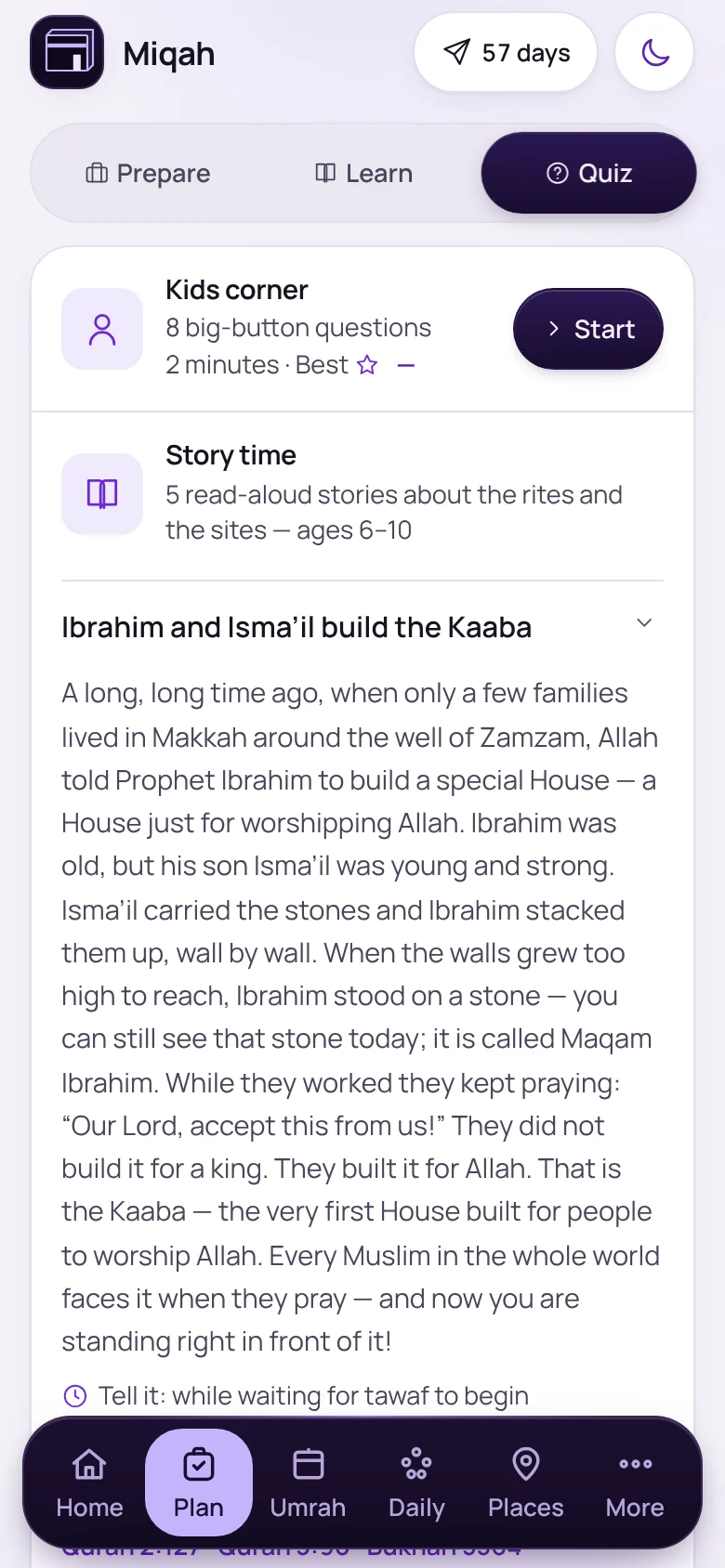
A children’s story about Ibrahim and Isma’il building the KaabaA children’s story about Ibrahim and Isma’il building the Kaaba

Plan › Quiz

Stories for the journey

Read-aloud stories about the rites and the sites for ages 6 to 10, each with a moment to tell it: while you wait for tawaf to begin, for one.

And 5 more in family and group

  • Group setup linkA leader shares the trip setup. Everyone applies it in one tap, or pastes the link in.
  • Share the itinerarySend the plan for the days to everyone travelling.
  • Daily starsEach child earns five a day, apart from your own tracker.
  • A story at each step“Story for the kids” sits inside the rites guide.
  • Your group leader on the cardsThe lost card tells a stranger who to call.

Trust · 11 features

Every reference numbered. Every changing fact dated.

A wrong ruling does real harm, so Miqah shows its working. Facts that change, like visas, permits, vaccines, phone numbers and transport, carry the date they were last checked and a link to the official page.
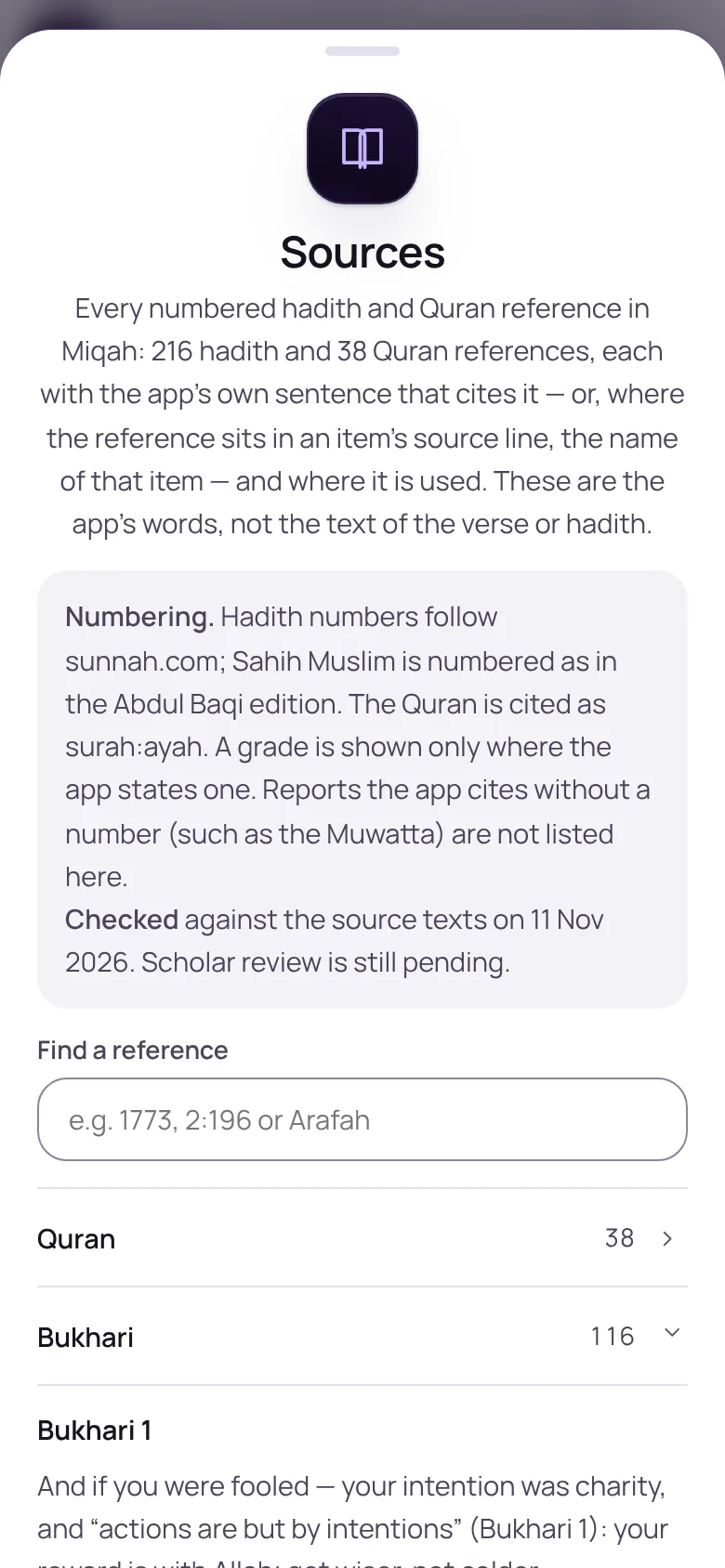
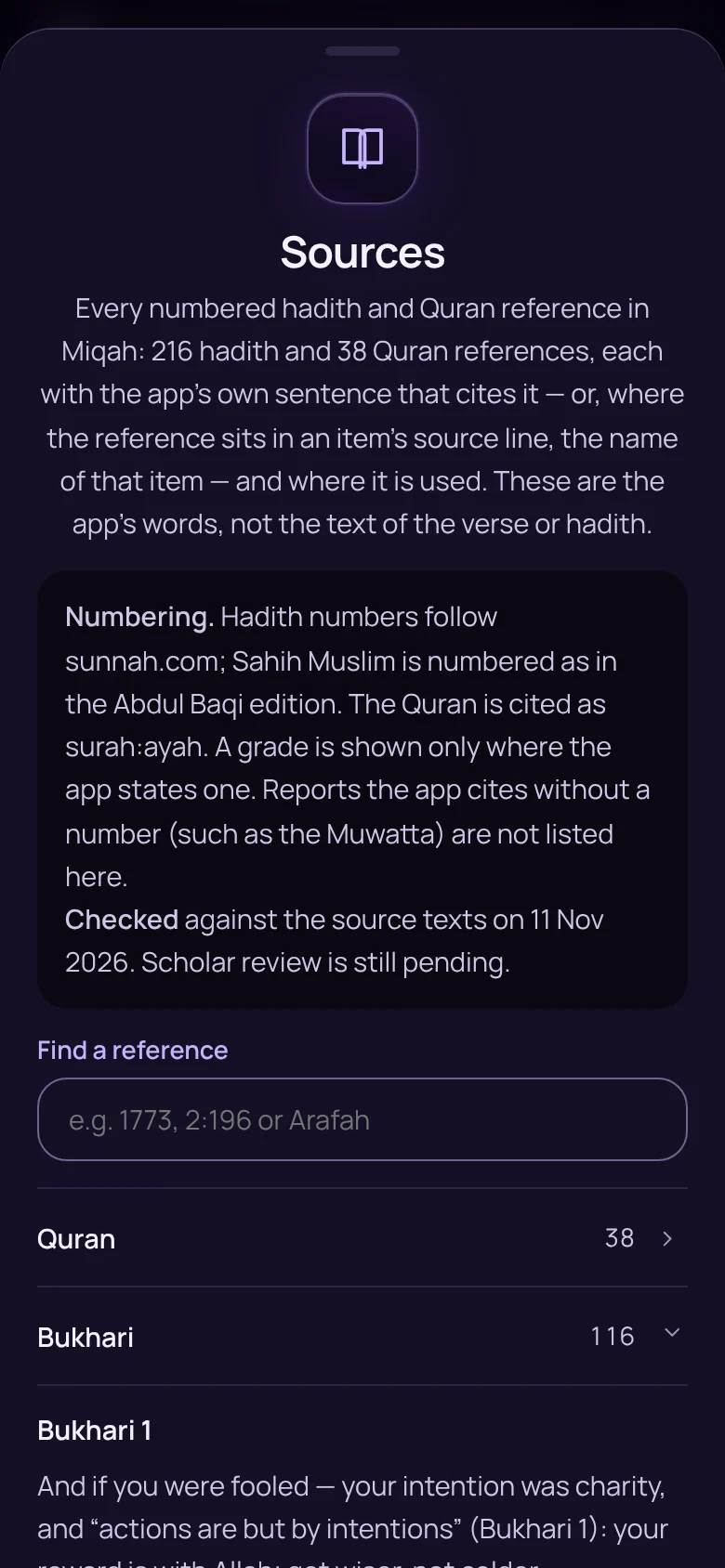
The Sources list of hadith and Quran referencesThe Sources list of hadith and Quran references
SourcesNew

Every hadith and Quran reference in one searchable list, with its number, its grade where one is stated, and where the app uses it.
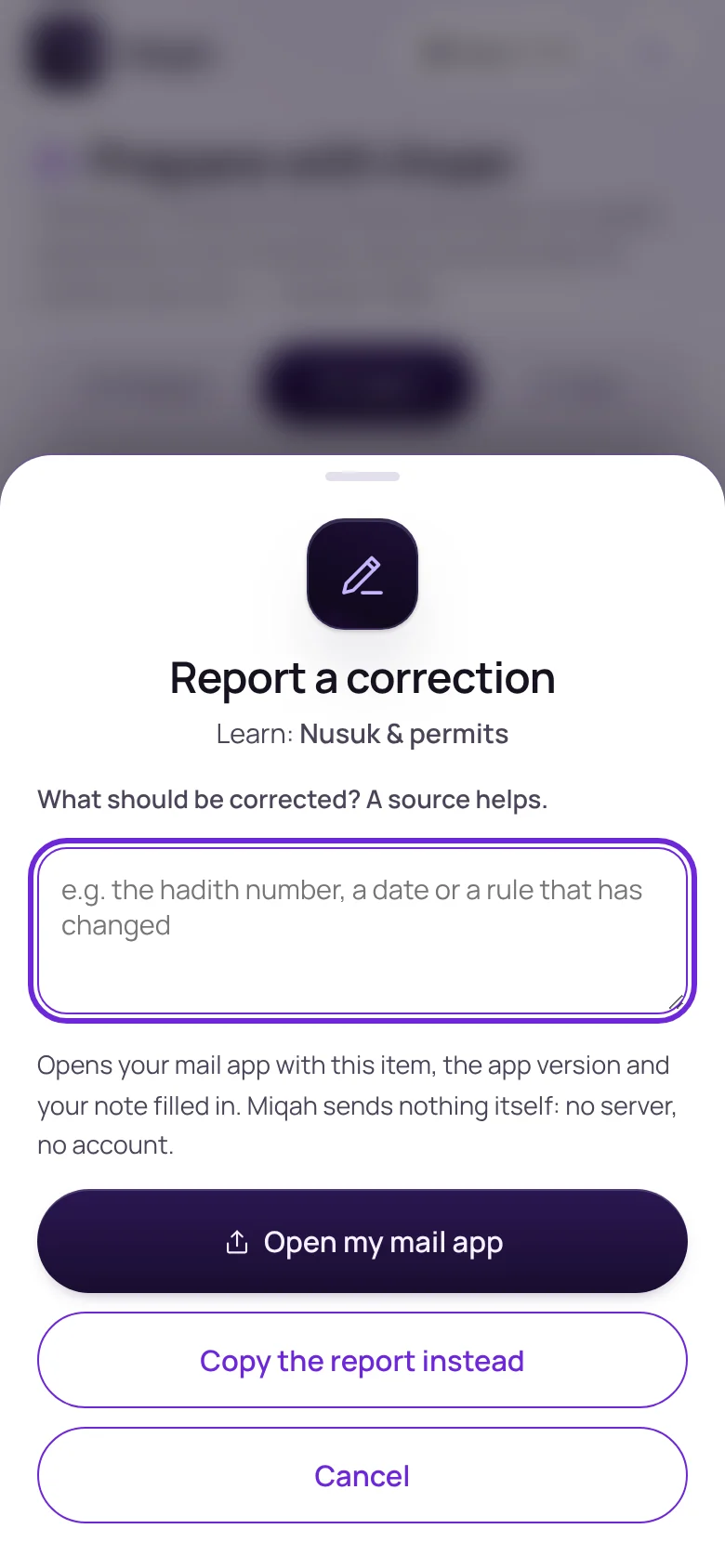
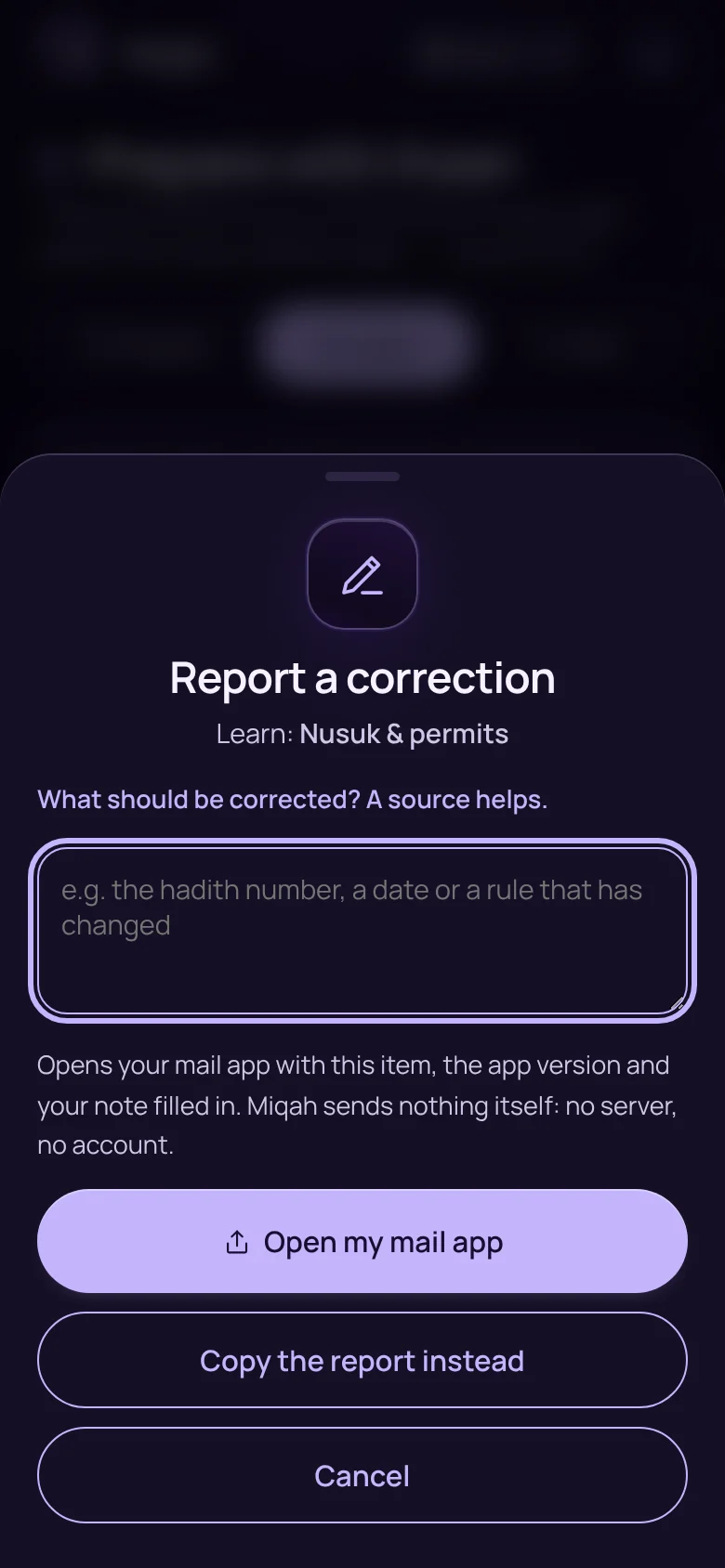
The Report a correction sheetThe Report a correction sheet
Report a correctionNew

A button under every article, dua, step and place opens an email with the item already named. Miqah sends nothing itself.
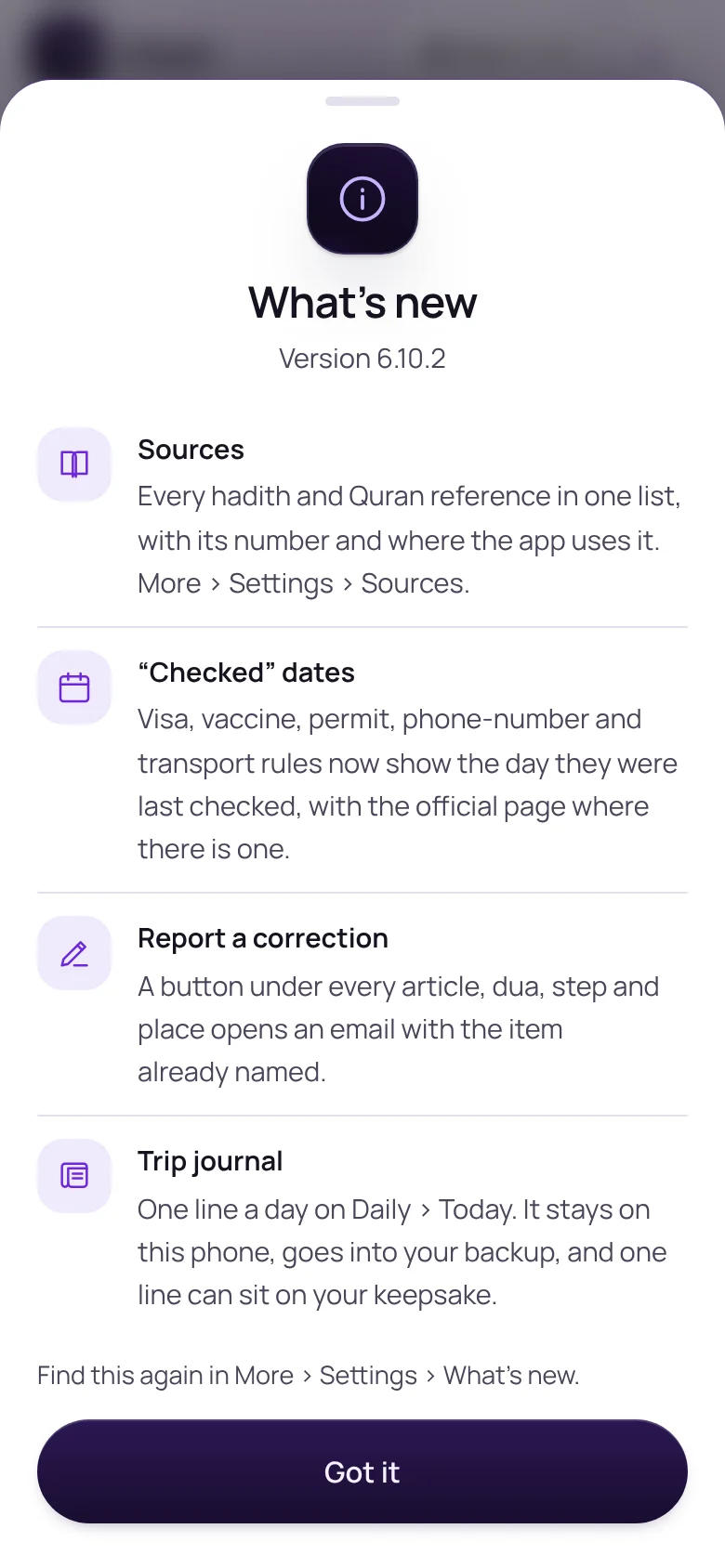
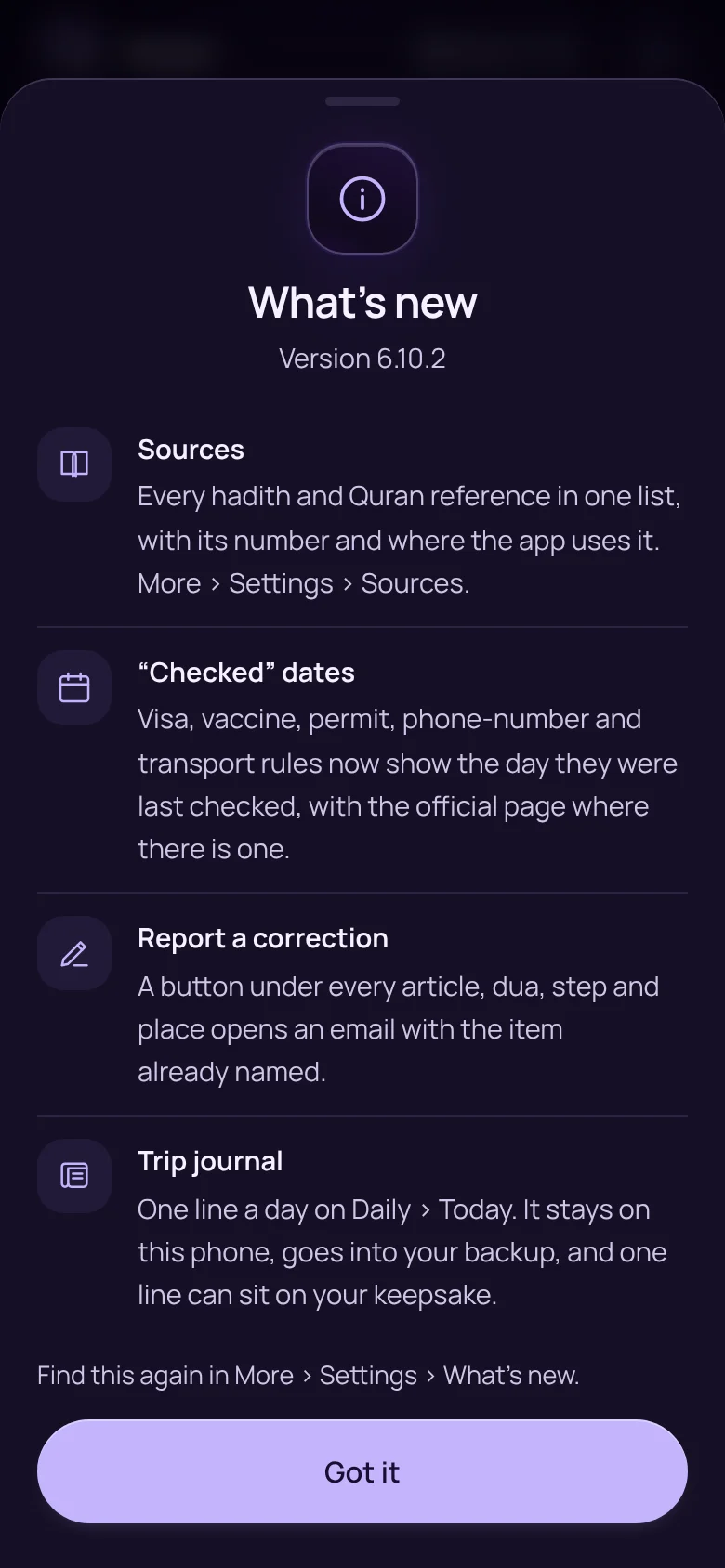
The What’s new sheet listing recent changesThe What’s new sheet listing recent changes
What’s newNew

After each update, a short note says what changed in plain words.

A study companion, not a fatwa service. Citations have been checked against the source texts. Review by a qualified scholar and a native-speaker check of the Arabic phrase cards are still pending, and the app says so. For a ruling on your own situation, ask a scholar you trust.

Private by design

No account. No ads. No analytics.

Nothing to sign up for

What you enter is saved in your phone’s own storage. The developer cannot see it.

Works with no signal

Once opened, Miqah runs offline. With a connection it fetches only prayer times, its fonts and its own updates.

Yours to keep or erase

Export a backup file whenever you like, import it on a new phone, or reset and wipe everything.

Read the privacy policy

And 8 more in trust

  • “Checked” datesNewVisa, vaccine, permit, phone-number and transport rules show the day they were last checked.
  • An automatic citation checkNewA test fails if any reference in the app is missing from the verified list.
  • Weak narrations markedWhere a weak report is used, the app says so.
  • Backups that travelExport to a file, share it, and import it on another phone.
  • Asks the phone to keep your dataSo the browser does not clear it when space runs low.
  • Dark modeEasier on the eyes at night.
  • Large textOne switch, for tired eyes and small screens.
  • Screen readersBuilt to work with the phone’s assistive voice.

Live demo

Try it here.

This is the real app, running in your browser. Nothing you enter leaves it.

  1. Choose Umrah or Hajj.
  2. Set a departure date.
  3. Open Umrah › Counters and tap the ring.
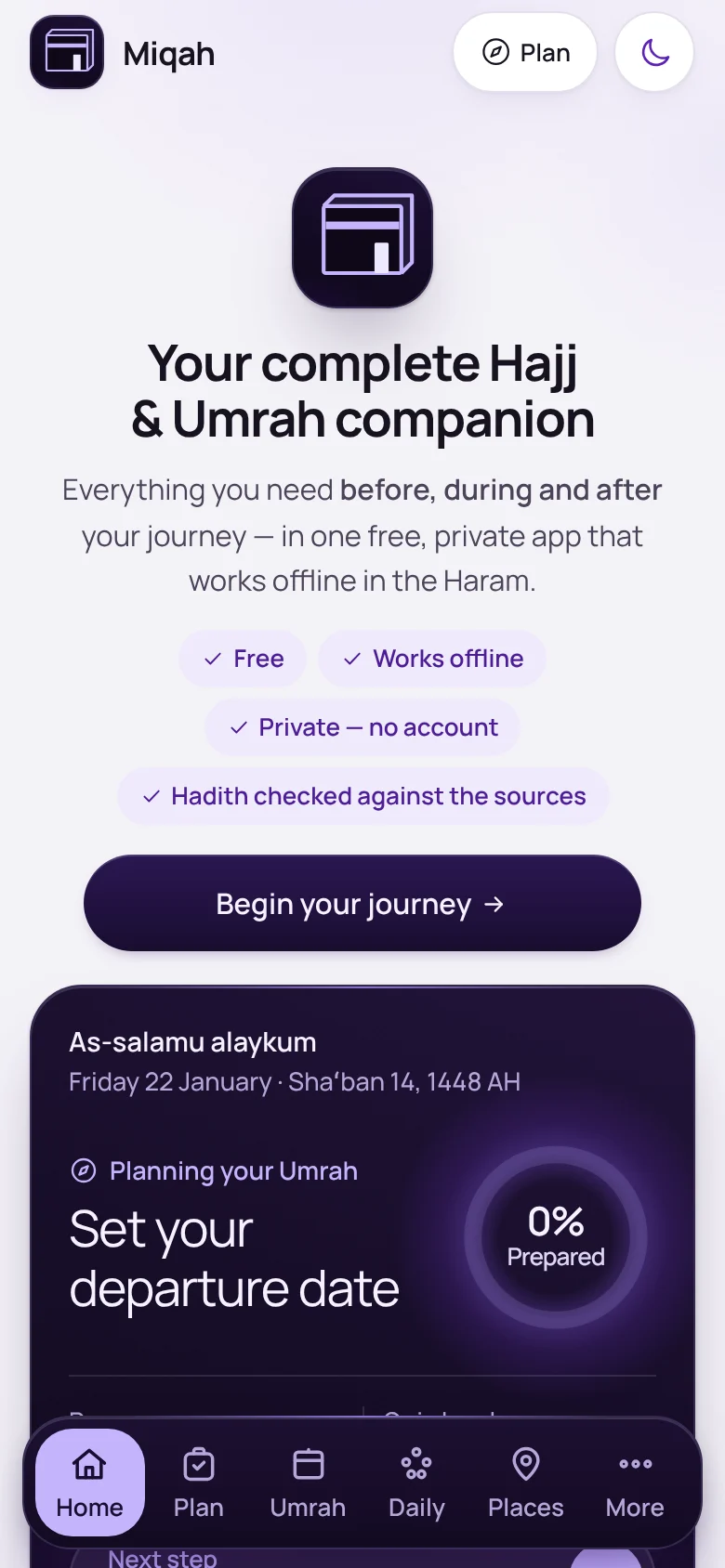
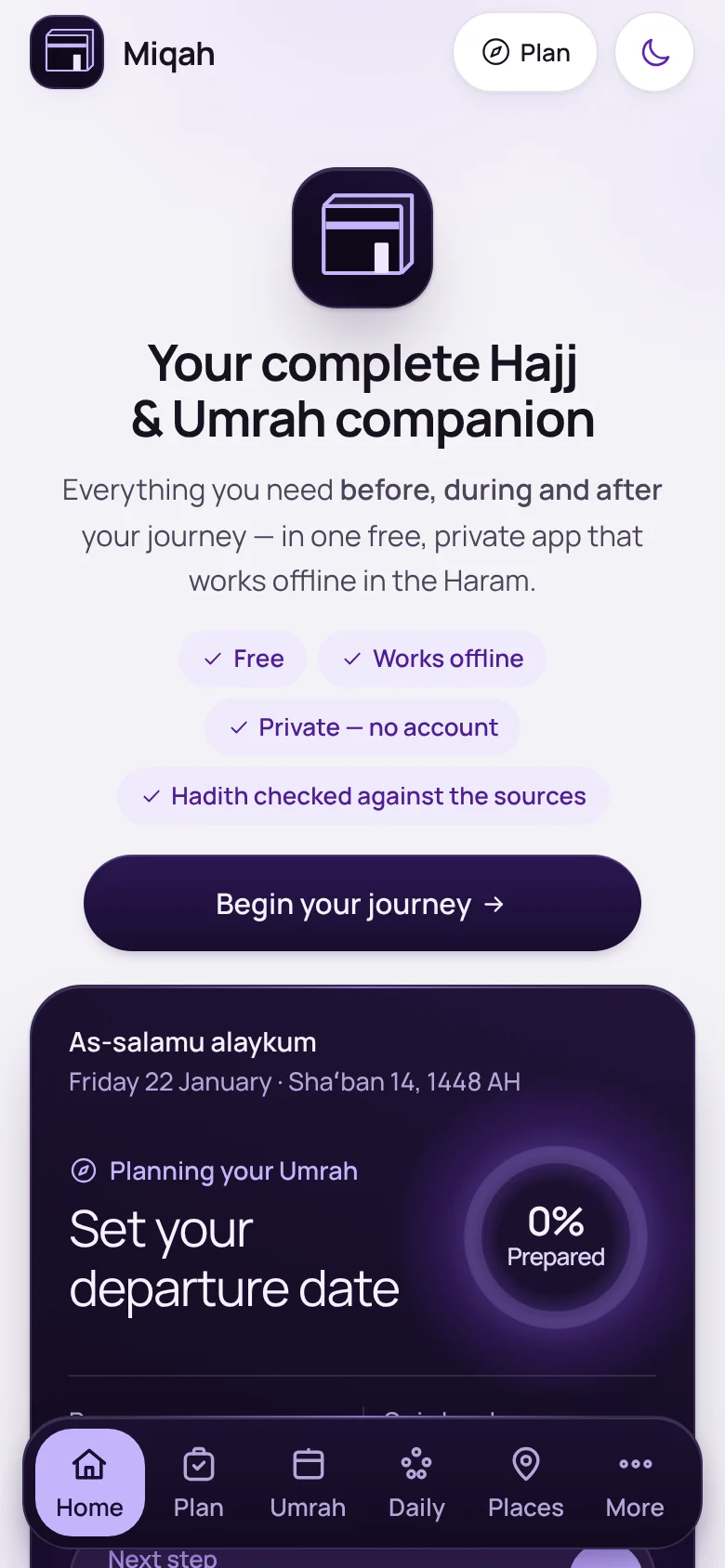
Miqah’s first screenMiqah’s first screenOpen Miqah

What’s new

Every update, in plain words.

The page you are reading is updated with each release of the app.

  1. 6.10.2

    A home of its own: miqah.app

    • Miqah moved to its own address, miqah.app, with a new QR code to match.
    • The earlier address keeps working, and nothing saved there is lost.
  2. 6.10

    Sources you can check

    • Sources: every hadith and Quran reference in one list, with its number and where the app uses it.
    • “Checked” dates on visa, vaccine, permit, phone-number and transport rules.
    • Report a correction under every article, dua, step and place.
    • A What’s new note after each update.
    • A private trip journal: one line a day.
  3. 6.9

    Ramadan, heat and finding your way

    • Ramadan mode, with a countdown to iftar and suhoor.
    • A heat plan with the signs of heatstroke and who to call.
    • A simple sketch of the Jamarat, and a card for your camp in Mina.
    • Prayer times for your home city before you leave.
    • Further rounds of fact-checking across the whole app.
  4. 6.8

    On the trip: safety and family

    • Today’s plan on Home, and one tap to tick a prayer.
    • Show-a-phrase cards and lost-child cards.
    • “About me” on the I’m-lost card, with medical notes if you choose.
    • Pocket cards to print, medicine reminders and a hotel check-in card.
    • An optional spoken count in the big counter.

Get Miqah

Take it with you.

Open miqah.app on your phone and add it to your Home Screen. From then on it works offline.
miqah.app